








Choosing the best interactive flat panel for your business comes down to five things: the right screen size for your room, 4K resolution with enough brightness, responsive multi-user touch, an operating system that fits your IT setup, and support you can actually reach when something breaks.
Get those right, and the panel disappears into the background. Get them wrong, and you end up with an expensive screen nobody uses.
This guide covers what actually matters when you’re picking an interactive flat panel display for a conference room, huddle space, training room, or lobby.
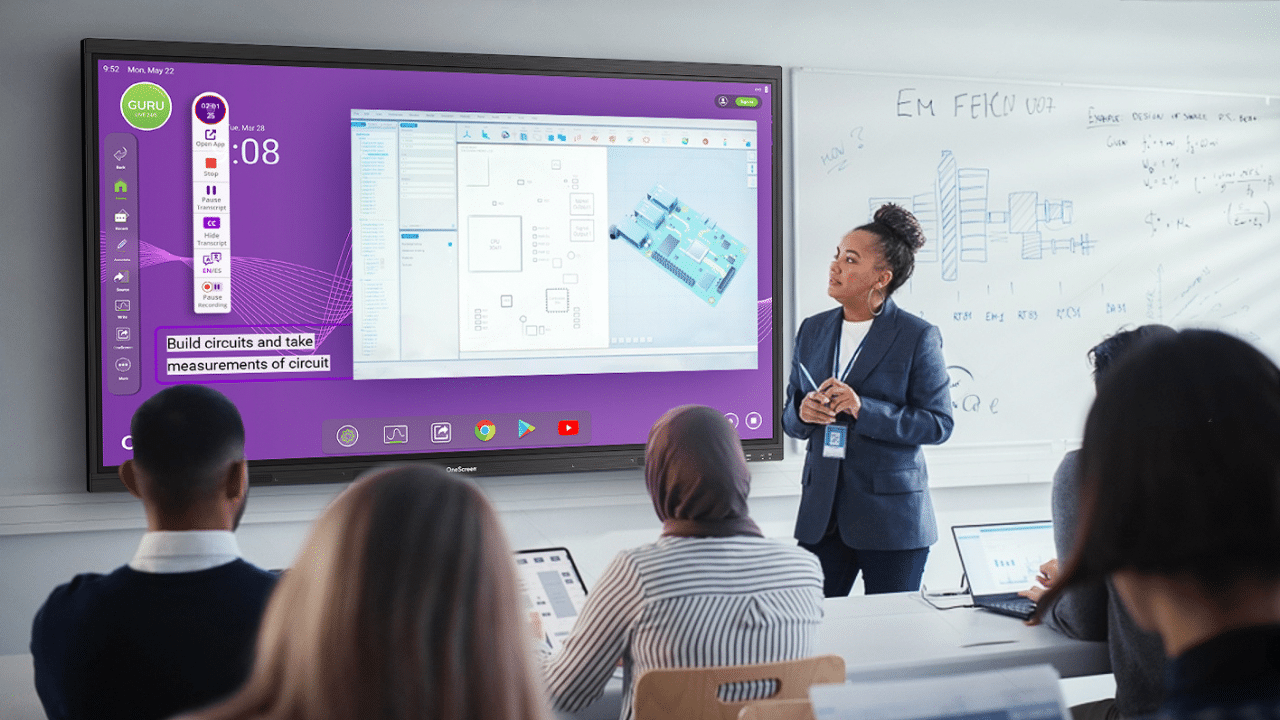
In most businesses, the panel earns its place on a handful of everyday jobs: presenting to the room, sharing a screen wirelessly, running video conferences, and pulling remote team members into the same live workspace.
We’ll walk through how to choose for exactly those scenarios, and where the OneScreen lineup fits in. For a quick look at how it plays out in a real room, watch OneScreen’s Kevin Wong walk through the panels in this business demo.
Table of Contents
What Is an Interactive Flat Panel Display?
An interactive flat panel display is a commercial-grade touchscreen, usually between 55 and 110 inches, with a built-in operating system, whiteboarding tools, wireless casting, and video conferencing baked in.
Unlike a TV or a projector, it lets people write, annotate, and control content directly on the screen with a finger or stylus, no external PC required.
It replaces the projector, the dry-erase board, and the tangle of cables all at once, handling presentations, annotation, hybrid calls, and file sharing from one surface.
Why Are Businesses Switching to Interactive Flat Panels?
The math is the honest answer. An interactive flat panel is rated for around 50,000 hours, while projector bulbs die between 3,000 and 5,000.
Over a 5 to 7-year lifecycle, panels cut meeting room operating costs by 40 to 60 percent versus projectors, with payback in roughly three years once you count bulbs, recalibration, and support tickets.
How to Choose the Best Interactive Flat Panel Display for Your Business
Start with the room and the people using it, not the brand. These six factors decide whether an interactive flat panel display earns its place or gathers dust.

1. Match the Screen Size to the Room
Size comes before brand, software, or price. A 55- to 65-inch panel suits a huddle room of four to six people, a 75-inch model is the safe middle choice for a standard conference or training room, and 86 inches or larger makes sense when the back row is far away or more than 30 people need to read small text at once. The trap is buying the biggest screen the wall can hold.
Quick test: sit in the farthest seat and check whether normal slide text reads without leaning in.
2. Prioritize Resolution and Brightness
4K UHD is the baseline in 2026, not a premium feature: text stays sharp, diagrams read clearly, and faces on video calls look natural. Most rooms are fine around 350 to 500 nits, but a space with big windows or strong lighting needs more to avoid washout.
Anti-glare glass and a viewing angle close to 178 degrees keep the display readable from every seat.
And if you want the highest-end brightness in every light, look to Mini-LED: it holds deep blacks and high contrast even in rooms flooded with daylight, so the picture never washes out.
3. Test the Touch Before You Commit
Touch is where cheap panels fall apart. For a single presenter, 20 touch points is plenty; for group work and multi-user annotation, look for 40 or more with accurate palm rejection. The detail that matters most is low latency, the tiny delay between your hand moving and the ink appearing on screen.
When that delay is short enough, writing feels instant and natural instead of laggy, and that responsiveness is the single biggest factor in whether the touch experience holds up day to day.
If you can see a demo, write a few small words and drag an image near the screen edge to feel it; if you’re buying remotely, ask the vendor for the panel’s latency figure. People keep using an interactive flat panel that responds instantly.
4. Pick the Right Operating System
Android panels are simpler and faster for whiteboarding, casting, and everyday apps out of the box. A Windows OPS module is the better call when your team needs full desktop software, domain policies, or central IT control across many rooms.
Larger businesses standardizing across sites should consider OPS-ready models so upgrades stay easy over three to five years.
5. Check Connectivity and the Software Ecosystem
HDMI, USB-C, wireless casting, dual-band WiFi, and Bluetooth should all be standard. Just as important is what ships in the box: a panel that arrives with whiteboarding, screen sharing, and conferencing apps is far more useful than one that needs a PC bolted on to do anything.
Compatibility with Teams, Zoom, and Google Meet matters more on day one than most buyers expect.
6. Don’t Ignore Support and Total Cost of Ownership
The cheapest quote rarely wins over five years. Standardizing on one panel model unlocks volume pricing, and folding training and warranty into the base contract beats paying for them later.
Above all, ask whether the vendor picks up the phone when a screen fails mid-meeting. Support quality is the most underrated factor in how much value an interactive flat panel display actually delivers.
Best Interactive Flat Panel Displays from OneScreen
OneScreen builds interactive flat panels for business and education, and every product includes free, unlimited GURU support (more below). Here’s how the lineup breaks down.
OneScreen Touchscreen Titan
The Titan is the flagship and the industry’s first Mini-LED business smart screen. It runs Android 15 with a 6 TOPS neural processor, 16GB RAM, and 256GB storage, plus up to 1200 cd/m² brightness and 1mm touch accuracy across 65, 75, and 86-inch sizes.
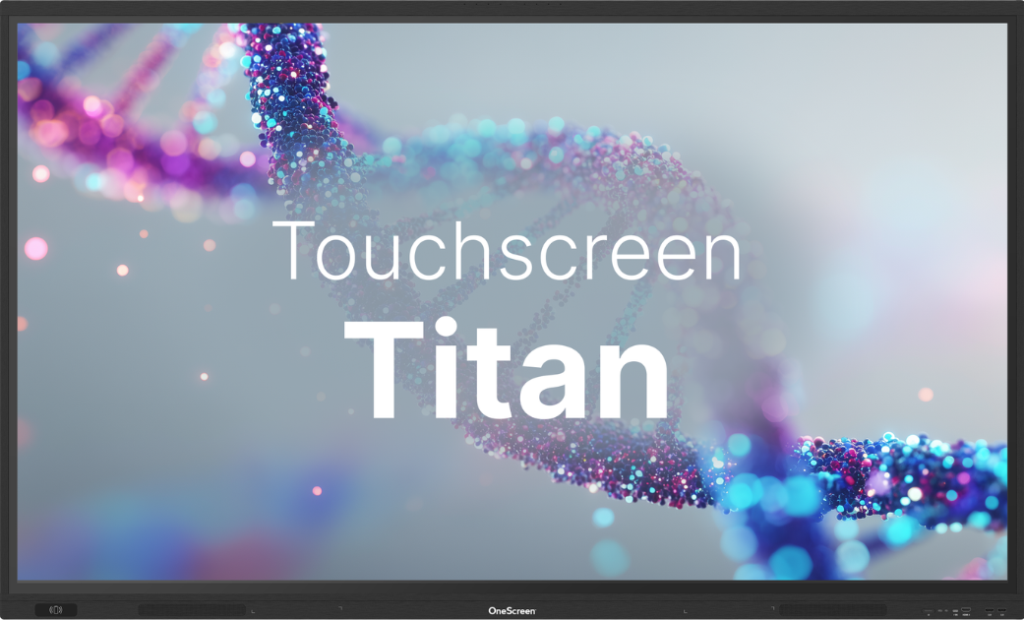
It’s the interactive flat panel for high-demand rooms where nothing can lag, and its built-in AI tools handle live translation, meeting planning, recording, and summaries while drawing up to 30% less power than the rest of the range.
OneScreen Touchscreen T7
The T7 is the mid-tier, high-performance workhorse: Android 15, 8GB RAM, 128GB storage, 4K UHD, and Zero Bonding Gen 2 touch with palm rejection.
It has the best audio in the family (dual 20W speakers plus a 25W subwoofer) and is EDLA certified with one-tap NFC login.
This is the sweet spot interactive flat panel display for meeting rooms, huddle spaces, and branch offices, and it pairs with the Hubware i7 OPS PC and SnapCam 2 camera when you need full Windows and conferencing.
OneScreen Touchscreen Core
The Core is the value pick that doesn’t feel like one. It keeps 4K, EDLA certification, 40-point touch, and the full OneScreen software suite while scaling up to 98 inches for large rooms.
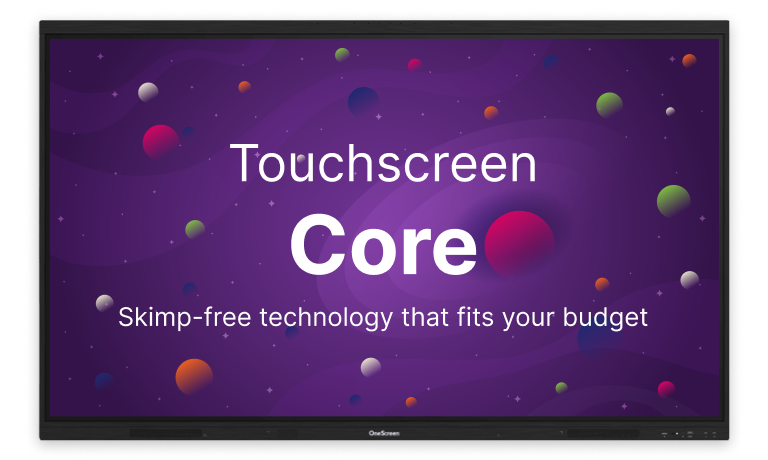
For businesses rolling out screens across many spaces on a budget, it’s the most cost-effective interactive flat panel in the lineup, and it works just like a tablet, so there’s almost no learning curve.
OneScreen LED Video Wall
Some spaces need impact that a single panel can’t deliver. Lobbies, event halls, command centers, and large training facilities call for the LED Video Wall, a modular, fully configurable system built to fit a room’s actual dimensions.
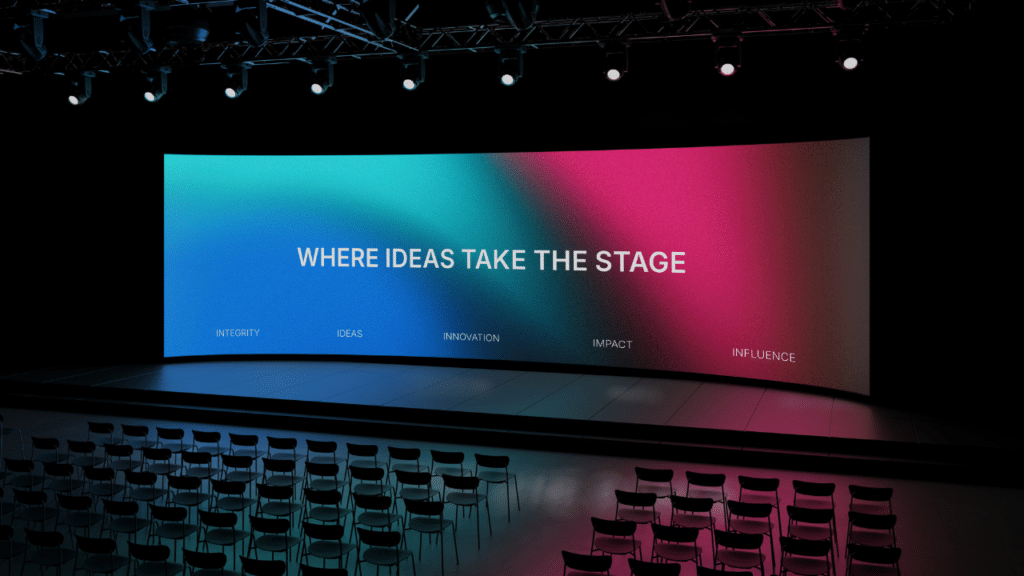
Available as COB all-in-one, modular, and foldable portable units, it holds its brightness in high-ambient-light spaces and delivers pixel-level clarity for anything from a data dashboard to a brand visual. Where an interactive flat panel display ends, the video wall picks up.
OneScreen GURU: Support That Actually Supports You
Hardware is only half the purchase. Where OneScreen separates itself is the There’s a GURU for That program: free, unlimited help and training, available 24/5, run by live, trained engineers rather than a chatbot.
Every OneScreen product has a big green HELP 24/5 button built in. Tap it to connect by chat, audio, or video, or use the floating GURU app on Windows, Mac, and Android.
A GURU can troubleshoot, handle setup, run unlimited staff training, process renewals and returns, and share best practices.
Sessions aren’t recorded or logged after they end, which matters for privacy-conscious teams. When support is free and unlimited, teams use the full product instead of working around gaps, which strongly affects how much value the panel delivers over its life.
Interactive Flat Panel Comparison Table
| Feature | Touchscreen Core | Touchscreen T7 | Touchscreen Titan | LED Video Wall |
| Best for | Budget rollouts, large rooms | Meeting rooms, branch offices | Flagship collaboration rooms | Lobbies, halls, big spaces |
| Display | 4K LED | 4K UHD LED | Mini-LED, 4K | Large-format modular LED |
| Sizes | Up to 98″ | 65″ / 75″ / 86″ | 65″ / 75″ / 86″ | 136″ to 217″+ |
| Touch | 40-point | Zero Bonding Gen 2, 1mm | Pressure-sensitive IR, 1mm | Optional multi-touch |
| OS | Android 14 | Android 15 | Android 15 + neural chip | Android / Windows |
| Support | 24/5 GURU | 24/5 GURU | 24/5 GURU | 24/5 GURU |
Frequently Asked Questions
What size interactive flat panel display is best for a business meeting room?
Match size to the room: 55 to 65 inches for huddle rooms of four to six people, 75 inches for a standard conference or training room, and 86 inches or larger when the back row is far away or more than 30 people need to read the screen at once.
How long does an interactive flat panel display last?
Most panels are rated for around 50,000 hours, which would equate to over 4 to 5 years of normal business use. In practice, software and security updates usually decide the real lifespan before the display itself wears out.
Is an interactive flat panel cheaper than a projector over time?
Usually, yes. Despite a higher upfront price, an interactive flat panel has no bulbs to replace and far fewer maintenance issues, cutting operating costs by roughly 40 to 60 percent over a five- to seven-year life cycle, with payback around three years.
Should I choose Android or Windows for a business panel?
Android is simpler for whiteboarding, casting, and everyday apps out of the box. Choose a Windows OPS module when your team needs full desktop software, domain policies, or centralized IT control across rooms.
Does OneScreen include support with its interactive flat panels?
Yes. Every OneScreen product, from Core to Titan, includes free, unlimited 24/5 live GURU support at no extra charge, so a real person is reachable the moment a customer has a usage question or the panel has an issue.
Final Thoughts
The decision is shorter than most vendors make it sound. Size the panel to the room, insist on 4K and enough brightness, confirm the touch is responsive with low latency, pick the operating system that fits your IT reality, and make sure the support is real.
On all five, the OneScreen Titan, T7, and Core, backed by free, unlimited GURU support, give businesses a clear path to the right interactive flat panel display. And if you’re still not sure where to start, GURU can help.
