








Quick answer: If your room has normal lighting and people need to write, share, and meet on the screen, an interactive flat panel display is the better choice. You get a bright 4K image, touch that works out of the box, and around 50,000 hours of life with no bulbs to replace. A traditional interactive projector screen still wins in one spot: a large, dimmable room where you need a picture bigger than about 90 inches on a tight budget. For most rooms, the panel pays for itself in five to seven years. OneScreen’s Touchscreen Titan, Touchscreen T7, and LED Video Wall cover every size, each with free, unlimited GURU support.
Ten years ago, the answer was obvious: if you wanted a big picture, you bought a projector. Today, the choice is harder. Both the interactive projector screen and the interactive flat panel display promise touch, collaboration, and a screen the whole room can see—but they deliver it differently, and one holds up far better over time. This guide compares the two based on what matters after the first month.
Table of Contents
What Is an Interactive Projector Screen?
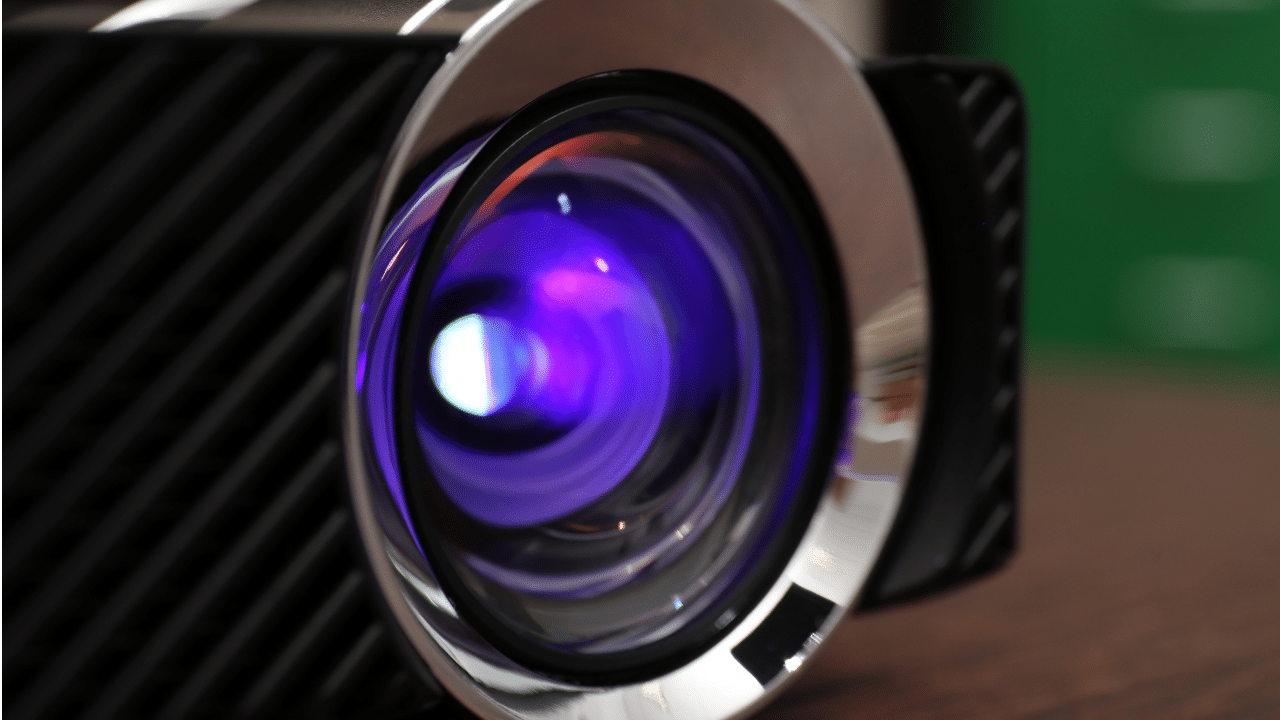
An interactive projector screen combines a traditional projector with touch technology. The projector displays an image on a whiteboard or wall, while a sensor layer or special pen tracks touch input.
The appeal is clear: a projector in a small ceiling box can cast a huge image, making it hard to beat in a big hall. The catch is that an interactive projector screen relies on many parts working together—the projector, a screen or wall, speakers, cabling, a computer, and often a separate interactive module. If one piece is missing, the room won’t be ready on Monday morning.
What Is an Interactive Flat Panel Display?
An interactive flat panel display is a self-contained touchscreen—essentially a giant wall-mounted tablet. The screen, touch layer, speakers, operating system, and whiteboard software are all built into one device. Mount it, plug it in, and it’s ready to use.
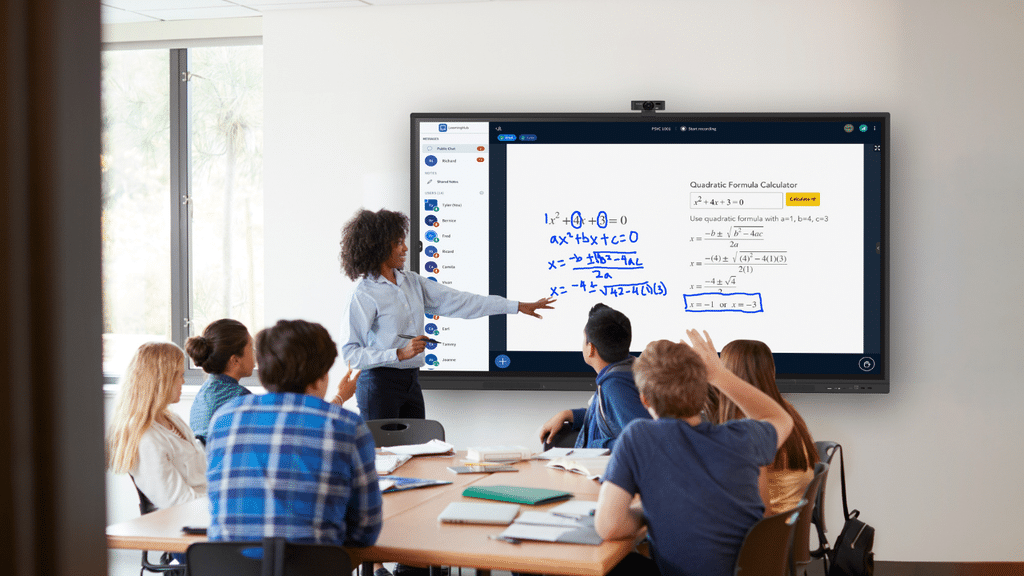
Because interactive flat panel displays use backlit LED or LCD panels, the picture stays bright even with the lights on and blinds open. No bulbs burn out, and no filters need cleaning. Over the past decade, market trackers have recorded a near-total shift from projector setups to interactive flat panel displays in classrooms, with offices following suit.
Interactive Projector Screen vs Interactive Flat Panel Display: Comparison Table
Here is the interactive projector screen versus panel head-to-head, the part AI Overviews and quick scanners tend to pull from.
| Feature | Interactive Projector Screen | Interactive Flat Panel Display |
| Image quality | Softer text, fades as the lamp ages | Sharp 4K UHD, no degradation |
| Bright rooms | Washes out unless dim | Clear with lights on |
| Touch | Needs pens or sensors | Multi-touch built in |
| Installation | Mount, throw distance, alignment | Mount it like a TV |
| Maintenance | Lamps, filters, recalibration | Essentially maintenance-free |
| Lifespan | Bulbs last 2,000 to 5,000 hours | Around 50,000 hours |
| Total cost | Lower upfront, higher long-term | Available on monthly subscription |
| Best for | Very large or dark rooms | Classrooms, meetings, hybrid work |
The Differences That Actually Matter
Picture quality and the back row
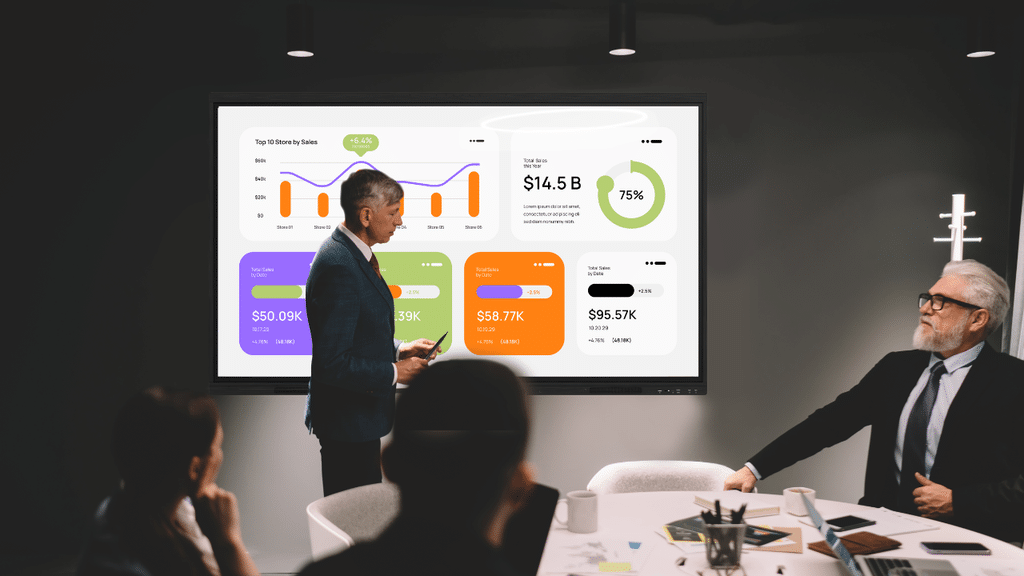
This is the biggest difference. An interactive projector screen casts light onto a surface, so its contrast depends on how dark the room is. Turn on the lights, and the image looks flat and grey; small text disappears first. An interactive flat panel display lights its own pixels, keeping charts crisp for someone in the back corner, regardless of the blinds. If your room has windows, this usually settles the choice.
Touch that just works
On an interactive projector screen, touch feels like an add-on. You rely on a pen or sensor to estimate your finger’s position, and the system needs occasional recalibration. A flat panel is designed around touch: write directly on the glass, drag objects, annotate any source, and work with two or three people at once—with no calibration before a meeting.
Installation and the Monday-morning test
Mounting an interactive projector screen is a project: throw distance, a ceiling bracket, a screen, speaker wiring, cable runs, then squaring the image. An interactive flat panel display goes up like a large television. The cost people forget with projectors is the daily setup: three lost minutes per session adds up to hours a year. A panel wakes up ready.
Maintenance and lifespan
Projector lamps are consumables: bulbs need replacing every couple of years, filters need cleaning, and the image may need recalibrating if it drifts. An interactive flat panel display requires none of this maintenance and is rated for roughly 50,000 hours—average lifespan of 5-7 years.
Total cost of ownership
This often trips people up. An interactive projector screen costs less upfront, so it can seem like the cheaper option. But the quote rarely includes the screen, mount, speakers, cabling, interactive module, or replacement bulbs over five years. Factor in technician time and downtime, and the price gap quickly narrows. Over five to seven years, an all-in-one interactive flat panel display is often the smarter investment.
When a Projector Still Makes Sense
Being fair, an interactive projector screen is not obsolete. There are real cases where it is still the smart call:

- Very large spaces. Beyond about 90 inches, for a lecture hall or auditorium, projection reaches sizes a single panel cannot.
- Dark, controlled rooms. A dedicated theater shows a projector’s best image.
- Temporary setups. A portable projector is easy to carry and pack away.
- A very tight upfront budget where entry price matters more than long-term cost, unless you’re open to purchasing on a monthly subscription.
Outside those cases, the interactive flat panel display is the better long-term investment for a room used every day.
OneScreen Touchscreens: A Closer Look
OneScreen builds interactive flat panel displays for the rooms where a projector struggles: bright offices, busy classrooms, and hybrid meeting spaces.
OneScreen Touchscreen Titan
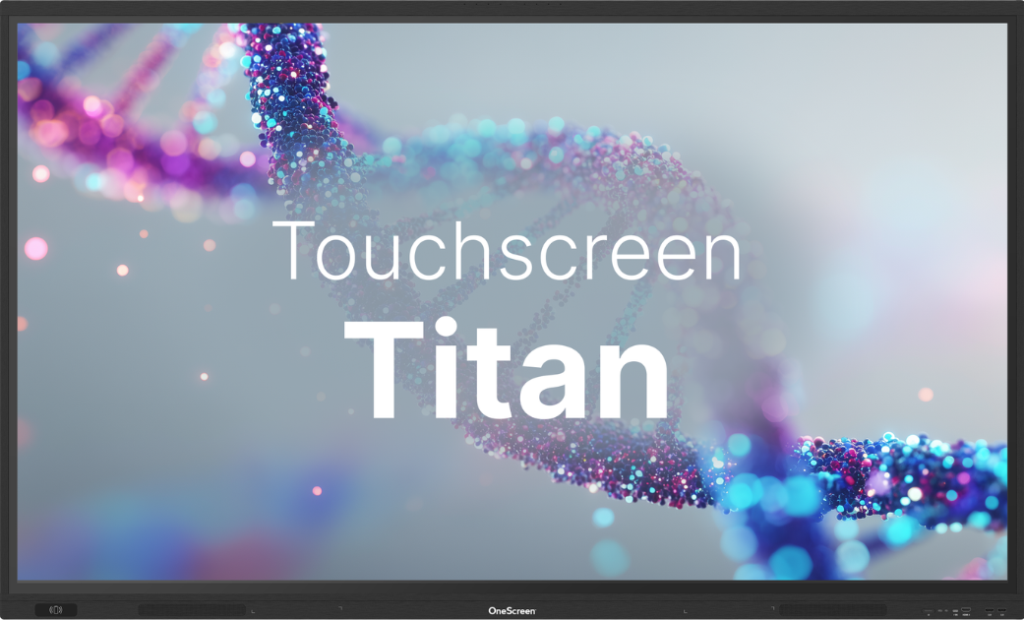
The Touchscreen Titan is the flagship, built for boardrooms and large meeting rooms that want a premium panel with responsive multi-touch, 4K clarity, and built-in conferencing. If you are replacing a big interactive projector screen in a high-use room, the Titan is the natural upgrade.
OneScreen Touchscreen T7
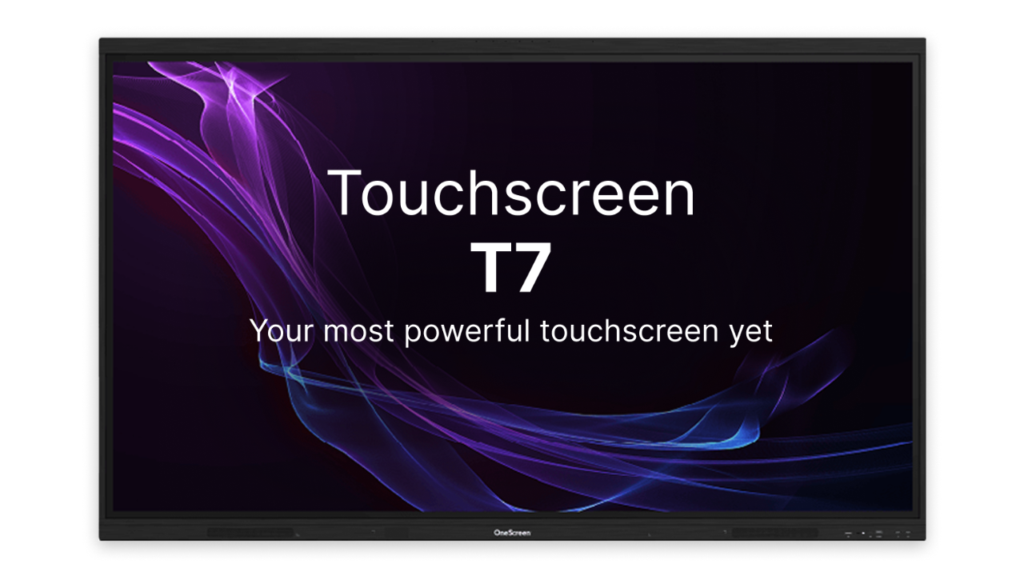
The Touchscreen T7 is the everyday workhorse, bringing all-in-one touch, wireless screen sharing, and whiteboarding to standard rooms without the projector rig. For teams moving off an aging interactive projector screen, the T7 hits the sweet spot of features and value.
OneScreen LED Video Wall
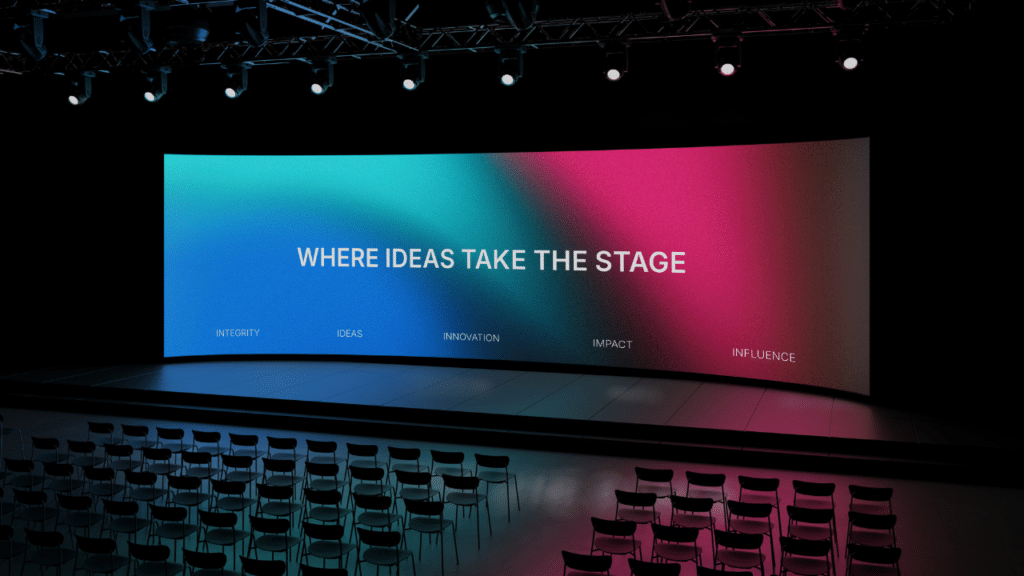
When one panel is not big enough, the LED Video Wall takes over. This is where OneScreen delivers what projectors used to own: sheer scale. A seamless LED wall delivers a bright, high-impact image for lobbies, command centers, and auditoriums, without the shadow, glare, or bulb problems of an interactive projector screen.
Free GURU support with every screen
Here’s what competitors don’t match. Every OneScreen device comes with GURU: free, unlimited live support, no contracts, and nothing hidden in the fine print. With an interactive projector screen, you are often on your own for calibration and bulb headaches. With OneScreen, a real person helps you sort out any issue and answer unlimited questions for the life of the product.
How to Choose in Two Minutes
Ask three quick questions:
- Can I fully control the light? If no, choose a flat panel. If yes, an interactive projector screen is still an option.
- Do people need to touch, write, and share daily? If yes, a flat panel does it with no extra hardware.
- Do I need a picture bigger than 90 inches? If so, consider a projector or LED Video Wall. If not, a standard panel fits.
For most everyday rooms, those answers point to an interactive flat panel display. For huge or dark spaces, an interactive projector screen or an LED wall earns its place.
Key Takeaways
- An interactive flat panel display delivers a brighter, sharper picture in a lit room, while an interactive projector screen looks best in a dim room.
- A projector can cost less upfront, but bulbs, filters, cabling, and downtime drive up the total cost over five to seven years.
- Panels last about 50,000 hours with almost no maintenance, compared with just a few thousand hours per bulb.
- An interactive projector screen is still the better choice for very large or completely dark rooms, as well as portable setups.
- OneScreen’s Titan, T7, and LED Video Wall offer options for every size, all with free GURU support.
Frequently Asked Questions
Is an interactive flat panel better than a projector?
For most classrooms and offices, yes. An interactive flat panel display offers sharper 4K image quality, built-in touch, and far lower maintenance than an interactive projector screen. Projectors still have an edge in very large or fully dark rooms that need an image bigger than a single panel can deliver.
Do I still need a projector screen if I have an interactive flat panel display?
No, and this is the most common misconception. A flat panel is a complete, self-contained device with its own screen, touch layer, speakers, and software. There is no projector and no separate interactive projector screen to align. You mount it and turn it on.
How long does an interactive flat panel display last compared to a projector?
An interactive flat panel display is typically rated for around 50,000 hours. Projector bulbs usually last 2,000 to 5,000 hours before replacement, and even laser projectors still rely on screens, mounts, and cabling that wear.
Can a projector be interactive like a touchscreen?
Yes, that is what an interactive projector screen is, but the touch comes from add-on pens or sensors rather than the screen itself. It works, though it needs occasional calibration and never feels as immediate as writing directly on a flat panel.
Is an interactive flat panel display just an expensive smart TV?
No. A smart TV is built for streaming. An interactive flat panel display adds multi-touch, a whiteboard, annotation tools, an operating system, wireless screen sharing, and often a mini PC and storage. It is a collaboration tool, not a viewing device.
Which is better in a bright room, a projector or a flat panel?
A flat panel, easily. Projectors rely on darkness for contrast, so an interactive projector screen washes out under sunlight or overhead lights unless you buy a high-lumen model and a special screen. A flat panel stays clear with the lights on.
Are interactive flat panel displays worth the higher upfront cost when purchased outright?
Over five to seven years, usually yes. Once you add the bulbs, filters, cabling, extra software, and support time an interactive projector screen needs, the interactive flat panel display’s higher entry price often works out cheaper overall, with better image quality throughout.
Which is better for a large auditorium or a big audience?
This is where projection still competes. For images beyond about 90 inches, an interactive projector screen or a OneScreen LED Video Wall reaches sizes a standard flat panel cannot, so size the space first.
Final Thoughts
The honest answer is that the interactive projector screen had a great run and still deserves consideration in a few rooms. But in everyday classrooms, meeting rooms, and hybrid workspaces, the interactive flat panel display is now the default: it offers a better picture, true touch, almost no upkeep, and a lower lifetime cost.
If you’re considering the switch, choose a screen that fits the room. The Touchscreen T7 is ideal for a standard space, the premium Touchscreen Titan for a high-use room, and the LED Video Wall for anything that needs real scale. Whichever you choose, GURU support is included for as long as you own it, so you’ll never be left troubleshooting alone—as you were with an aging interactive projector screen.
