


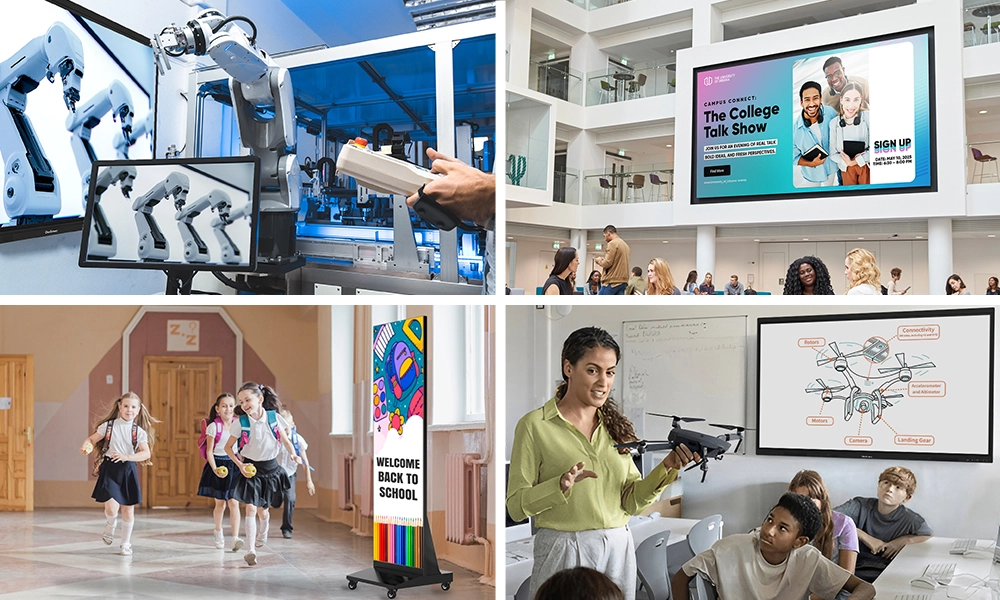






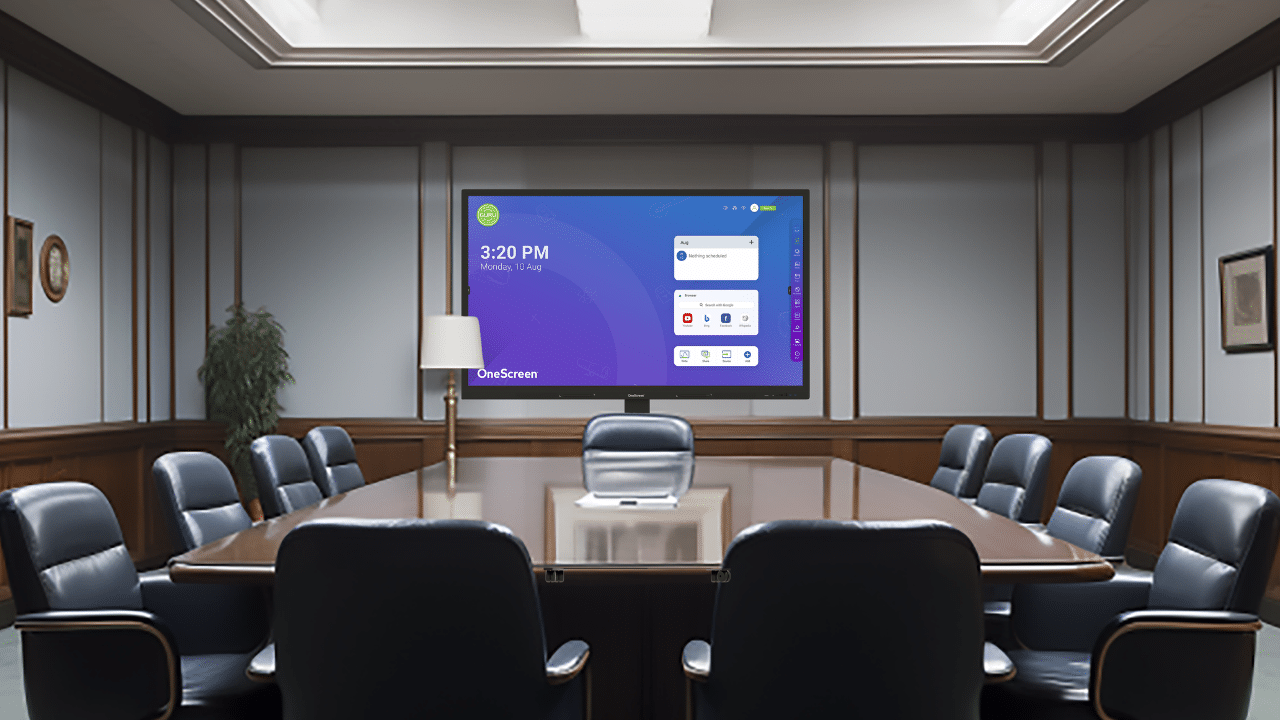
Quick answer: Interactive screens for business offer touch control, built-in collaboration software, video conferencing, and commercial-grade hardware built to run all day. A smart TV only displays content and runs streaming apps, with no touch or whiteboarding. If your team writes, annotates, and presents together, an interactive screen is the right choice. If you only need to display slides or a dashboard on a wall, a smart TV can do the job.
Most buyers compare these options because a smart TV has a lower sticker price and looks cheaper in the store. But each device solves different problems, and choosing the wrong one can cost more over two years. This guide covers the key differences, total cost, and best fit for each option, so you can make an informed choice.
Table of Contents
What are interactive touchscreens for business?
Interactive touchscreens for business are large commercial displays designed for meeting rooms, training spaces, and collaborative work. Use your finger or a stylus to write, draw, move objects, open apps, and control the screen directly on the glass. Most models support 10 to 20 simultaneous touch points, so several people can work on the same surface at once.
These panels run their own operating system, usually Android-based, and come with preinstalled whiteboarding, screen sharing, annotation, and video conferencing tools. They are rated for heavy daily use, often 16 hours or more per day, and come with commercial warranties of three to five years. You will also see them called an interactive flat panel, an interactive display, or an interactive touch screen for business.
What is a smart TV for business?
A smart TV is a consumer television with built-in internet apps. You get Netflix, YouTube, a web browser, and screen mirroring. Businesses often buy one as a cheap way to display a dashboard, slideshow, or video call on a wall.
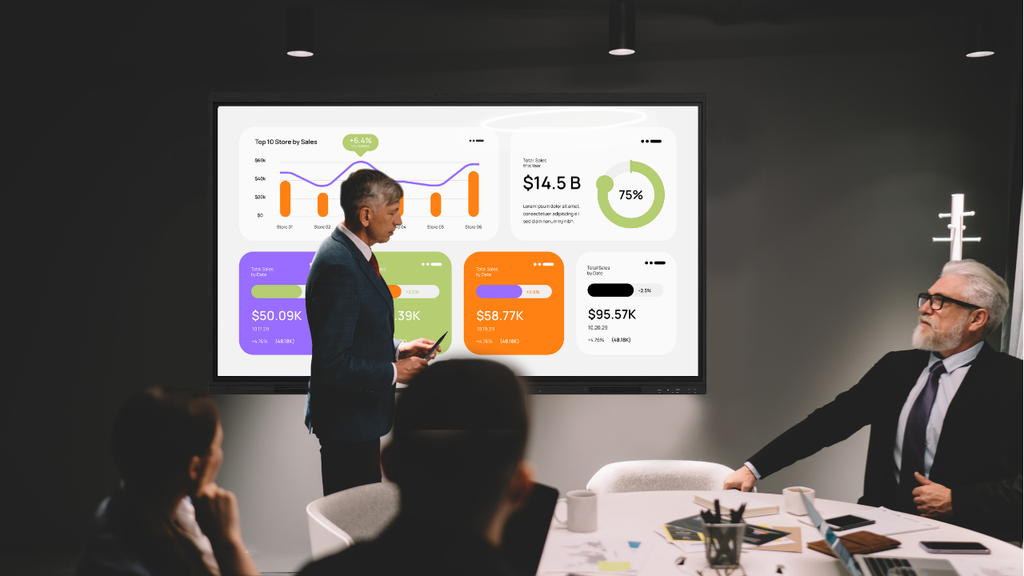
A touch screen TV for business is a step up: it adds a touch layer, either built-in or through an overlay frame. Still, most of these run consumer-grade panels designed for a few hours of viewing per day, carry a one-year warranty, and lack the collaboration software that comes standard with a true interactive display. Touch response is almost always slower and less precise than on a purpose-built panel.
Interactive Screens vs Smart TVs: side-by-side comparison
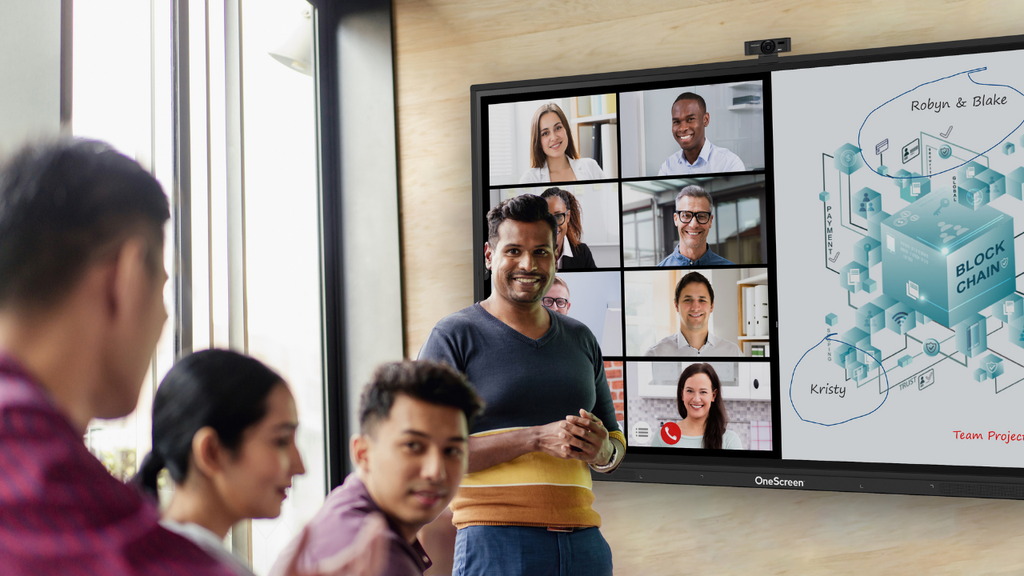
| Feature | Interactive Touchscreens for Business | Smart TV / Touch Screen TV for Business |
| Touch input | 10 to 20+ points, finger and stylus | None, or a basic add-on overlay |
| Built-in software | Whiteboard, annotation, screen share, video calls, streaming and browser apps can be downloaded | Streaming and browser apps only |
| Daily use rating | Built for 16+ hours a day | Designed for a few hours a day |
| Brightness and glass | High brightness, anti-glare, bonded glass | Standard consumer panel, more glare |
| Warranty | 3 to 5 years, commercial | Usually 1 year, consumer |
| Multi-user collaboration | Yes, several people at once | No |
| Device sharing | Cast from phones, laptops, tablets | Basic mirroring, often one device |
| Security and management | Central device management, business controls | Limited, consumer-focused |
| Upfront cost | Higher for outright purchase, lower for monthly subscription | Lower |
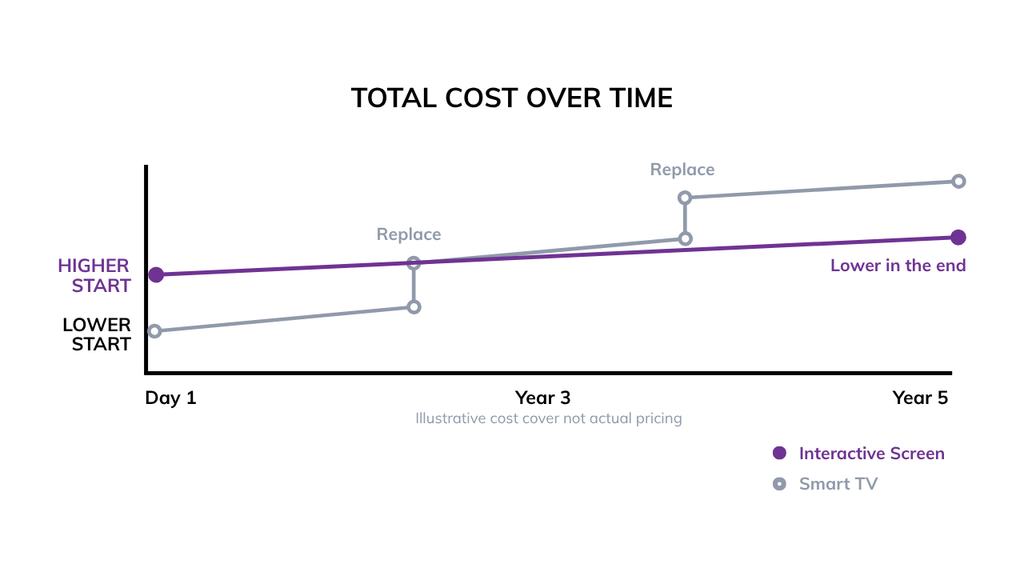
| Cost over 3 to 5 years | Lower, fewer replacements | Higher, replace sooner |
The table explains why the cheaper option often costs more over time. A consumer TV used eight hours a day in a busy room tends to fail within two to three years. A commercial interactive panel in the same room is built to last through the full warranty period and beyond.
Where each option wins
A smart TV or touchscreen TV for business makes sense when the screen only needs to display, not respond. Think lobby signage, a menu board, a sales dashboard that nobody touches, or a break room television. In these cases, you are paying for pixels on a wall, and a consumer TV delivers that at the lowest price.
Interactive screens for business win the moment people need to do something on the screen. They are ideal for brainstorming sessions, training classes, design reviews, hybrid meetings where remote staff join by video, and any room where a stylus or finger input speeds up the work. The built-in whiteboard and casting tools remove the laptop-and-dongle scramble at the start of every meeting, saving real minutes each day.
Here is a simple test. If you will touch the screen during normal use, buy an interactive display. If you will only look at it, a smart TV is enough.
Cost and total cost of ownership
Price comparisons mislead people because they stop at the purchase. Run the math over the device’s life instead.
A mid-range touch screen TV for business might cost less upfront. Add a separate camera, a mic, mounting, a mini PC to run software, and a touch overlay, and the gap narrows fast. Then factor in a one-year warranty and a two- to three-year replacement cycle in a high-traffic room.
An interactive panel costs more up front if purchased outright but bundles the camera, microphones, speakers, software, and processing into one unit. With a three- to five-year warranty, it usually survives twice as long in the same conditions. Over a typical five-year window, the interactive screen often costs less overall, and your IT team manages one device instead of a stack of parts.
The best touch screen TV for business is still a compromise if real collaboration is the goal. You get touch, but you miss the software, durability, and support that come standard on a dedicated interactive display.
OneScreen interactive displays worth considering
OneScreen builds interactive screens for business across a range of sizes and use cases. Three products cover most rooms.
Touchscreen Titan
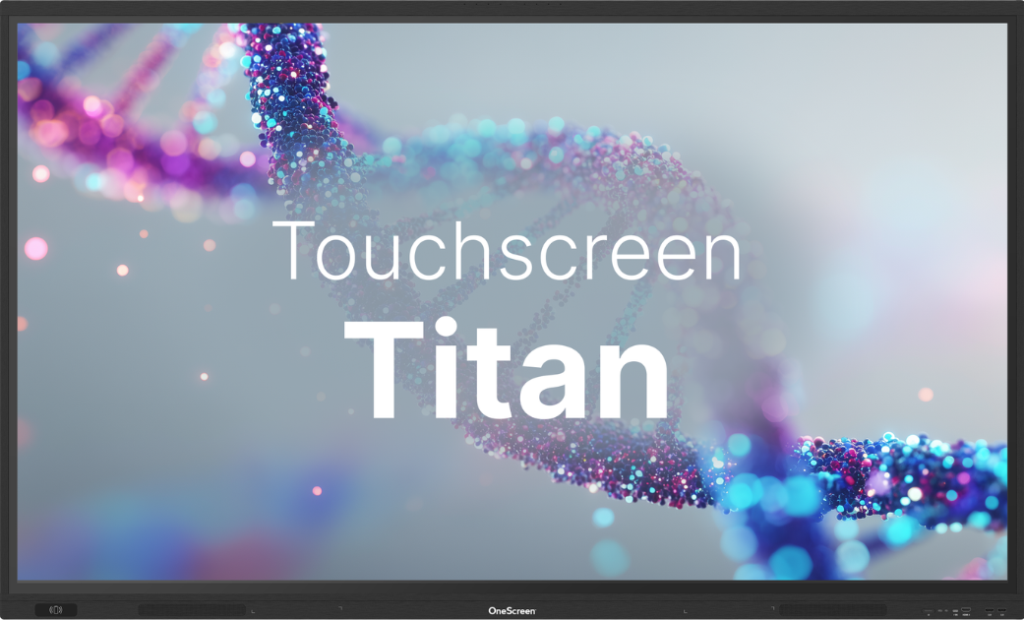
The Titan is OneScreen’s premium interactive display, built around a Mini-LED panel for sharp contrast and high brightness in bright rooms. It works as an all-in-one productivity hub, with OneScreen apps for writing, sharing, screen control, and device management built in. Camera options, including SnapCam2, WebCam, and TrackCam, cover everything from small huddle rooms to large boardrooms.
An optional OPS PC slot lets you run Windows natively on the display. Choose this when you want the best image and a full conferencing setup in one unit.
Touchscreen T7
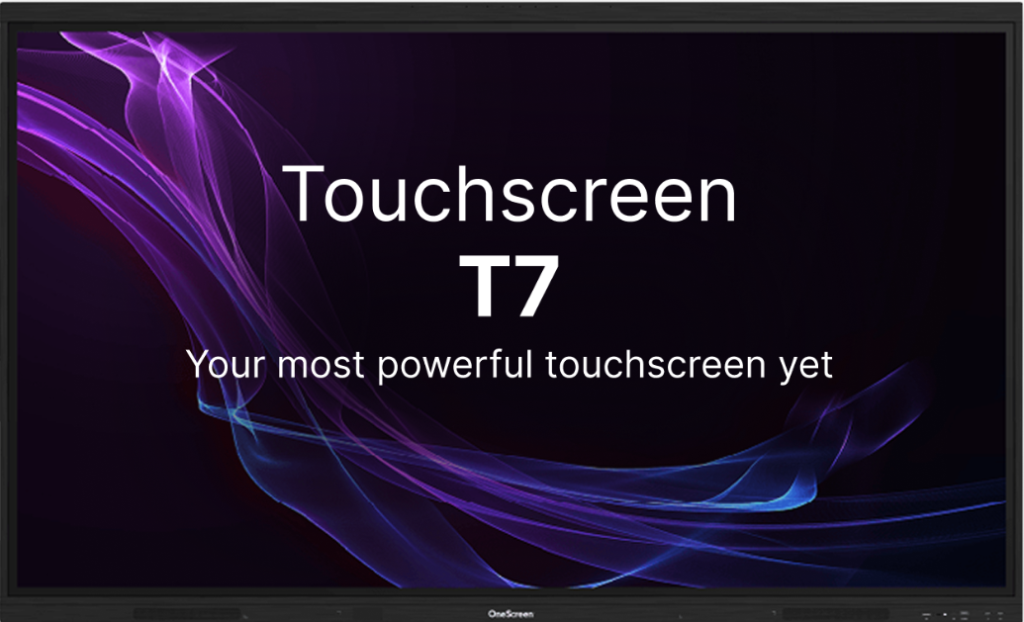
The T7 is OneScreen’s middle-tier interactive display, providing native, licensed access to Google’s business tools directly from the screen. It pairs faster processors with stronger security controls to protect shared information, making it a solid fit for training rooms and teams that operate within Google Workspace. If your staff already use Google tools daily, the T7 removes friction.
LED Video Wall
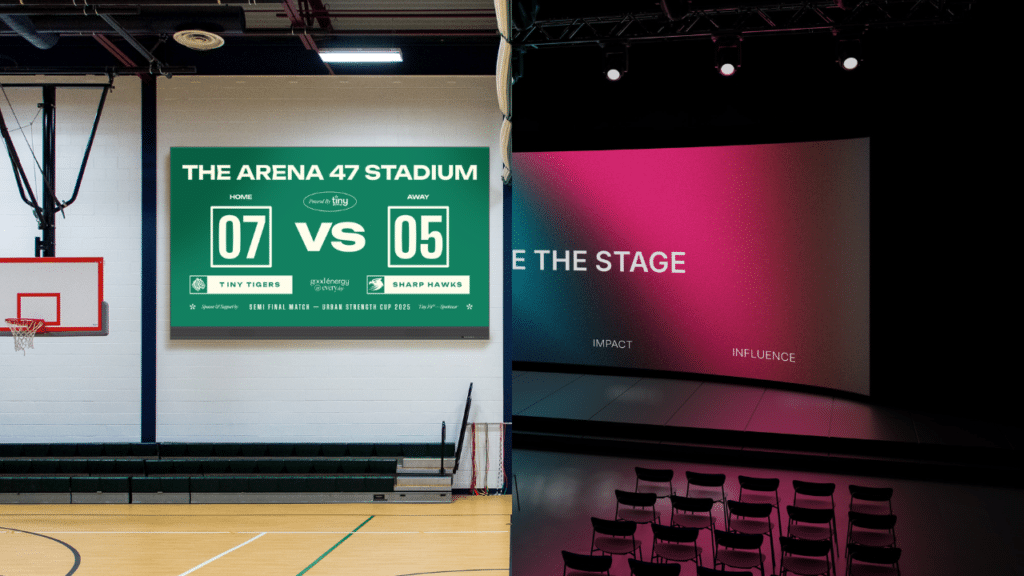
For large spaces where a single panel is too small, OneScreen’s LED Video Wall uses modular LED tiles to create a seamless, high-brightness surface at almost any width. It suits auditoriums, large training rooms, control rooms, and lobbies that need an image people can read from across the room. You scale the wall to the space rather than forcing the space to fit a fixed screen size.
All three run as true interactive screens for business, not repurposed televisions, so you get commercial-grade durability and collaboration software from day one.
OneScreen GURU: 24/5 free unlimited training
Hardware is only half the decision. Teams abandon interactive screens when nobody shows them how to use the tools. OneScreen tackles that with the Screen Skills Guru program, known as GURU.
GURU provides you with 24/5 free, unlimited training and live, unlimited help for any OneScreen product. You can reach a trained technician via video, voice, or chat, with no limit on calls. GURU experts answer usage questions, run training sessions, and troubleshoot issues in real time in English, Arabic, and Spanish. They will even help with integrations involving hardware from other manufacturers.

This matters for two reasons. First, your IT help desk carries less load because users contact OneScreen directly. Second, your investment actually gets used, since staff can learn a new feature the moment they need it instead of filing a ticket and waiting. Most display makers charge for support or point you to a user forum. Free, unlimited, live help is rare, and it changes how quickly a room becomes productive.
How to choose between an interactive screen and a smart TV
Walk through four questions:
- Will people touch the screen? Yes points to an interactive display—no points to a smart TV.
- Do you need whiteboarding, annotation, or built-in video calls? If yes, interactive screens for business include these. A smart TV does not.
- How many hours a day will it run? Heavy daily use needs a commercial panel rated for it.
- What is your five-year budget, not just today’s price? Count software, cameras, mounts, support, and replacements, then compare.

If three of your four answers favor collaboration and daily use, an interactive display is the stronger choice. If you only need a screen to show content a few hours a day, a smart TV is a reasonable, lower-cost option.
Frequently asked questions
These are the questions buyers actually ask on Reddit, Quora, and Google when comparing the two.
Can I use a regular smart TV as a business touch screen?
Only if you add a touch overlay, and even then the experience lags behind that of a real interactive panel. A standard smart TV has no touch layer and no collaboration software. For occasional display use, it is fine. For daily interactive work, it falls short.
What is the main difference between an interactive display and a smart TV?
Touch and software. An interactive display supports multi-point touch and ships with whiteboarding, sharing, and conferencing tools. A smart TV displays content and runs streaming apps, nothing more. The hardware is also graded differently: commercial versus consumer.
Are interactive screens for business worth the higher price?
For collaborative rooms, usually yes. The longer warranty, heavy-use rating, and bundled software and cameras often make the total five-year cost lower than that of a cheaper TV you replace twice and bolt accessories onto.
Do interactive screens need a separate computer?
No. Most, including OneScreen models, run their own Android-based operating system with built-in apps. You can add a Windows OPS PC if your workflow needs it, but it is optional.
How long do interactive displays last compared to smart TVs?
Commercial interactive panels are built for 16 or more hours of daily use and come with three- to five-year warranties. Consumer smart TVs are designed for lighter viewing and usually carry a one-year warranty, so they tend to wear out faster in business settings.
Can a smart TV handle multiple people writing at once?
No. Multi-user touch is a feature of interactive displays that support 10 to 20 or more simultaneous touch points. A smart TV cannot do this.
What size should I buy for a conference room?
As a rough guide, a 65-inch panel suits small to mid-size rooms, 75- to 86-inch panels suit larger rooms, and an LED video wall fits auditoriums or wide spaces where everyone needs to read the screen from a distance.
The bottom line
Interactive screens for business and smart TVs look similar on the wall, but they serve different purposes. A smart TV displays content affordably. An interactive display lets your team work directly on the screen, lasts longer in daily use, and often costs less over five years when you factor in everything. OneScreen also offers a monthly subscription purchase model for their products.
Add OneScreen’s free, unlimited 24/5 GURU training, and use the screen as intended. Match the device to how your room actually works, and the right choice becomes clear.
If an interactive display fits your space, you can request a quote to size and price one for your rooms.
