


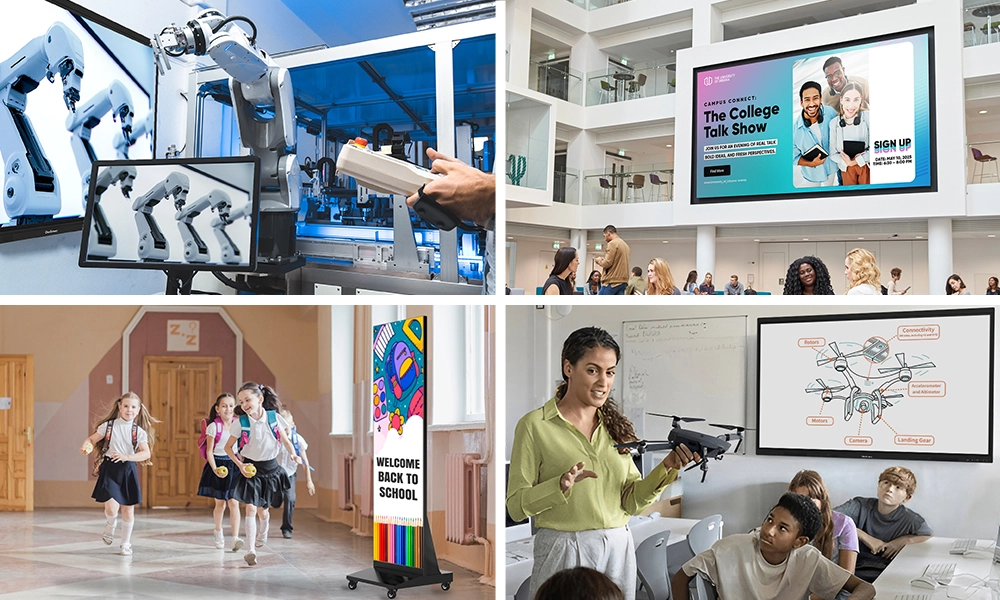






A portable smart board is an interactive touchscreen mounted on a rolling stand or cart, so teachers can move it between rooms instead of leaving it bolted to one wall. For schools that share spaces, run hybrid timetables, or simply can’t afford a screen in every classroom, a portable smart board turns one display into a resource the whole building can use.
That single idea — flexibility — is why more schools are rethinking how they buy classroom technology. Below, we break down what it actually does, where it fits, and how to pick one that teachers will use every day rather than ignore.
Table of Contents
What Is a Portable Smart Board?
A portable smart board is the same interactive display you’d mount on a classroom wall, except it sits on a height-adjustable, wheeled stand. Teachers write on it, run apps, cast a laptop or tablet to it, and pull up lessons — all by touch, with no separate computer needed. The difference is mobility. When the lesson ends, the board rolls to the next room.
Think of it as a giant tablet that follows the teaching instead of forcing the teaching to follow the screen. A modern board includes a built-in operating system, wireless casting, and a writing surface that responds to fingers or a stylus. Some schools also call this a portable smart screen, since the screen is the part that moves — the terms point to the same tool.
Why Fixed Walls Hold Schools Back
Most classroom technology is installed and forgotten. A display goes on one wall, in one room, and stays there for its entire life. That works if every room has its own screen and every room gets used the same way. Few schools live in that reality.
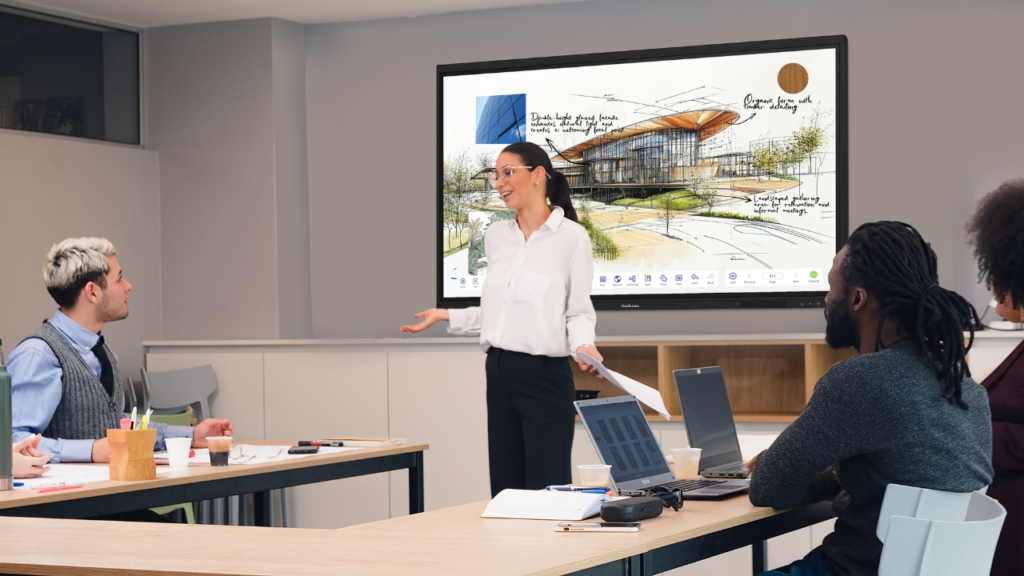
Here’s what actually happens. The science lab has a great interactive display, but the three classrooms next door don’t. The library hosts an assembly twice a month and needs a screen for exactly those days. A teacher covering a lesson in an unfamiliar room finds a wall mount that’s too high for younger students to reach. Budgets only stretch to four boards, but there are nine rooms that could use one.
A portable smart board solves the mismatch between where the technology lives and where the learning happens. Instead of buying a display for every wall, a school buys fewer screens and shares them. One portable smart board can serve a morning maths class, an afternoon reading group, and an evening parent session — in three different rooms.
What Makes a Portable Smart Board Work
Not every screen on wheels deserves the name. A portable smart board needs a few things to hold up in a real school day.
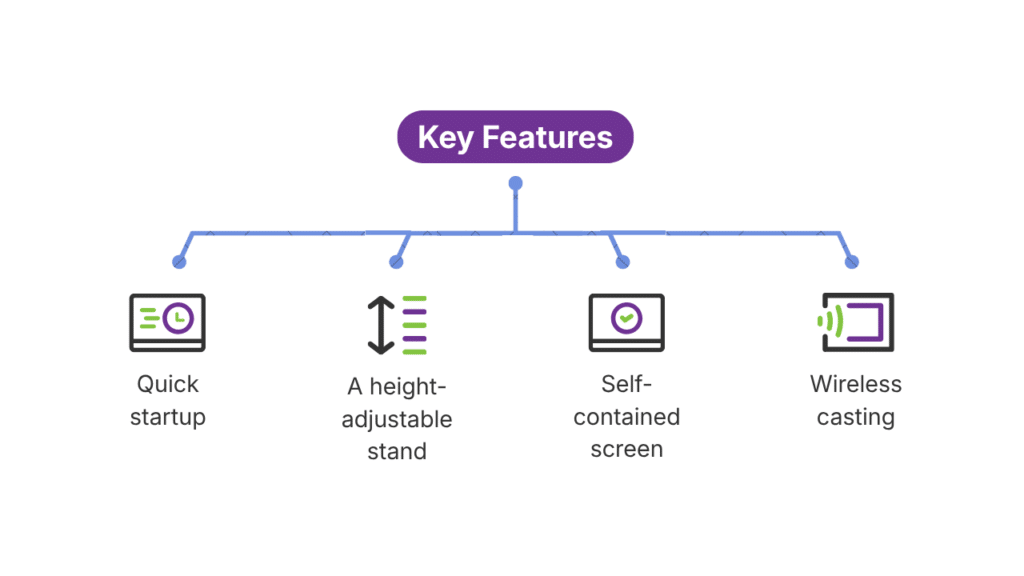
A stable, height-adjustable stand. The cart is the heart of the whole setup. A good one rolls smoothly over thresholds and carpet, locks firmly in place, and adjusts in height so a Year 2 teacher and a sixth-form lecturer can both use it comfortably. OneScreen’s mobile cart, for example, handles displays up to 86 inches and supports up to 220 pounds, with brake wheels that keep the board steady once it’s parked.
A self-contained screen. The whole point is that the board doesn’t depend on the room. That means a built-in Android or Windows system, onboard storage, and speakers — so a teacher isn’t hunting for cables or a working PC in every space.
Wireless casting. Teachers move between rooms; their devices come with them. A portable smart screen worth buying lets staff mirror a phone, tablet, or laptop without plugging anything in.
Quick startup. If the board takes five minutes to boot, teachers stop using it. The good ones wake and teach in seconds.
When those four pieces come together, the board stops being a novelty and becomes a tool teachers actually reach for.
Where a Portable Smart Board Earns Its Keep
Flexibility sounds nice in theory. Here’s where it pays off in practice.
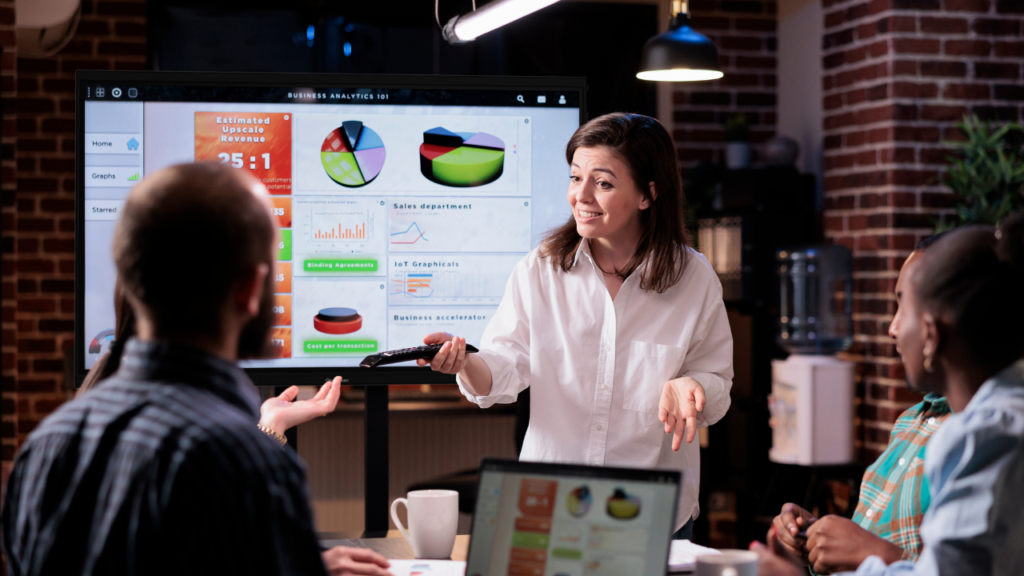
Shared and specialist rooms. Music rooms, art studios, and science labs often go hours without a screen, then need one badly. A portable smart board rolls in for the lesson that needs it and rolls out after.
Small schools and tight budgets. When you can’t afford a display per classroom, one screen lets two or three rooms share it. The cost per room drops sharply, and no wall sits unused.
Hybrid and flexible learning spaces. Modern schools rearrange rooms constantly — group pods one period, lecture rows the next. A portable smart board moves with the layout instead of fighting it.
Assemblies, training, and events. Staff meetings, parent evenings, and professional development days all need a screen on demand. A portable smart screen covers them without a permanent install in a room used twice a month.
Special education and accessibility. Height-adjustable stands matter here more than anywhere. The board can drop to wheelchair height or rise for standing work, adapting to the student rather than the other way around.
Portable Smart Board vs. Wall-Mounted: Which Should You Buy?
This isn’t really an either-or for most schools. It’s about matching the room to the need.
A wall-mounted display makes sense in a room that has its own dedicated class all day, every day — a homeroom that never changes. There’s no reason to move a screen that’s always needed in one place.
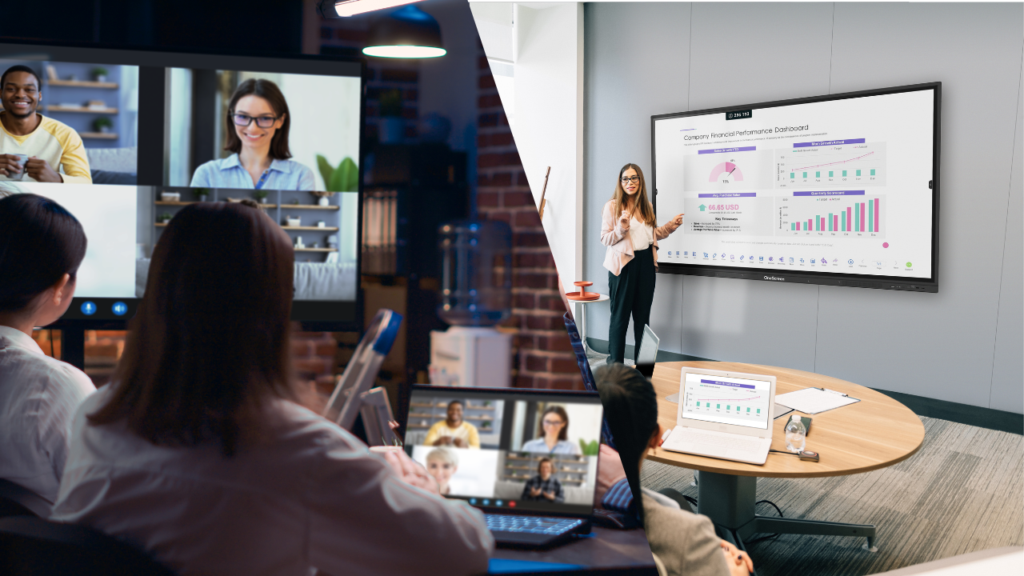
A portable smart board makes sense everywhere else: shared rooms, overflow spaces, specialist labs, and any building where the budget won’t cover a screen per wall. The flexibility of a portable smart screen also future-proofs a purchase. If you reconfigure a room next year, the board comes with you instead of leaving a hole in the drywall.
Many schools land on a mix — wall-mounted boards in fixed classrooms, a portable smart board or two to cover everything else. That combination usually delivers the most teaching per dollar.
How OneScreen Approaches Portable Learning
OneScreen builds interactive displays that pair with a height-adjustable mobile cart to become a true portable smart board. The screens bring 4K visuals, smooth Android, 40-point touch, and wireless casting; the cart brings the mobility. Roll one into a science lab in the morning and a reading group after lunch, and it’s the same reliable board in both rooms.
Here are the OneScreen touchscreens that work well as a portable smart board when matched with the mobile cart:
OneScreen Touchscreen T7
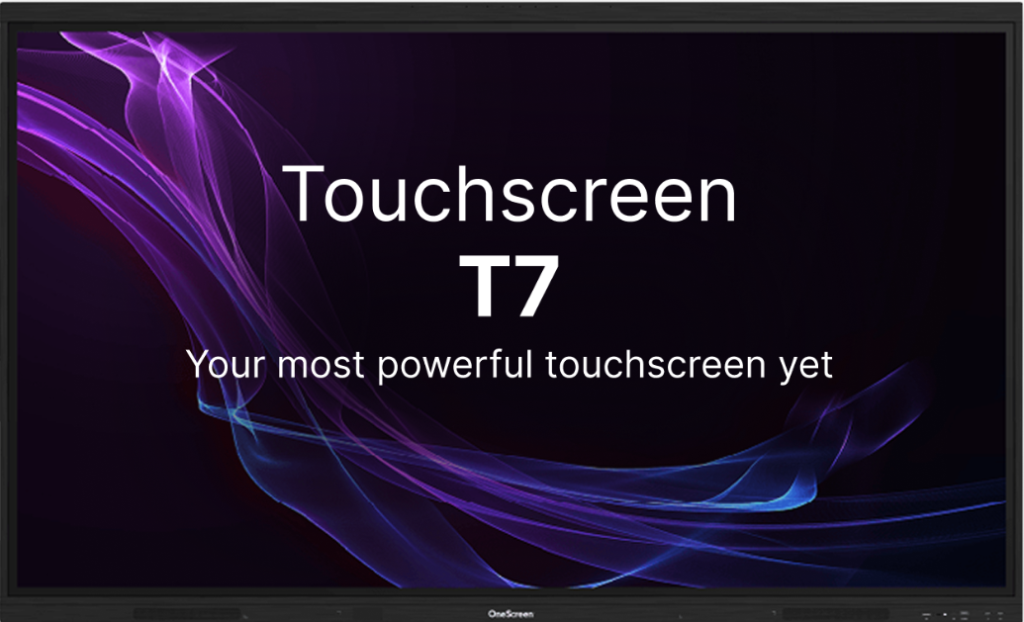
The all-rounder. The T7 carries 4K visuals, 40-point touch, and a smooth Android system that behaves like a giant tablet. It’s the screen most classrooms reach for first, and on a mobile stand it turns into a portable smart board that suits everything from maths drills to group reading.
OneScreen Touchscreen Titan
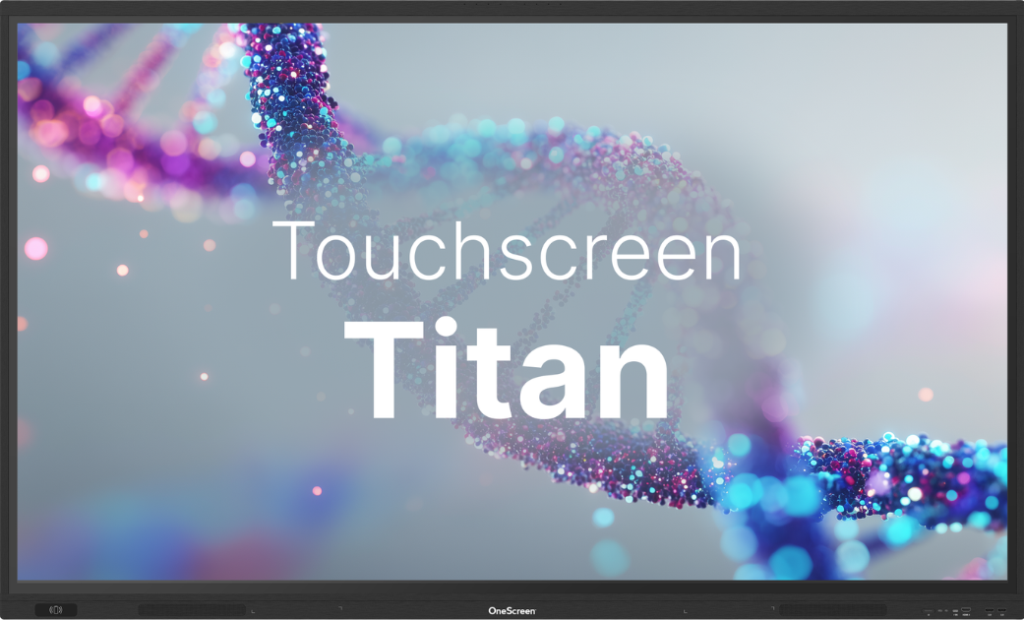
Built for bigger rooms — auditoriums, lecture halls, training spaces. Everything the T7 does, scaled up: a larger screen and louder audio for a room full of students. Put it on a cart and you have a portable smart screen powerful enough to roll into an assembly and read clearly from the back row.
OneScreen Touchscreen Core
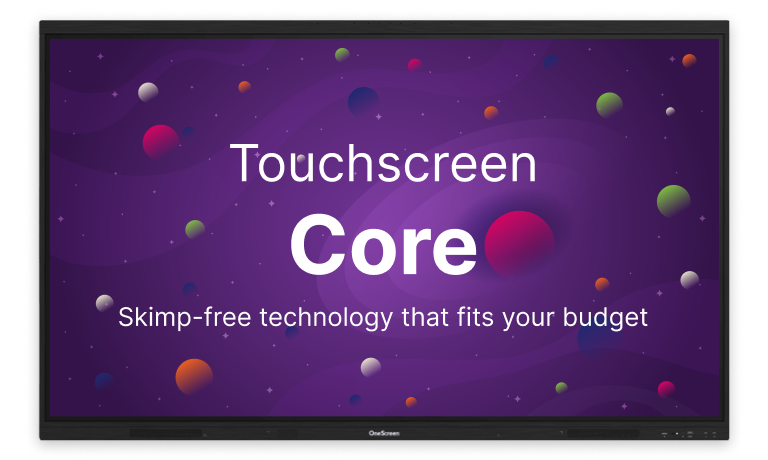
The no-frills option for schools that need reliable, interactive teaching essentials without the extras. It’s intuitive, affordable, and ready the moment you tap it — a sensible base for a portable smart board program when budgets are tight.
Any of these becomes a portable smart board the moment it’s paired with the height-adjustable mobile cart, which rolls the screen wherever the lesson is and locks steady once it’s parked.
But here’s the part that decides whether any of this actually gets used: support.
The dirty secret of the interactive display industry is that most schools buy a board, install it, and watch it turn into an expensive bulletin board because nobody trained the teachers. Six months in, the screen sits unused. A board on wheels makes that worse, not better — if staff don’t know how to use it, a screen that moves is just a problem that moves with it.
OneScreen built the Guru program around that exact failure. Buy a OneScreen product and you’re matched with a specific person whose job is making sure your school actually uses the technology. They handle setup, train teachers at their own pace, and stay involved long-term. When something breaks, you don’t call a 1-800 number — you email your Guru, by name. They know your school and your setup, and they fix things fast.
That’s the difference between buying a screen on wheels and buying a portable smart board that teachers rely on every day. You can read more on the OneScreen Guru page.
How to Choose a Portable Smart Board for Your School
A few questions cut through the spec sheets.
How big is the room? For a class of 20 to 30 students, a 75-inch or 86-inch portable smart board keeps the back row readable. Smaller seminar or breakout spaces can manage with 65 inches. Walk to the back of the room and ask whether you could read the screen from there.
Who’s moving it, and where? Check the cart’s weight, wheel quality, and whether it clears your doorways and thresholds. A portable smart screen that won’t fit through a standard door isn’t portable at all.
What’s the real budget? Interactive displays generally run from around $2,000 to $8,000 per board, plus the stand. Buying fewer portable boards to share across rooms often costs less than wiring a fixed screen into every space. Ask about education pricing — most vendors, OneScreen included, offer school-specific rates.
Who supports it after the sale? This is the question schools skip and regret. A portable smart board is only worth the money if teachers are trained and someone answers when it breaks. Weigh the support model as heavily as the hardware.
Frequently Asked Questions
What is a portable smart board?
A portable smart board is an interactive touchscreen on a wheeled, height-adjustable stand. It works like a giant tablet — touch, write, run apps, cast devices — but it rolls between rooms instead of staying fixed to one wall.
What’s the difference between a portable smart board and a portable smart screen?
They describe the same thing. A portable smart screen and a portable smart board both refer to a movable interactive display on a cart. The wording just shifts depending on whether someone emphasizes the screen or the board.
How much does a portable smart board cost?
Expect roughly $2,000 to $8,000 for the display, plus the cost of a mobile stand. Larger screens and premium features cost more. Sharing one board across several rooms usually lowers the cost per room compared with installing a fixed screen everywhere.
What size portable smart board should a classroom get?
For 20 to 30 students, choose 75 inches or 86 inches. Smaller rooms can use 65 inches. The test is simple: stand at the back and check whether the screen is clearly readable.
Can one portable smart board serve multiple classrooms?
Yes — that’s the main reason schools buy one. A single portable smart board can move between several rooms across a school day, which is why it’s such a strong fit for shared spaces and tighter budgets.
The Bottom Line
Classrooms don’t stay still anymore, so the technology in them shouldn’t either. A portable smart board gives schools the flexibility to put an interactive display wherever the learning is happening — without paying to bolt one into every wall. Pair the right screen with a sturdy cart and real training, and one board can quietly do the work of several.
If flexible learning is where your school is headed, a portable smart board is one of the simplest ways to get there.
