


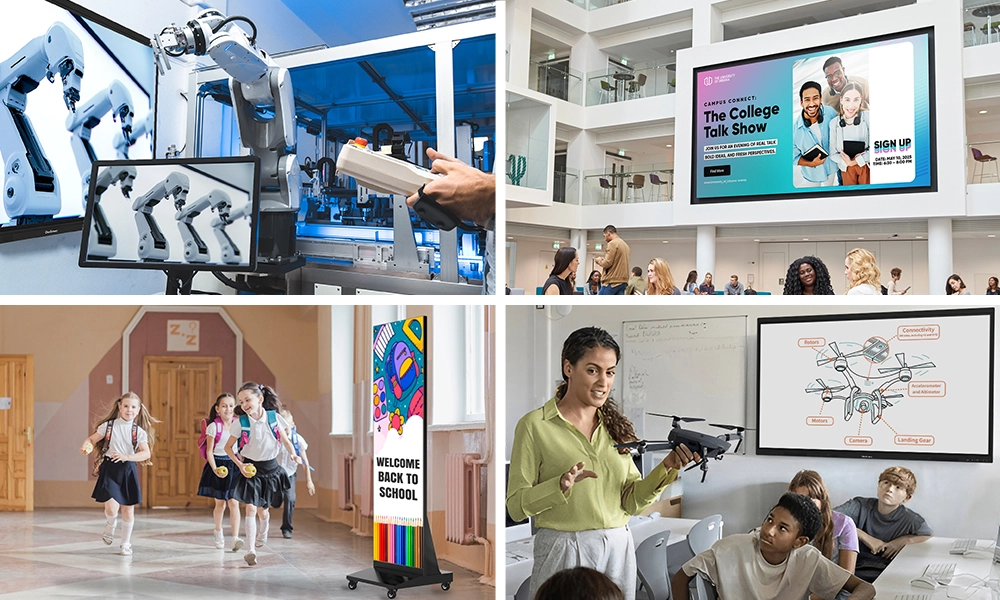






Quick answer: An interactive flat panel display for classroom is a large all-in-one touchscreen, usually 65 to 98 inches, that replaces the old projector-and-whiteboard combo with one 4K screen, a built-in computer, and ready-to-go teaching apps. Teachers write with a finger or pen, pull up lessons, and mirror student devices. For most schools the strongest options are the OneScreen Touchscreen Core for value, the OneScreen Touchscreen T7 for the everyday classroom, and the Mini-LED OneScreen Touchscreen Titan for bright rooms, all backed by free 24/5 GURU support.
If you teach, you know the small daily defeats. The bulb that flickers. The cable that only works at one angle. That is friction, not teaching, and over a year it adds up.
An interactive flat panel display for classroom removes most of that friction. You walk in, tap the screen, and you are teaching. No warm-up, no laptop hunt, no dongle drawer. That is why the interactive flat panel display has become the standard at the front of so many rooms.
This guide is for the person standing in front of the class: what an interactive flat panel display is, what to check before you buy, and how the OneScreen lineup fits different rooms and budgets.
Table of Contents
What is an interactive flat panel display?
An interactive flat panel display is a large touchscreen, normally 65 to 98 inches, that brings together a 4K screen, its own computer, and classroom software in one unit. Picture a giant tablet on the wall. You write with a finger or pen, open a lesson, play a clip, mirror a student tablet, and run apps, all without a separate PC or projector.
The difference from the old interactive whiteboards is the key part. Those needed a projector and a tethered laptop to do anything. A modern interactive flat panel display runs on its own, with Android, an optional Windows module, and teaching apps already installed. That self-contained design is the biggest reason classrooms moved on so fast.

The shift is not small. Interactive flat panels passed projectors in education shipments in 2022 and now make up most new classroom display purchases worldwide, with LED panels rated for roughly 50,000 hours, about two decades of normal school use.
Why teachers are switching to interactive flat panels
Administrators talk about cost and IT overhead. Teachers care about the day, and here is what changes once one is on your wall.
- Lessons start on time. No bulb to warm up, no cable to chase. Tap and go.
- One device instead of five. The computer, speakers, whiteboard, and screen live in the panel, so there is less to break mid-lesson.
- Students lean in. Hands-on, visual lessons hold attention in a way a static slide never will.
- It feels familiar. A good interactive flat panel display works like the phone in your pocket, so the learning curve is short for you and for substitutes.
The catch is honest: not every panel is built for a school day, and some are repurposed boardroom displays that buckle under constant touch. When you choose an interactive flat panel display for education, the build and the software matter as much as the screen size.
What an interactive flat panel display looks like in real lessons
The value of an interactive flat panel display shows up differently in each subject, which is worth picturing before you buy.
In math, you work a problem by hand on an infinite whiteboard, then drag in a graph and zoom into it without erasing a thing. In science, you annotate over a live diagram or a paused video, circling the part that matters while the class watches. In languages and reading, one-tap recording captures pronunciation for playback, and live translation on the interactive flat panel display helps multilingual learners follow along. In early years, the touch surface invites children up to sort, match, and trace, so a lesson becomes something they do rather than something they watch.
The thread running through all of it is participation. An interactive flat panel display for classroom pulls students out of their seats and into the lesson, and that is the part a projector never managed.
A teacher’s checklist: what to look for
You will not read a spec sheet during third period, so what matters are the things you feel daily. Before a school commits, push for a hands-on demo of the interactive flat panel display and check these.
Writing feel. Write a paragraph on it. Does the ink keep up, and does it ignore your palm on the glass? Look for palm rejection and accuracy near 1mm.
Login and switching. A class period is short. The best classroom panels offer one-tap NFC login or single sign-on, so you land straight in your own account.
Brightness for your room. A panel that dazzles in a showroom can wash out under big windows. Standard panels run around 400 cd/m², so in a bright room that gap is real.
Software and security. Look for a built-in whiteboard, annotation over anything, and quiz apps, plus EDLA certification for licensed Android and Google Play.
Support you can reach. When something stalls mid-lesson, you need a person now, not a ticket number.
OneScreen’s interactive flat panel displays for classroom
OneScreen builds its classroom panels in three tiers, so a school can match the interactive flat panel display to the room and budget instead of forcing one screen to do every job.
OneScreen Touchscreen Core: the value workhorse
The Touchscreen Core is the entry tier, pitched as “skimp-free tech that fits your budget.” It is the interactive flat panel display for equipping a whole building without cutting what matters in a lesson. It runs Android with 8GB of RAM and 128GB of storage, keeps 4K along with EDLA certification and the full OneScreen app suite, and scales up to 98 inches. It works like a tablet, so you already know how to use it.
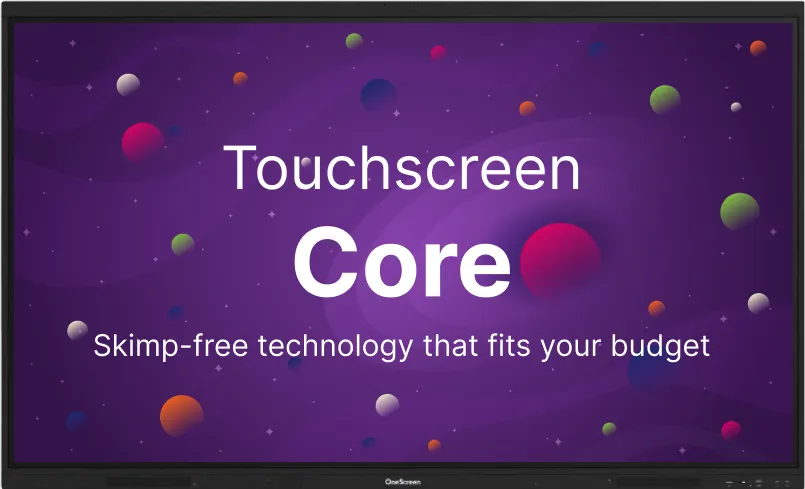
Best for: Districts equipping many rooms with one dependable interactive flat panel display, training spaces, and classrooms that want reliable essentials without flagship extras.
OneScreen Touchscreen T7: the everyday classroom panel
The Touchscreen T7 is the mid-tier model, and for most teachers it is the sweet spot. The tagline, “EdTech that elevates your class flow,” is close to how it feels in use.
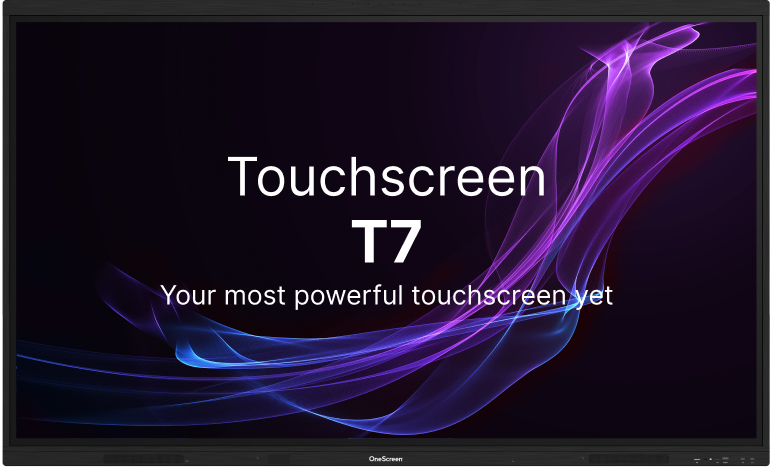
It steps up to Android 15 and adds the touches you notice while teaching. Writing runs on pressure-sensitive IR touch with palm rejection and Zero Bonding Gen 2 accuracy down to 1mm, and one tap of the magnetic pen drops you into annotation over anything on screen.
Login is painless with one-tap NFC, a QR scan, or single sign-on, and each teacher account stays private. Audio is strong, with dual 20W speakers and a 25W subwoofer, and native apps like Lessn, Scrybe, QuizWiz, and SuprNotes cover planning, quizzing, and notes. It comes in 65, 75, and 86 inch sizes.
Best for: The typical K-12 classroom that wants the latest interactive flat panel display software and a great writing feel without paying flagship money.
OneScreen Touchscreen Titan: the flagship for bright, busy rooms
The Touchscreen Titan is the premium tier, badged as EdTech’s first Mini-LED smart screen. Mini-LED matters more than the name suggests: deeper blacks, higher contrast, and a display roughly three times brighter than a standard panel, up to 1200 cd/m² against the usual 400. In a bright, sun-filled room, that keeps the back row reading clearly.
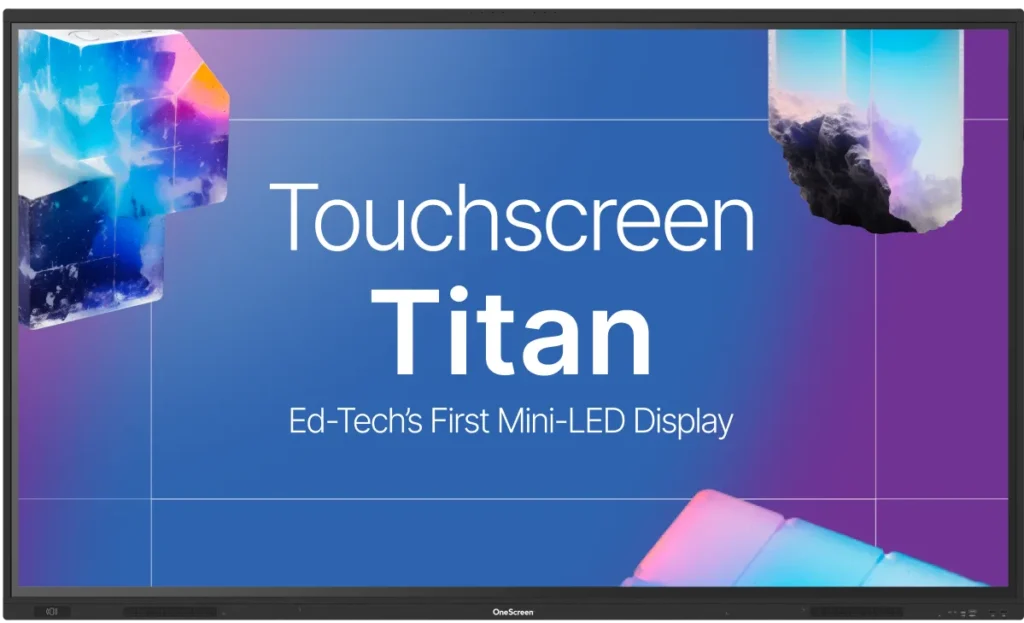
Underneath sits an industry-first Android 15 with a 6 TOPS neural processor, an octa-core chip, 16GB of RAM, and 256GB of storage, so a video, a whiteboard, and three apps stay smooth at once. Touch is accurate to 1mm, the screen shows over 1.07 billion colors at 4K, and security runs through EDLA, one-tap NFC login, and single sign-on.
Its AI apps plan lessons, translate a lecture live, gauge participation, and record or summarize a class. Add the optional Hubware kit, a Windows i7 OPS PC and a 4K SnapCam 2 webcam with AI autoframing, and this interactive flat panel display becomes a full video-conferencing station for Blackboard, Canvas, or Moodle.
Best for: Bright rooms, visual-heavy subjects, and schools that want the most capable interactive flat panel display for education with room to grow.
Quick comparison of the OneScreen classroom lineup
| Panel | OS | Display | RAM / Storage | Touch | Sizes | Best for |
| OneScreen Core | Android | 4K LED | 8GB / 128GB | Multi-touch | up to 98″ | Value, whole-building rollouts |
| OneScreen T7 | Android 15 | 4K LED | 8GB / 128GB | 1mm, palm rejection | 65-86″ | The everyday classroom |
| OneScreen Titan | Android 15 | Mini-LED, up to 1200 cd/m² | 16GB / 256GB | 1mm accuracy | 65-86″ | Bright rooms, visual-heavy lessons |
Why GURU support matters more than the spec sheet
Every interactive flat panel display works perfectly in the demo. The real question is what happens at 10:15 on a Tuesday when it does not.

That is where OneScreen is different. Every interactive flat panel display in the lineup, from the Core to the Titan, includes free 24/5 live GURU support at no extra charge. When a board acts up mid-lesson, you reach a real person who can see your screen, walk you through the fix, and get you teaching again fast. Many brands charge for that help or bury it in a subscription, so for an interactive flat panel display you lean on every period, it is worth real money.
Beyond the classroom: LED video walls for shared spaces
An interactive flat panel display is perfect at the front of a room, but it tops out around 98 inches. For a gym, lobby, auditorium, or the front of the building, you need something bigger, and that is where LED video walls come in. Direct-view LED runs for roughly 100,000 hours and is easier to maintain than the old tiled setups.
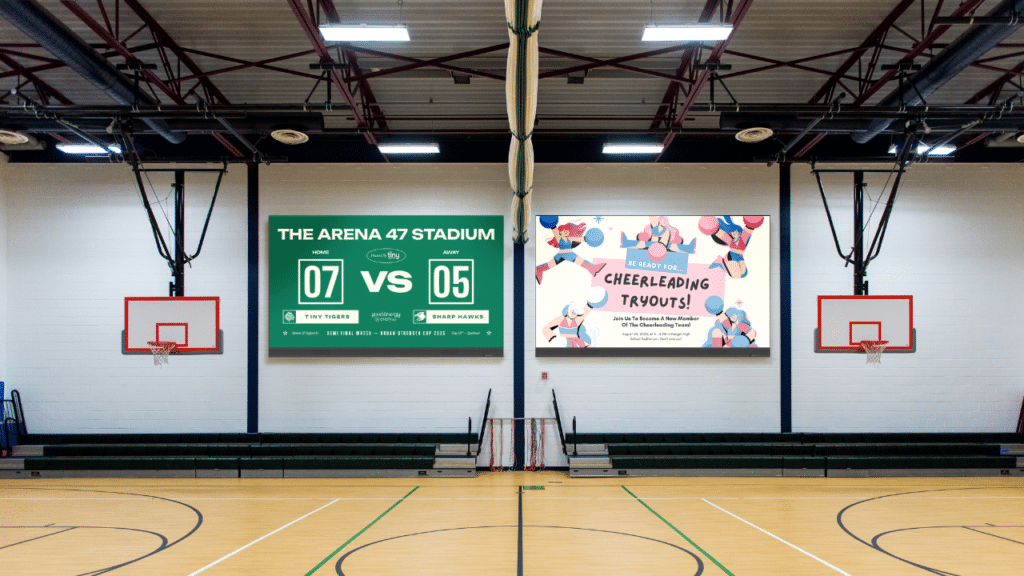
The OneScreen LED Video Walls range covers the whole spread: COB all-in-one walls up to 217 inches with optional touch, modular walls with pixel pitches as fine as 0.94mm, a foldable plug-and-play wall, stackable LED digital posters, and fully custom builds. Every wall ships with a one-year Cloud Studio subscription for content and scheduling, a 3-year warranty, expert installation, and the same 24/5 GURU support that backs the panel line. Cumberland County Schools nicknamed theirs “Dream Walls,” with the district’s CTO noting the quality was unmatched at close to half the cost. The rule of thumb: panels in the classrooms, a video wall in the shared spaces.
Rolling it out: bringing your team on board
A great interactive flat panel display only pays off if teachers actually use it, so the rollout matters as much as the purchase. Start with a short, hands-on session rather than a slide deck, since teachers trust an interactive flat panel display once they have written on it themselves. Pick one or two confident early adopters per building and let them model real lessons for colleagues, which spreads faster than any top-down mandate.
Keep the first goals small. If every teacher can open the whiteboard, pull up a lesson, and log in by the end of week one, you have momentum. Standardizing on one interactive flat panel display across a building helps too, because shared muscle memory means a teacher covering another room is never starting from scratch, and IT supports one device instead of five.
A teacher’s first week with a new panel
Getting the most from an interactive flat panel display is less about features than habits. Find the pen and whiteboard button first, so muscle memory saves you fumbling in front of the class later. Set up your login once with your NFC card or single sign-on, so your files wait for you every morning. Move one familiar lesson over before rebuilding everything, and let a student run the board now and then. Save the GURU number too, so help is one tap away.
Frequently asked questions
What is an interactive flat panel display for classroom?
It is a large, self-contained 4K touchscreen, usually 65 to 98 inches, with its own built-in computer and teaching software. Teachers write, open lessons, play video, and mirror student devices, with no projector or separate PC.
What is the difference between an interactive flat panel and a smart board?
“Smart board” is used loosely and often means an older projector-and-whiteboard setup. An interactive flat panel display is a self-contained touchscreen with its own computer and software, so it works without a projector.
How much does a classroom interactive flat panel display cost?
Most quality panels run between roughly $2,800 and $7,000 depending on size, brand, and features, with premium Mini-LED units like the Titan at the higher end. Always ask for an education quote, since volume pricing varies.
Which OneScreen interactive flat panel display is best for a tight budget?
The OneScreen Touchscreen Core. It keeps 4K, EDLA certification, and the full software suite while cutting the price, and it scales up to 98 inches.
Do interactive flat panels work with Google and Microsoft tools?
Yes. EDLA-certified panels like the OneScreen lineup include Google Play, Drive, and Workspace for Education, with single sign-on support.
What is the difference between an interactive flat panel and a video wall?
An interactive flat panel display is a single touchscreen, typically 65 to 98 inches, for hands-on teaching at the front of a classroom. A video wall is a larger, usually non-touch LED display for big spaces like gyms and auditoriums.
What size interactive flat panel display does my classroom need?
A rough guide is one inch of screen for every foot from the panel to the back row. Most standard classrooms land on 65 or 75 inches, while larger rooms and lecture halls do better with 86 inches or a video wall.
Do interactive flat panels come with a warranty and installation?
Quality education panels include a multi-year warranty, and many vendors offer professional installation. OneScreen panels also include free 24/5 GURU support, and its LED video walls ship with a 3-year warranty and expert installation.
The bottom line
There is no single best interactive flat panel display for every school, but there is a best one for your rooms, your budget, and your teachers. Want the brightest, most capable screen with room to grow? The Titan is the one to beat. Want the smart middle ground for the everyday classroom? Look at the T7. Equipping a whole building? The Core stretches your dollars. And when shared spaces outgrow any panel, the OneScreen LED Video Walls pick up where the classroom leaves off.
Whatever you choose, get your hands on it first. Write on it, open a lesson, and log in the way you would on a normal morning. The right interactive flat panel display for classroom should disappear into the lesson, and the only way to know is to teach on it.
