


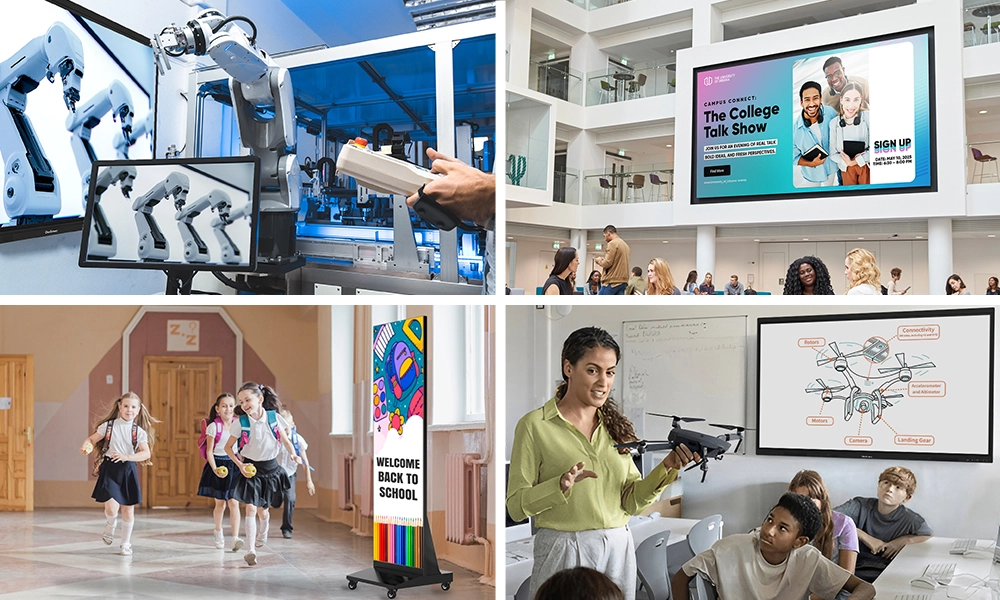






Walk into most offices today and you’ll notice something has quietly changed. The aging projectors and static whiteboards that defined conference rooms for two decades are disappearing. In their place — bright, responsive, touch-enabled screens that people actually want to use. If your team is still working around outdated display tech, it’s worth asking whether that’s costing you more than just convenience.
This guide covers what makes the best interactive displays for business, what to check before spending a dollar, and which interactive screens for business from OneScreen are worth serious consideration.
Table of Contents
Why Businesses Are Making the Switch
The case for interactive screens for business isn’t hard to make once you’ve seen the difference they create in a room.
Sales teams close faster when they can walk prospects through a live demo on a full-sized touchscreen instead of a cramped laptop. Training sessions stop feeling passive when participants can annotate, respond, and collaborate on the same display in real time. And remote participants actually feel included when a well-integrated display picks up their presence rather than treating them like an afterthought.
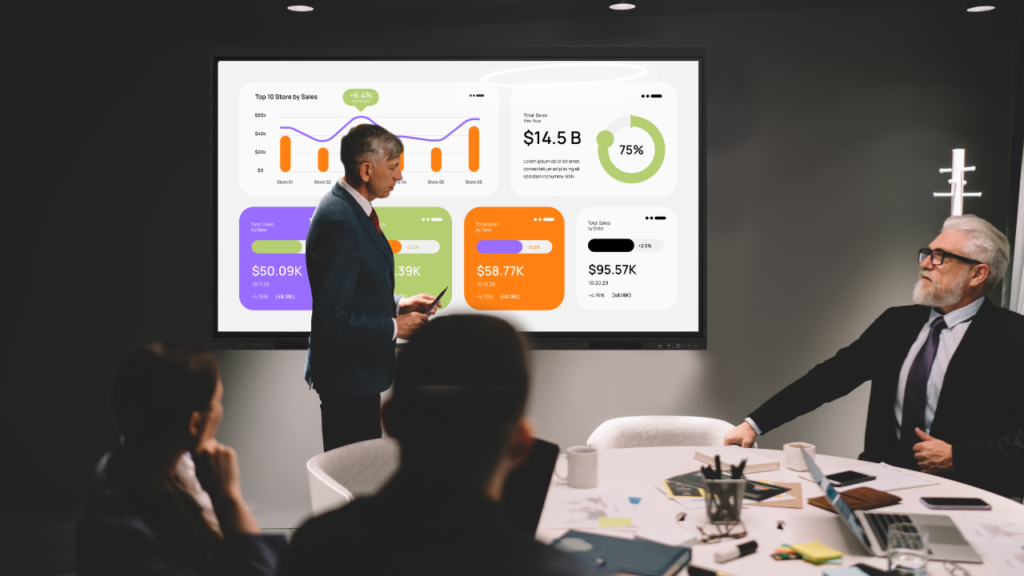
Interactive displays for business shift how information moves inside an organization — from something people watch to something they work with. That sounds simple, but the downstream effect on productivity and engagement is real.
What to Look for in an Interactive Display
Not every screen fits every environment. Before buying the right interactive display for business, it helps to slow down and think through the specifics.
Screen size and room dimensions — The farthest viewer from the screen determines the minimum useful size. A general starting point: for every foot of distance, add about an inch of screen diagonal. A conference room where the back row sits 20 feet away calls for at least a 75-inch display.
Touch technology — Most modern interactive screens for business use infrared or PCAP (projected capacitive) touch. PCAP tends to be more responsive and reliable for multi-touch use, which matters in high-traffic meeting rooms.
Connectivity and platform compatibility — HDMI, USB-C, wireless casting, and native integration with Zoom, Microsoft Teams, or Google Meet are baseline expectations now. Check these before anything else.
Built-in software — Some interactive displays for business run their own operating system (Android or Windows-based), which removes the need for an always-connected laptop. That reduces setup time and points of failure.
Commercial-grade durability — A display rated for 18+ hours of daily use is built differently than a consumer TV. If yours is going to be touched hundreds of times a day, this matters more than the spec sheet lets on.
Top Interactive Displays for Business from OneScreen
OneScreen has spent years building display solutions for real work environments — not just showroom demos. Their lineup reflects that focus on practical, reliable performance.
OneScreen Touchscreen Titan
The Touchscreen Titan is built for demanding environments where the display needs to perform through a full day of back-to-back use without slowing down or acting up.
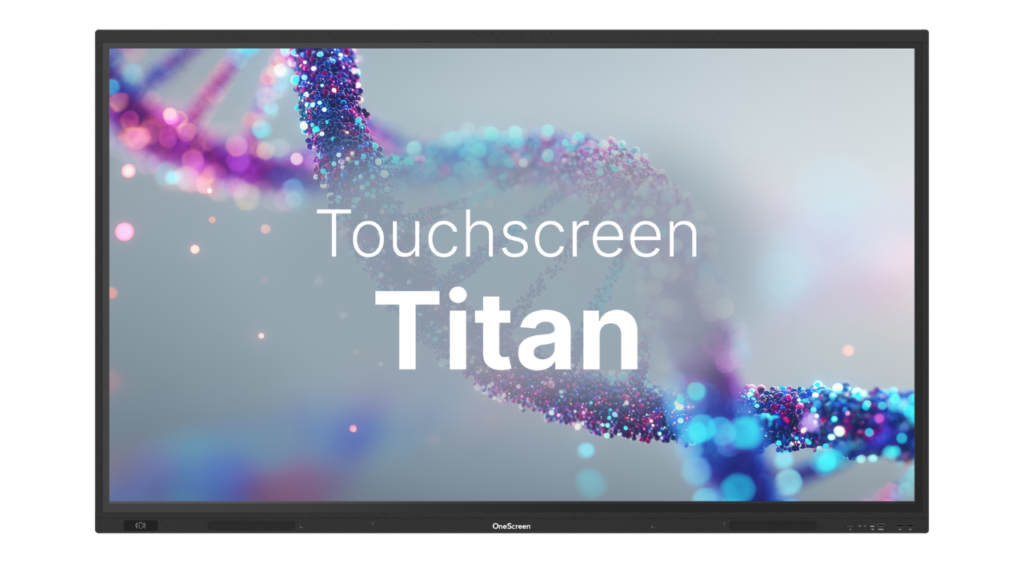
What makes it stand out as an interactive display for business is its multitasking capability. Running a video call, annotating a shared document, and pulling up reference material simultaneously is normal operation — not a stress test. Touch response feels immediate, and the hardware has a solidity to it that you notice the moment you start using it.
For organizations running client-facing presentations in the same room where the engineering team reviews architecture diagrams an hour later, this interactive display for business holds up across both contexts without missing a beat.
OneScreen Touchscreen T7
The Touchscreen T7 makes a strong case as one of the most accessible interactive displays for business currently available — accessible in terms of usability, not just cost.
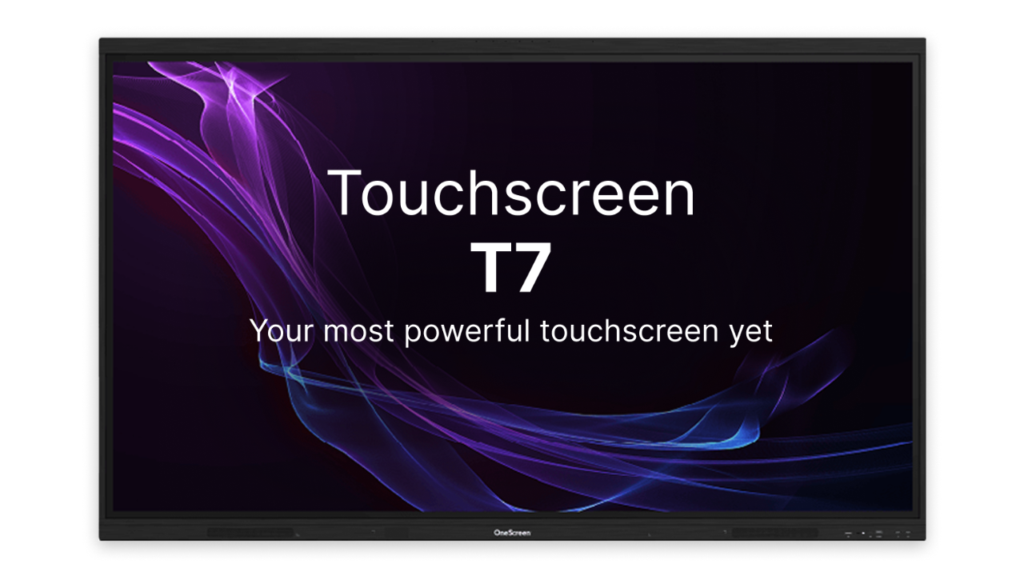
Wireless screen sharing, conferencing platform compatibility, and a setup that most team members can navigate without IT support — that combination is rarer than it should be. A display people don’t know how to use tends to get ignored, which wastes the investment entirely.
The T7 fits well in growing companies, mid-sized teams, and any environment where the priority is getting people up and running fast with interactive screens for business that don’t create new problems in the process of solving old ones.
OneScreen LED Video Wall
Some situations call for more than a single panel. Lobbies, event spaces, large training rooms, retail environments — when visibility and impact at scale are the goal, an LED video wall is in a different category than standard interactive displays for business.
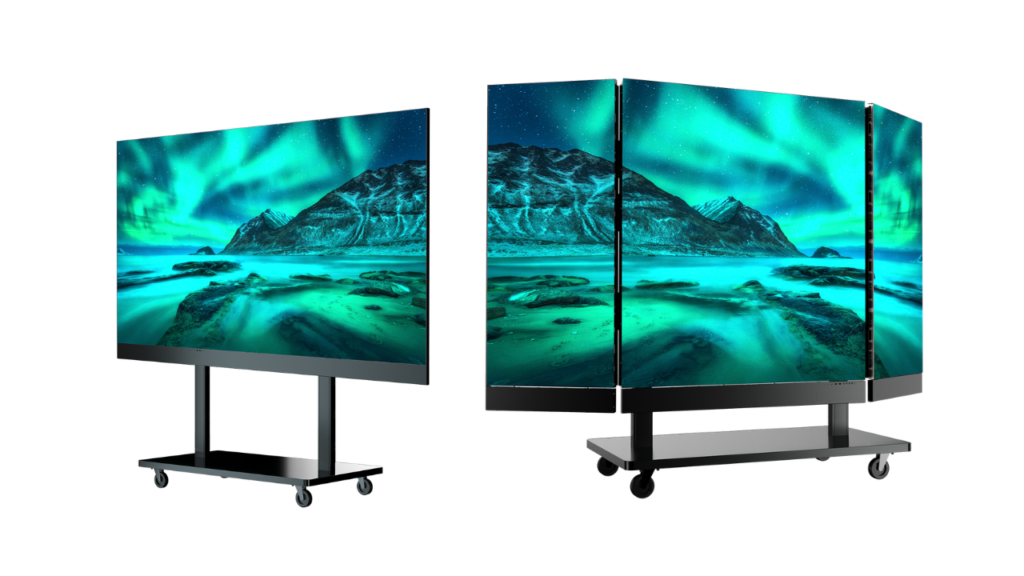
The OneScreen LED Video Wall is modular and configurable, so the dimensions can be adapted to fit the actual space rather than forcing a space to accommodate a fixed size. Brightness and contrast stay sharp even in rooms with high ambient light, and the pixel-level clarity holds up whether you’re displaying a detailed data dashboard or a brand visual meant to command attention from across a room.
For organizations that need their environment to communicate something — not just show information — this is one of the most versatile interactive screens for business in the OneScreen catalog.
Other Interactive Displays for Business Worth Knowing
OneScreen isn’t the only name in this space. A few other brands come up regularly in business procurement conversations — worth knowing before you make a final call.
- Samsung Flip Pro Samsung’s Flip Pro is a recognized interactive screen for business built around digital whiteboarding and team collaboration. Touch performance is reliable, and it integrates smoothly for teams already running Samsung hardware. It works well for annotation-heavy sessions, though heavy multitasking during live video calls can feel more constrained compared to purpose-built business display platforms.
- ViewSonic ViewBoard The ViewBoard series spans a wide range of sizes and price points, making multi-room deployments easier to budget. The Android-based interface is approachable, and wireless casting covers standard office needs well. For lighter daily use, it holds its own as an interactive display for business — though sustained high-traffic environments can push its performance ceiling.
- SMART Board MX Pro SMART Technologies has a long track record in collaborative display technology. The MX Pro delivers dependable annotation tools, broad conferencing platform compatibility, and a solid library of onboarding materials — helpful for teams that need structured support when rolling out new hardware. Pricing typically lands on the higher end of the market, so benchmarking it against OneScreen’s comparable options before purchasing is a practical step.
There’s a Guru for That — Anytime. Anywhere.
Most hardware vendors point you to a support page and leave you to figure the rest out yourself. OneScreen takes a different approach — and it’s genuinely one of the things that separates them from the competition.
Every OneScreen product comes with access to the There’s a Guru for That program — free, unlimited help and training, available 24/5. That’s not a trial or an upsell. It’s included, and it’s run by highly trained engineers who actually know the product.

What exactly can a Guru help with? Quite a bit:
- Troubleshooting issues and locating features you can’t find
- Device setup and initial configuration
- Unlimited training sessions for your team
- Assistance with subscriptions and service renewals
- Best practices for getting the most out of your display
- Processing and tracking repairs or returns
Getting in touch is just as easy as the support itself. Every OneScreen product and software application has a big green HELP 24/5 button built right in. Tap or click it, choose how you want to connect — chat, audio call, or video call — and you’re talking to a Guru. If you prefer, you can also reach out by phone or email without needing the button at all.
For teams on Windows or Mac desktops, there’s a downloadable Guru app that floats on your screen so help is always one click away. An Android version is available too, so support follows you to your phone or tablet when needed.
One thing worth noting: once your call or chat ends, the session closes completely. There’s no recording and no history log — which matters for businesses that are careful about privacy.
Whether you’re setting up a brand-new interactive display for business, onboarding a new team member on your interactive screens for business, or just trying to figure out why something stopped working on a Tuesday afternoon — there’s a Guru for that.
Frequently Asked Questions
What size interactive display do I need for my conference room?
Use viewing distance as your guide — roughly 1 inch of screen size per foot of distance to the farthest seat. Most mid-sized conference rooms land in the 75–86 inch range. Room lighting, seating layout, and the type of content displayed can all shift that recommendation up or down.
Are interactive displays for business compatible with Zoom and Microsoft Teams?
Most modern interactive displays for business — including both the Touchscreen Titan and the T7 from OneScreen — are designed with conferencing compatibility in mind. Check platform-specific certifications when comparing options.
How are commercial interactive screens different from consumer TVs?
Commercial interactive screens for business are built for high-frequency use, often support features like remote management and extended-hours operation, and carry durability specs that consumer displays simply don’t match. Running a consumer TV in a busy conference room tends to show its limits within a year or two.
Is an LED video wall considered an interactive display?
LED video walls can be configured with touch interactivity depending on the setup, making them a viable option as large-format interactive displays for business. Even without touch, they function as powerful display surfaces for lobbies, event spaces, and large presentation rooms.
Is the OneScreen Guru service free?
Yes — completely free and unlimited. The Guru program is included with every OneScreen interactive display for business at no charge. That covers unlimited training sessions, live support, and ongoing help for as long as you need it. There’s no trial period and no paid tier to unlock — it’s available 24/5 for all OneScreen hardware and software, right out of the box.
How do I reach a Guru?
The easiest way is through the big green HELP 24/5 button built into every OneScreen interactive display for business and software application. Tap or click it and choose how you want to connect — chat, text, audio call, or video call. For desktop users, a downloadable Guru app is available for both Windows and Mac, which floats on your screen for one-click access at any time. There’s also an Android app for mobile and tablet access. If you’d rather skip the button entirely, you can simply call or email the team directly — whatever works for you.
What can a Guru help me with?
Quite a lot. Whether you’ve just deployed a new interactive screen for business or you’ve had the hardware for a year, the Guru team handles troubleshooting and feature location, initial device setup and configuration, unlimited staff training, assistance with subscriptions and service renewals, best practice advice for daily use, and processing of repairs or returns. Each session is private — once the call or chat ends, the app closes and there’s no recording or history log kept on either end.
Conclusion
The best interactive displays for business aren’t just bigger or brighter than what came before — they change how teams communicate, how clients experience your brand, and how effectively your people work together day to day.
OneScreen’s lineup covers a wide range of real business environments. The Touchscreen Titan handles high-demand meeting rooms with room to spare. The Touchscreen T7 brings capable, user-friendly performance to growing teams as reliable interactive screens for business that people actually adopt. And the LED Video Wall gives organizations that need scale and presence a display solution that delivers both.
Figure out what your space actually needs, and the right interactive display for business becomes much easier to identify. Whether you choose the Titan, the T7, or go big with the LED Video Wall — and if you’re still not sure where to start — there’s a Guru for that.
