


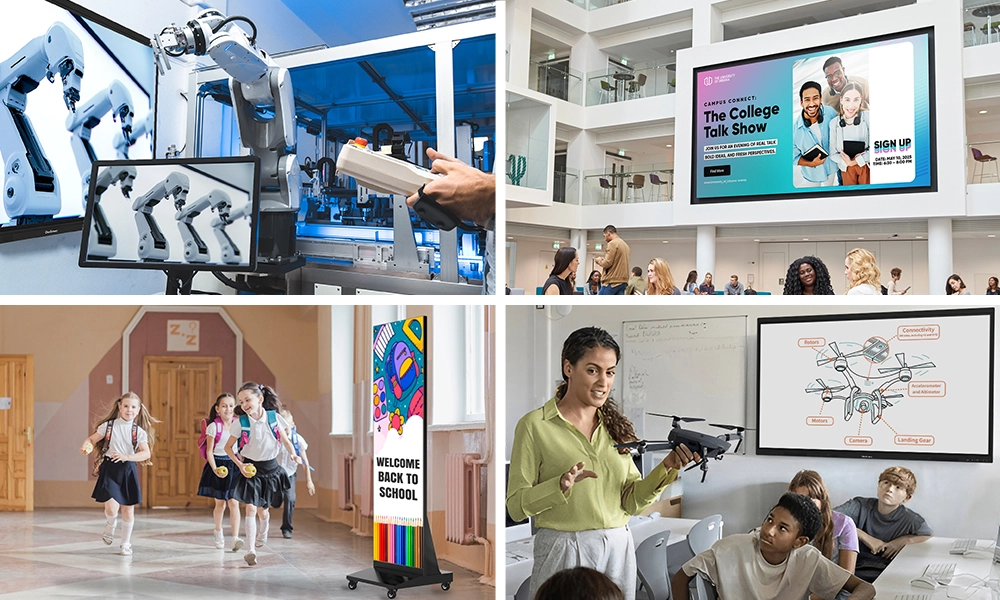






Quick Answer: An interactive smartboard is worth the investment when it does more than replace a dry-erase board. The models that pay off usually combine a 4K interactive flat panel display, low-latency touch, a built-in operating system, real software, and support that keeps the screen useful for years. OneScreen’s Touchscreen Core, T7, and Titan, plus its LED Video Wall range, are built around that idea, and every one ships with free, unlimited 24/5 GURU support.
Choosing a board is a bigger decision than it might seem. It stays on the wall for most of a decade, so it’s fair to ask: Is an interactive smartboard worth the money, or just a costly way to do what a projector and marker already can?
The honest answer depends less on the spec sheet than buyers might expect. Two panels can list nearly identical specs yet feel very different in everyday use—and the reason often doesn’t show up in the price.
Table of Contents
What Is an Interactive smartboard?
An interactive smartboard combines a screen, computer, and whiteboard in one large touchscreen display. You can write on the glass and control content with a finger or stylus, much like using a tablet mounted on the wall. In the AV industry, this product is often called an interactive flat panel display.
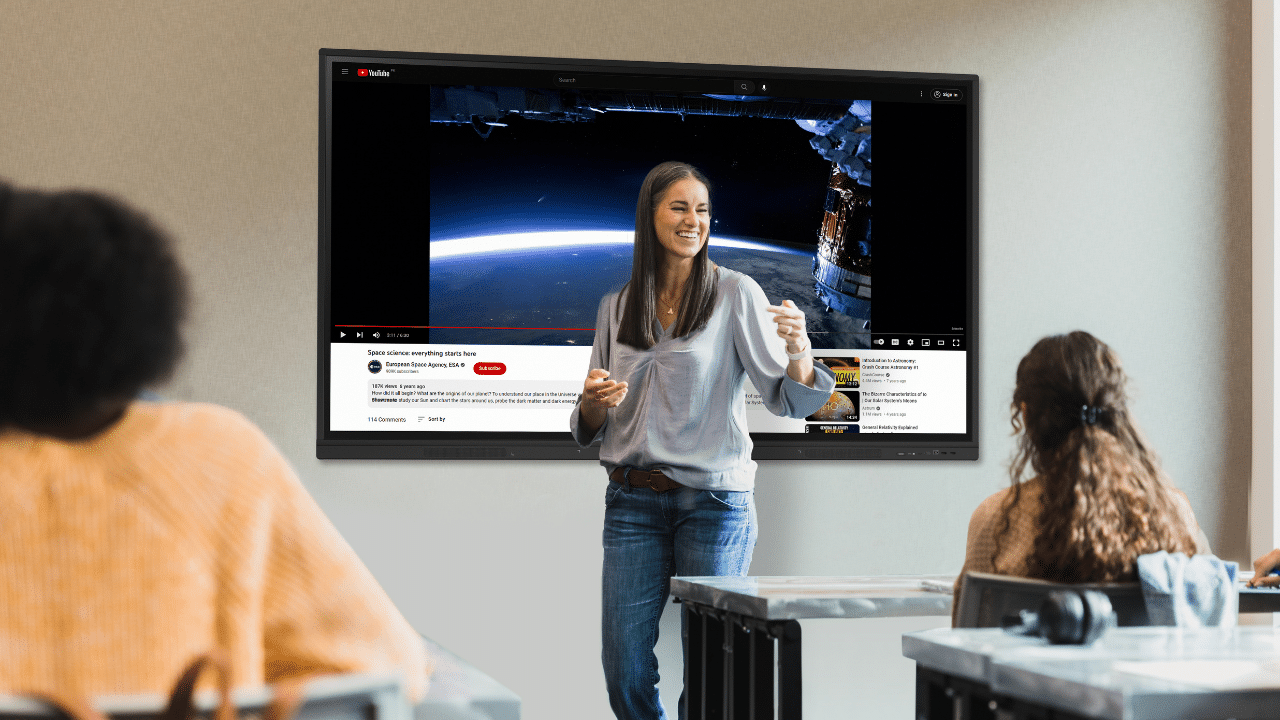
What sets it apart from a TV with a touch overlay is what’s behind the glass: a built-in operating system. Real processing power. Teaching or meeting software, plus wireless sharing from any device.
What Actually Makes an Interactive smartboard Worth the Investment?
The value is not the touchscreen itself. It is what the screen removes, replaces, and keeps doing for years. Five things tend to decide whether the money comes back.
1. It replaces three devices at once
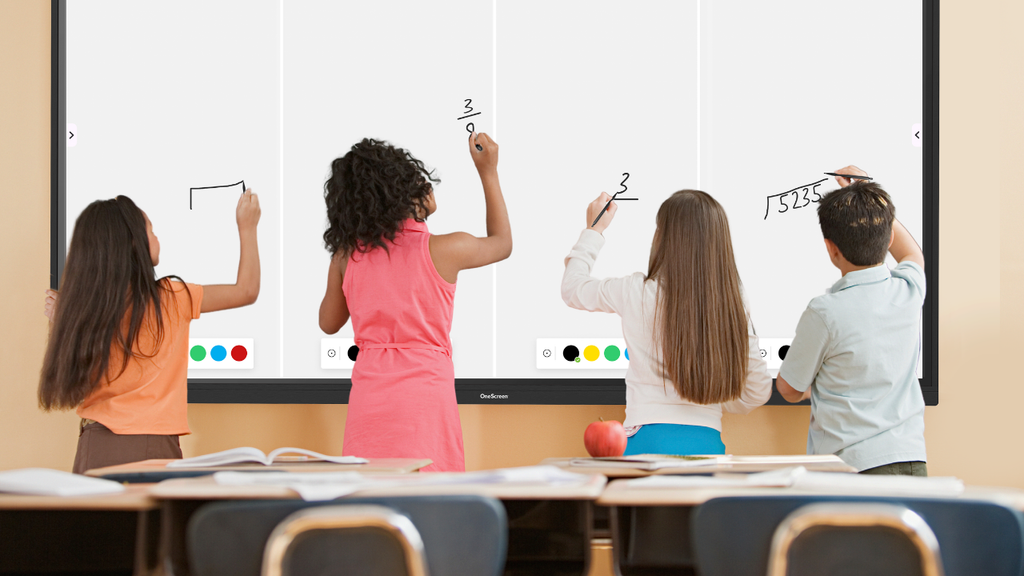
One interactive smartboard can replace a projector, a whiteboard, and often a room computer. No bulbs to replace, no dim images in the afternoon, and no printed worksheets or cart to fetch from down the hall. When one device does three jobs, running costs usually begin to drop right away.
2. Engagement that shows up in the room
Students touch, drag, and take part rather than simply watching a slide. Teachers who switch often say it feels almost impossible to go back to a static board. That increased participation is probably the clearest sign that the purchase is paying off.
3. A lower cost to own over time
Sticker price is the wrong metric to judge by. A good interactive smartboard has no consumables or bulbs and usually needs fewer service calls than a projector. Over a seven- to ten-year lifespan, running costs tend to be lower than the equipment it replaced. The cheaper board on Monday is often the more expensive one by year three.
4. A display and software built to last
This is where corners get cut: dim screens, laggy touch, an OS that’s a version behind, and software that stops updating within a year. A panel worth buying has a bright 4K interactive flat-panel display, touch accuracy of about a millimeter, and software that keeps improving after the sale. A screen that lasts a decade costs a fraction as much per year as one you replace every three years.
5. Support that protects the whole thing
Buyers underestimate this more than anything else. Every interactive smartboard works flawlessly during a demo. The real test comes at 10:15 on a Tuesday, when it stops working, and no one answers the phone. A board backed by reliable support gets used to its full potential. Without it, it ends up in a corner.
The OneScreen Lineup, Tier by Tier
OneScreen’s range covers most rooms and budgets, with a clear step up at each level.
Touchscreen Core
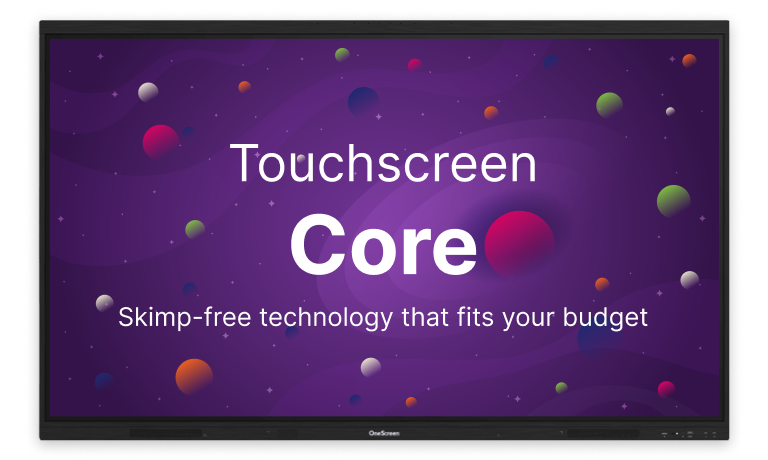
Touchscreen Core is the value choice for whole-building rollouts that need a reliable interactive smartboard without flagship pricing. It runs Android 14 and features a 4K LED display up to 98 inches, keeping per-room costs sensible when you buy a dozen.
Touchscreen T7
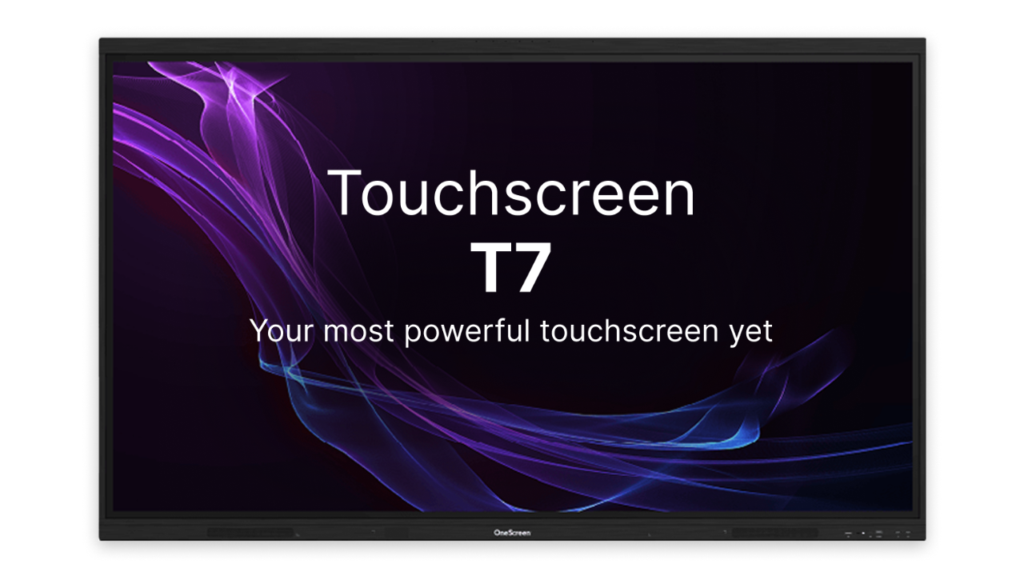
Touchscreen T7 is the everyday workhorse and probably the best choice for most rooms. It combines a 4K UHD interactive flat panel display with Android 15, Zero Bonding Gen 2 touch accuracy down to 1 mm with palm rejection, and powerful audio from dual 20 W speakers and a 25 W subwoofer.
Log in with NFC, QR, or single sign-on. Native apps like Lessn, Scrybe, and QuizWiz support planning, quizzing, and note-taking.
Touchscreen Titan
Touchscreen Titan is the flagship, billed as EdTech’s first Mini-LED smart screen. The display reaches up to 1200 cd/m², about three times brighter than a standard 400-nit panel, which helps in sunlit rooms where glare can swallow the lesson.
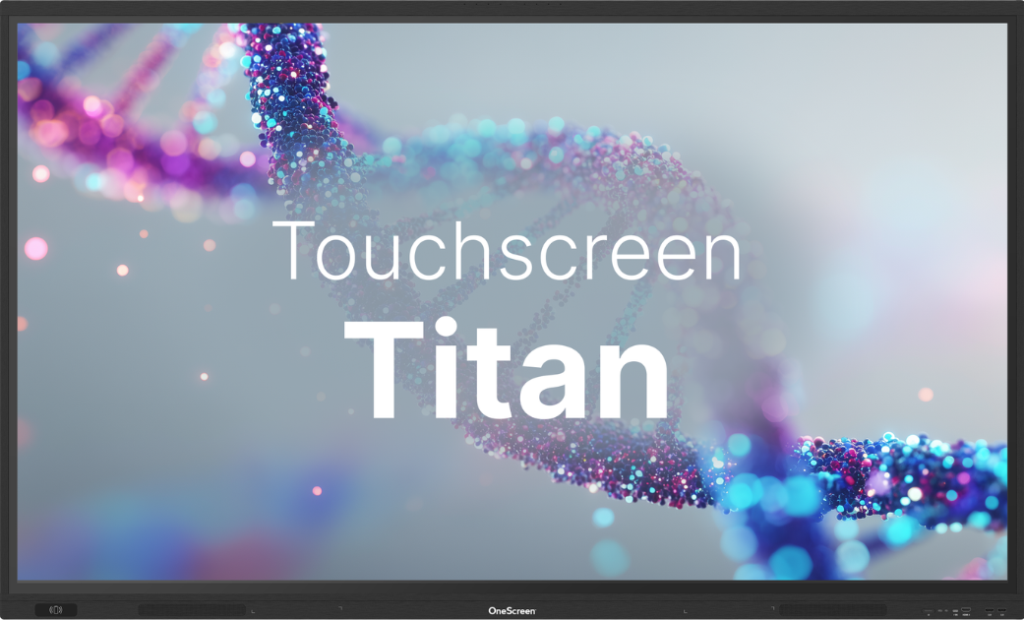
Under the hood, it runs Android 15 and features a 6 TOPS neural processor, 16GB of RAM, and 256GB of storage. It uses up to 30% less power than lower tiers and is rated for 50,000 hours. Its AI tools can plan lessons, translate lectures in real time, and summarize classes.
OneScreen LED Video Wall
When a room is too big for any single panel, the OneScreen LED Video Wall range takes over. It spans COB all-in-one walls (136 to 217 inches), modular panels (0.94 to 1.86mm pitch), a foldable version (110 and 138 inches), and stackable digital posters.
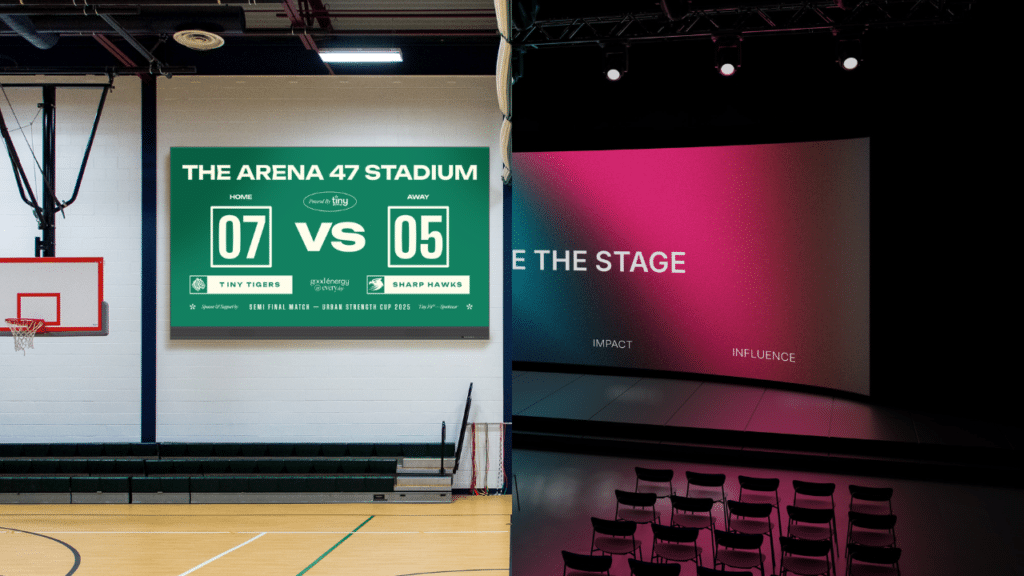
Every wall comes with Cloud Studio software, a three-year warranty, and expert installation. Cumberland County Schools used the range to build its “Dream Walls” command center, reportedly at about half the cost of the alternatives it considered.
Quick Comparison of the OneScreen Lineup
| Model | Best For | Display | OS | Touch | Sizes |
| Touchscreen Core | Value, whole-building rollouts | 4K LED | Android 14 | Multi-touch | Up to 98″ |
| Touchscreen T7 | The everyday room | 4K UHD LED | Android 15 | 1mm, Zero Bonding Gen 2 | 65″ / 75″ / 86″ |
| Touchscreen Titan | Bright, visual-heavy rooms | Mini-LED, up to 1200 cd/m² | Android 15 + neural chip | 1mm, pressure IR | 65″ / 75″ / 86″ |
| LED Video Wall | Lobbies, halls, big spaces | Large-format modular LED | Android / Windows | Optional multi-touch | 136″ to 217″+ |
Why Support Is the Part That Pays You Back
Here’s what determines whether an interactive smartboard earns its keep after you pay the invoice. Most manufacturers ship the board and move on, leaving you with generic help articles and a support queue.
OneScreen does things differently. Every product—from the Core to the Titan to the LED Video Wall—comes with free, unlimited 24/5 live GURU support. If a board acts up mid-lesson, you can reach a real person who can see your screen and guide you through the fix.
Not a chatbot. Not an offshore call center. A named expert who already knows your setup. When help is quick and free, people tend to use the whole product—and that’s usually where the return shows up. See how it works at There’s a GURU for That.
Frequently Asked Questions
Is an interactive smartboard worth the money?
It usually is, if you pick the right one. A quality interactive smartboard replaces a projector, a whiteboard, and often a room PC; it carries no consumables and tends to last seven to ten years, often costing less than the gear it replaced.
How long does an interactive smartboard last?
A well-built interactive flat panel display typically lasts seven to ten years, and many panels are rated for around 50,000 hours. LED and Mini-LED backlighting avoids the burnout that used to plague projector bulbs.
Does OneScreen include support with its boards?
Yes. Every OneScreen product, from the Core to the Titan to the LED Video Wall, includes free, unlimited 24/5 live GURU support at no extra charge, so a real person is reachable when a board acts up.
Final Thoughts
An interactive smartboard earns its price when it becomes the room’s focal point, not just a screen. Choose a size that fits the space. Look for a bright 4K display and natural touch, make sure the software keeps improving, and confirm that support means real help—not a phone tree.
OneScreen designed its range around those standards. The Core, T7, and Titan, along with the LED Video Wall line, are all backed by Cloud Studio and free 24/5 GURU support. The message is clear: this is a long-term partner, not a one-time sale. That’s a reasonable standard to apply to every interactive smartboard on your shortlist.
Want to see these boards in person? Visit OneScreen Solutions to book a demo.
