







PRODUCTIVITY · 2026 GUIDE
Meetings, lectures, and client calls move fast. The right AI note taker captures every word, summarizes the key points, and hands you action items before you have left the room.
| Quick answer: The best AI note taker in 2026 depends on where you work. OneScreen Scrybe is the best AI note taker for classrooms and in-person or hybrid meeting rooms, because it transcribes and translates live on a shared screen and personal devices at the same time. For virtual meetings, Otter.ai leads on real-time transcription, Fireflies.ai on searchable archives, and Fathom on its free plan. |
An AI note taker, also called an AI notetaker or AI note-taking app, is software that listens to a conversation, transcribes it in real time, and turns it into a clean summary with decisions and next steps. In 2026 the category has matured well past raw transcription.
The best AI note taker apps now identify speakers, translate across languages, let you ask questions about past meetings, and push notes into the apps your team already uses. An AI meeting note taker has effectively become a second set of ears that never gets tired and never misses a line.
This guide ranks the 10 best AI note taker apps of 2026 across free and paid plans, weighing each on real pricing, capture method, language support, and where notes end up. Some are built for Zoom and Google Meet; others are built for the room you are physically standing in, so you can match the right AI note taker to how you actually work.
Table of Contents
How to choose the best AI note taker
Before comparing features, the best AI note taker for you comes down to one question: where do your conversations happen? Most AI meeting note taker tools send a bot into a video call, which does nothing for a lecture hall, a training room, or a hybrid meeting where half the people are in the room. A few things to weigh:
Capture method. Bot-based tools join the call as a visible participant; bot-free tools record audio directly from the device. Since March 2026 Google Meet has flagged some third-party note-taking bots as a potential risk in the participant list, pushing many teams toward bot-free options for external calls.
Languages and destination. If your audience is multilingual, real-time translation matters more than a cleaner summary. And a transcript stuck in a standalone app is half the value: the best AI note taker pushes summaries into your drive, CRM, or workflow automatically.
Data privacy and region. If you operate in Europe or handle sensitive conversations, check where your audio is processed. GDPR compliance, EU-based servers, and clear data-retention rules separate a safe AI note-taking app from a risky one.
1. OneScreen Scrybe
BEST AI NOTE TAKER FOR CLASSROOMS & HYBRID ROOMS
OneScreen Scrybe is built for the conversations bot-based tools miss entirely: the ones happening in a real room. Scrybe transcribes speech in real time and shows live captions on the touchscreen and on every connected personal device at once, so nobody has to crane their neck or ask someone to repeat a point.
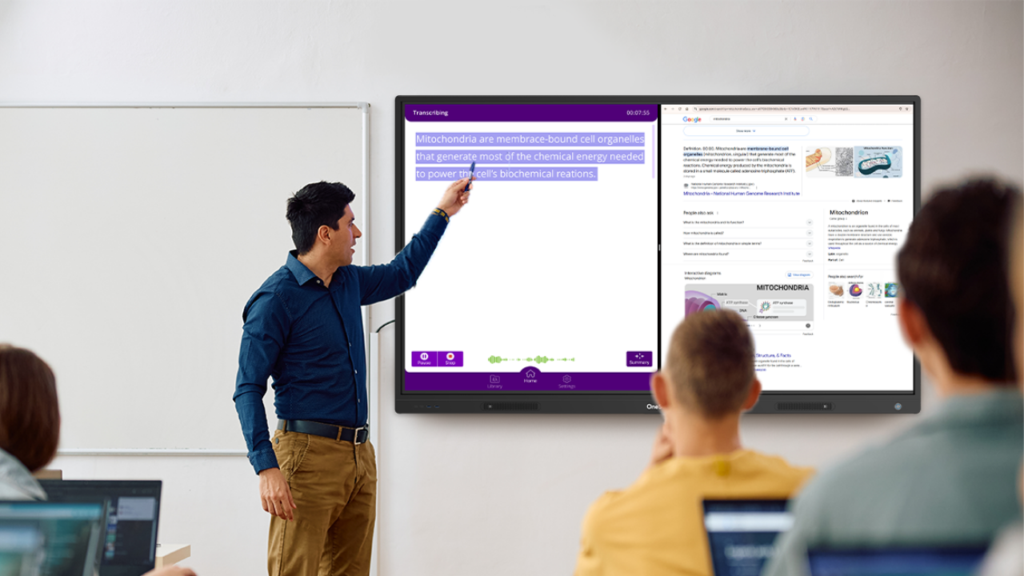
Its standout feature is live translation. Scrybe captions and transcripts can be translated on the fly into a wide range of languages, including English, Spanish, Arabic, French, German, Chinese, Turkish, Thai, Czech, Dutch, and Malay, so a student or colleague can read the discussion in their own language as it is spoken.
When the session ends, Scrybe produces an AI-assisted summary you can download as a PDF or send to Google Drive, and every transcript, translation, and recording lives in the app library. You can even set the dashboard itself to English, Español, or Arabic.
This makes Scrybe the best AI note taker for schools, universities, international teams, and any organization running multilingual or in-person sessions. If you hold bilingual meetings, run UX interviews in more than one language, or teach across languages, Scrybe captures and translates the room in real time.
It works on OneScreen touchscreens and on mobile, and only needs a microphone-equipped device. Because it is part of the OneScreen ecosystem, every plan includes 24/5 live GURU human support, not a chatbot.
Scrybe on PlayStore: Download
2. Otter.ai
BEST FOR REAL-TIME TRANSCRIPTION & COLLABORATION
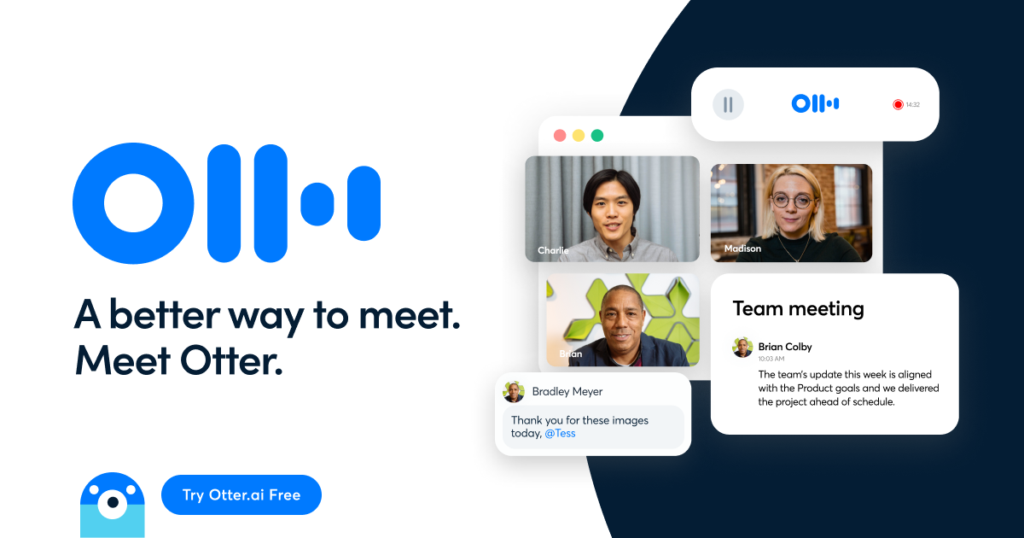
Otter helped define this category and remains one of the most polished AI note taker apps for live virtual meetings. It transcribes in real time, separates speakers, generates summaries, and its Otter AI Chat can answer questions across months of past meetings.
The free Basic plan includes 300 transcription minutes per month, with Pro from around $8.33 per user per month billed annually. The main catch is the minute cap on lower tiers.
3. Fireflies.ai
BEST FOR SEARCHABLE MEETING ARCHIVES
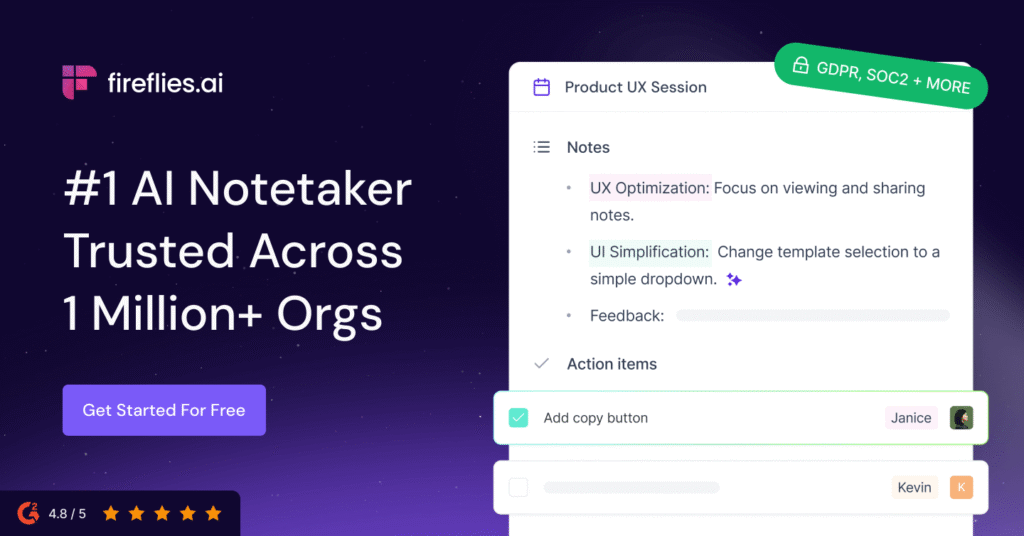
Fireflies is the AI meeting note taker of choice for teams that live in their old transcripts. It auto-joins calls, supports 100+ languages, and its AskFred assistant lets you ask questions about past meetings conversationally, returning answers with the moments they came from.
The free plan includes 800 transcription minutes of storage per seat, and Pro starts around $10 per user per month. Watch the AI credit system: advanced features like summaries and CRM autofill draw from a monthly pool that can run out fast.
4. Fathom
BEST FREE AI NOTE TAKER FOR INDIVIDUALS
Fathom has the most generous free plan in the category: unlimited recordings and transcriptions on Zoom, Google Meet, and Teams, with a handful of AI summaries each month at no cost. This AI note taker is clean and feels like a personal assistant for solo operators and founders.
Paid plans start around $19 to $20 per user per month and unlock custom summaries, action items, and Ask Fathom. It does not support file uploads.
5. Granola
BEST BOT-FREE OPTION FOR DESKTOP
Granola broke the category open by skipping the meeting bot entirely. This bot-free note-taking app runs quietly in the background on Mac and Windows, captures audio directly, and pairs your rough notes with an AI-enhanced version at the end.
It is fast, with sub-300-millisecond live transcription, and a favorite among people in back-to-back calls who do not want a visible participant in every meeting.
Pricing starts around $14 to $18 per user per month. It suits individuals more than knowledge-base-driven teams.
6. Notta
BEST FOR GLOBAL, MULTILINGUAL TEAMS
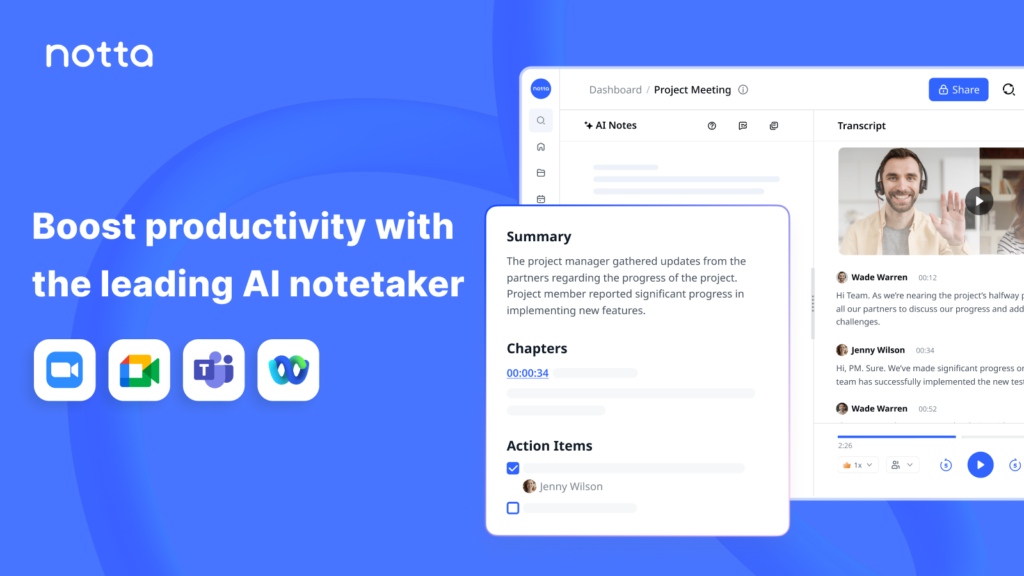
Notta is a strong AI note-taking app for organizations that work across borders, supporting 58 languages with reliable accuracy. It handles live transcription and file uploads and exports clean transcripts, making it capable note-taking software for global teams.
The free plan offers around 120 minutes per month, with Pro among the most affordable paid tiers at roughly $8.25 per user per month billed annually.
7. tl;dv
BEST FOR VIDEO CLIPS & CRM FOLLOW-UPS
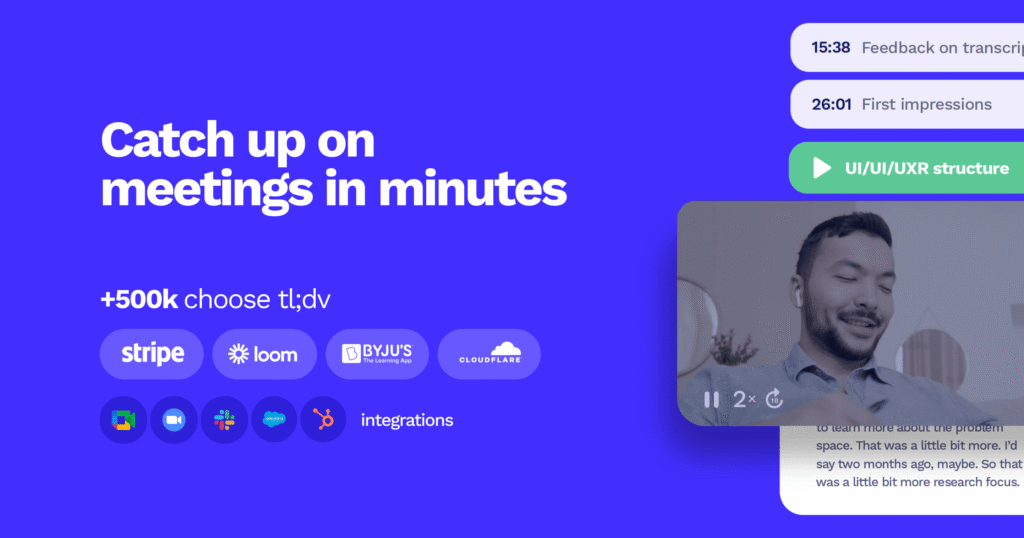
tl;dv is the AI note taker to choose when shareable video matters. This AI note taker pairs unlimited video recording on the free tier with AI summaries and timestamped highlights you can clip and share.
It offers both a bot recorder and a bot-free desktop capture mode, and connects to CRMs for sales follow-up. Paid plans typically run from around $18 to $29 per user per month depending on the feature set.
8. Jamie
BEST PRIVACY-FIRST, BOT-FREE ASSISTANT
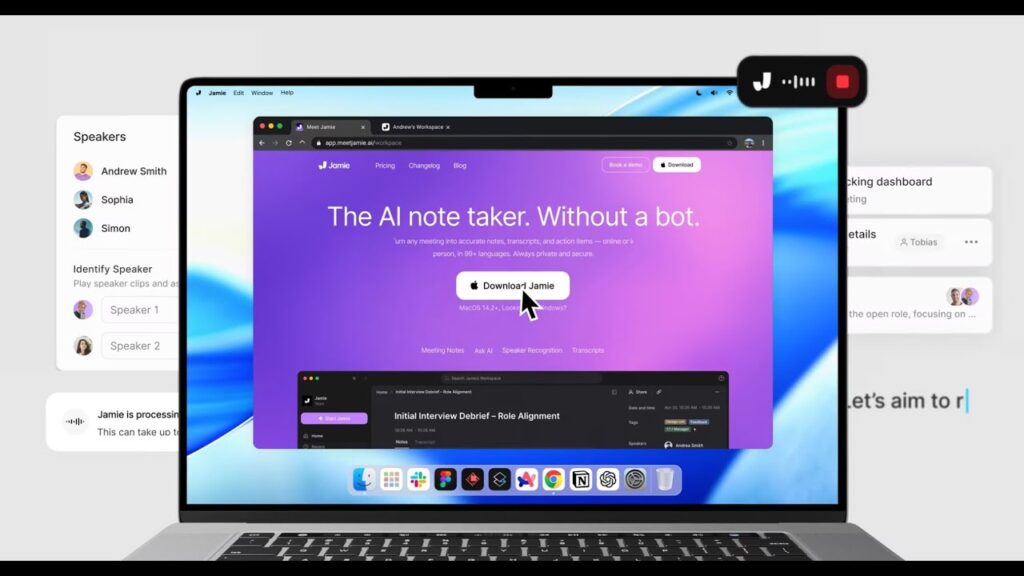
Jamie is a bot-free AI notetaker for Mac, Windows, and iOS that records audio directly from your device, so no participant ever appears in the call. It summarizes meetings in 100+ languages, learns speakers over time, and syncs to tools like Salesforce, HubSpot, Notion, and Asana.
For privacy-sensitive teams it is one of the best European AI meeting notetaker tools: GDPR-compliant, ISO 27001-certified, with audio processed on EU servers. Paid plans start around $24 per user per month.
9. Google NotebookLM
BEST FREE TOOL FOR RESEARCH & SYNTHESIS
NotebookLM is the outlier here, and it is completely free. Rather than capturing a live conversation, this AI note taker helps you make sense of notes, transcripts, PDFs, and source material together, answering grounded questions across everything you feed it.
It is less a live capture tool and more a research companion, ideal for students, strategists, and knowledge workers who need to connect meeting notes with documents.
10. Fellow
BEST FOR THE FULL MEETING LIFECYCLE
Fellow handles more than notes. This AI note taker manages structured agendas before the call, accurate transcription and AI notes during it, and an Ask Fellow agent that turns outcomes into follow-through afterward.
It was a top pick by Wirecutter for transcribing and summarizing meetings, and paid plans start around $9 per user per month. If your problem is that action items get captured but never move anywhere, Fellow is built to close that gap.
Free vs paid AI note taker apps at a glance
Here is how the ten best AI note taker apps compare on price and ideal use case at a glance.
| App | Best for | Free plan | Paid from |
| OneScreen Scrybe | Classrooms & hybrid rooms | Free | Free |
| Otter.ai | Real-time transcription | 300 min/mo | ~$8.33/user/mo |
| Fireflies.ai | Searchable archives | 800 min/seat | ~$10/user/mo |
| Fathom | Free individual use | Unlimited recording | ~$19/user/mo |
| Granola | Bot-free desktop | Trial | ~$14/user/mo |
| Notta | Multilingual teams | 120 min/mo | ~$8.25/user/mo |
| tl;dv | Video clips & CRM | Unlimited video | ~$18/user/mo |
| Jamie | Privacy-first capture | Limited free | ~$24/user/mo |
| NotebookLM | Research & synthesis | Fully free | On Request |
| Fellow | Meeting lifecycle | Free tier | ~$9/user/mo |
Prices reflect publicly listed 2026 rates and may vary by region and billing cycle.
The OneScreen apps that work hand-in-hand with Scrybe
Scrybe is strongest as part of a connected toolkit. Where most apps stop at the transcript, the OneScreen ecosystem carries a session from spoken word to summary to assessment, all on the same device.
| SuprNotes Creates a smart summary of any lecture or session, combining audio transcriptions, on-screen annotations, shared files, and videos into one clear set of notes. Explore → | Lessn An AI lesson-building companion that helps educators plan and structure lessons quickly, so prep time shrinks and class time grows. Explore → |
| QuizWiz A fun, easy-to-use quiz platform for classrooms, training, and team activities, with real-time feedback and customizable quizzes that boost engagement. Explore → | Scrybe Real-time transcription and live translation on the big screen and personal devices, with AI summaries you can export or share. Explore → |
Why OneScreen GURU changes the equation
Most AI note taker apps hand you a help center and a chatbot. OneScreen includes GURU, 24/5 live support from a real person who can see what is happening on your screen, take control if needed, and resolve the issue on the spot.
For a teacher mid-lecture or a host mid-meeting, that is the difference between continuing the session and losing it. GURU is included with all OneScreen products, so Scrybe is the rare AI note taker you are never left to troubleshoot alone.

Frequently asked questions
What is the best AI note taker in 2026?
For in-person and hybrid settings, OneScreen Scrybe is the best AI note taker because it transcribes and translates live on a shared screen and personal devices at once.
For virtual meetings, Otter.ai leads on real-time transcription, Fireflies.ai on searchable archives, and Fathom on its free plan. The best choice depends on where your conversations happen.
What is the best AI note-taking app?
For classrooms and hybrid rooms, OneScreen Scrybe is the best AI note-taking app because it captures and translates the room live. For virtual meetings, Otter.ai, Fireflies.ai, and Fathom are the strongest note-taking software options, and Notta is the most budget-friendly.
The best AI notetaker for you depends on where you meet and which languages you need.
What is the best AI note taker in Europe?
For European teams that need GDPR compliance, Jamie is a leading bot-free AI notetaker, with audio processed on EU servers and ISO 27001 certification.
OneScreen Scrybe suits multilingual European classrooms and meeting rooms with live translation across languages like French, German, and Dutch. Always confirm each vendor’s data-residency and retention terms for your region.
Which AI notetaker lets you ask questions about past meetings?
Fireflies.ai (AskFred) and Otter.ai (Otter AI Chat) both let you ask questions across past meetings and get answers drawn from your transcripts. Google NotebookLM does the same across uploaded documents and notes.
These are the best options if you want to query months of conversations in plain language.
What is the best AI note taker for multilingual or bilingual meetings?
OneScreen Scrybe is built for multilingual and bilingual meetings, transcribing and translating live into languages including English, Spanish, Arabic, French, German, and Chinese so everyone follows in their own language.
For virtual bilingual calls, Notta (58 languages) and Fireflies (100+ languages) are strong alternatives.
What is the best free AI note taker?
Fathom offers the most generous free plan, with unlimited recordings and transcriptions on Zoom, Google Meet, and Teams. Google NotebookLM is fully free for research, and OneScreen Scrybe offers a free trial so you can test live transcription and translation before buying.
What is the difference between an AI note taker and an AI meeting note taker?
The terms overlap. An AI note taker captures and summarizes any spoken content, including lectures and interviews. An AI meeting note taker specifically joins or records virtual meetings on platforms like Zoom and Teams.
Tools like Scrybe go further by capturing in-person and hybrid sessions that meeting-bot tools cannot reach.
Do AI note takers work for in-person meetings and classrooms?
Most do not, because they are built to join video calls. OneScreen Scrybe is designed for exactly this: it runs on a touchscreen or mobile device, captures speech in the room, and shows live captions and translations to everyone present, making it the best AI note taker for classrooms and physical meeting rooms.
Can an AI note taker translate in real time?
Yes. Scrybe translates live captions and transcripts on the fly into languages including English, Spanish, Arabic, French, German, and Chinese, so multilingual audiences can follow along in their own language. Notta and Fireflies also support broad language sets for global teams.
The verdict
There is no single best AI note taker for everyone, because the right tool depends on the room you are in. If your conversations are remote, Otter, Fireflies, Fathom, and Granola are all excellent.
But if you teach, train, present, or run hybrid sessions where people are physically present and possibly speaking different languages, OneScreen Scrybe is in a class of its own: it captures the room, translates in real time, summarizes with AI, and backs it all with live human GURU support.
Published 2026 · Pricing and features change frequently; confirm current details on each vendor’s website.
