


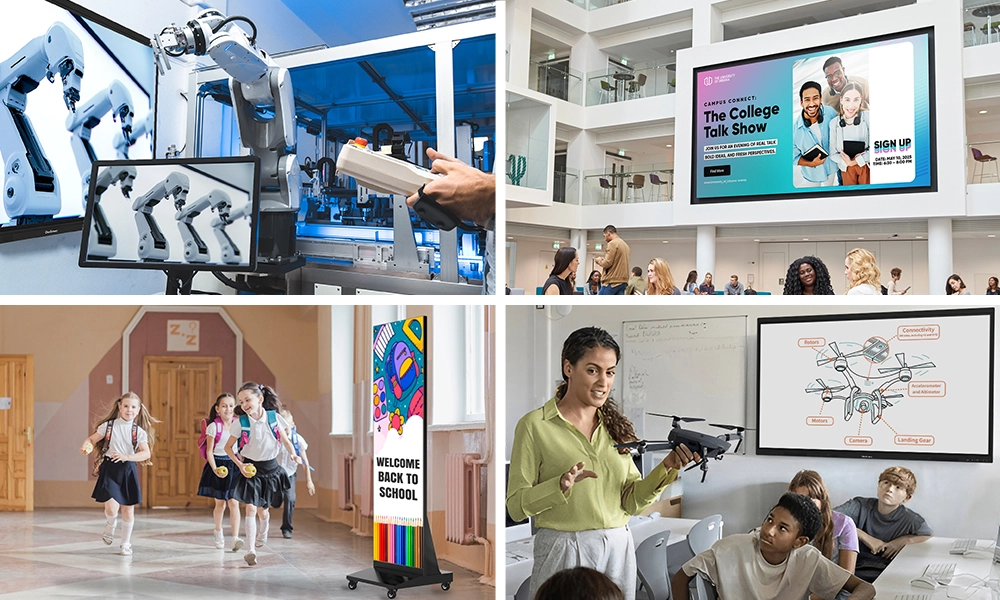






Walk into any classroom in 2026 and what’s the first thing you notice? Not the desks. Not the posters. It’s the giant interactive smart board at the front of the room — and how it’s quietly changed everything about how teachers teach and how kids learn.
Picking the right one, though? That’s where things get tricky. Brands have multiplied. Spec sheets read like alphabet soup. Price tags can haunt your budget for years if you choose wrong.
This guide cuts through the noise. You’ll find the ten best smart boards for classrooms in 2026, plus picks for elementary students, high schoolers, college students, and teachers.
Table of Contents
Quick Question — Do You Even Need One?
If your current setup works, don’t fix it. But ask yourself.
Are projector bulbs dying every six months? Are kids in the back row complaining they can’t see? Are teachers wasting planning periods on handouts that get tossed by Friday?
If you nodded along, a smart board for classroom use will pay for itself faster than you’d think. And kids genuinely pay more attention when the screen is interactive. Something about walking up and touching the lesson changes how their brains engage.
What Actually Matters When You’re Shopping for a Smart Board
Forget spec sheets. Here’s what separates a great smart board from a paperweight.
Size. Don’t go below 65 inches. For most rooms, 75″ or 86″ is right.
Multi-user touch. A board that handles only 10 touch points is single-user. Look for 20 minimum, 40 if you want students working together — critical for group activities.
Stylus support. If your teachers write a lot (math, science, language arts), stylus precision matters. Look for Vellum, IR-based, or capacitive stylus support.
Built-in OS. Boards with Android already installed are way less hassle. Walk in, turn it on, teach.
Toughness. Kids will lean, slam, and try writing with a Sharpie. Glass needs to handle abuse. Warranty should run 3 years minimum.
Integrations. Whatever you use — Google Classroom, Teams, Zoom — the board needs to support it natively.
The Top 10 Interactive Smart Boards for Classroom Use in 2026
Alright. Here’s the list, ordered on real classroom use, not what brochures say.
- OneScreen TouchScreen T7
- OneScreen Touchscreen Titan
- SMART Board MX Series (V4)
- Promethean ActivPanel 9
- ViewSonic ViewBoard IFP52
- BenQ Board RP04
- Samsung Flip Pro
- Newline FLEX
- Vibe Board S1 Pro
- Maxhub V6 Education
OneScreen TouchScreen T7
OneScreen T7 — Best Smart Board for Teachers Overall
The OneScreen T7 is the interactive smart board I recommend most. Nothing flashy — it just earned the spot. 4K display in sizes from 65″ to 86″, forty touch points (excellent for multi-user work), Android baked in, plus OneScreen Canvas — a whiteboarding app that doesn’t need a PhD. It’s also the best smart display for teachers who want something that works day one.
The real reason I keep coming back to the T7? OneScreen pairs you with a dedicated Guru, a real person, who handles onboarding and ongoing support. More on that below.
OneScreen Touchscreen Titan — Best for Large Classrooms & Auditoriums
If your space is bigger than a standard classroom, auditoriums, lecture halls, training rooms, the Touchscreen Titan was built for you. Same 4K visuals, smooth Android, 40-point multi-user touch. Difference is scale, bigger screen, louder audio. Same Guru program included.
OneScreen Touchscreen Core
The OneScreen Touchscreen Core adds EDLA certification — Google’s enterprise device licensing agreement — and comes loaded with AI-powered teaching tools: Lessn for lesson building, Scrybe for real-time transcription, QuizWiz for in-class assessments, and SuprNotes for collaborative note-taking.
Available at 65, 75, 86, and 98 inches with 40-point touch and 1mm touch accuracy, it’s an interactive digital screen purpose-built for schools already running Google Workspace for Education.
SMART Board MX Series (V4) — Best for SMART Ecosystem Schools
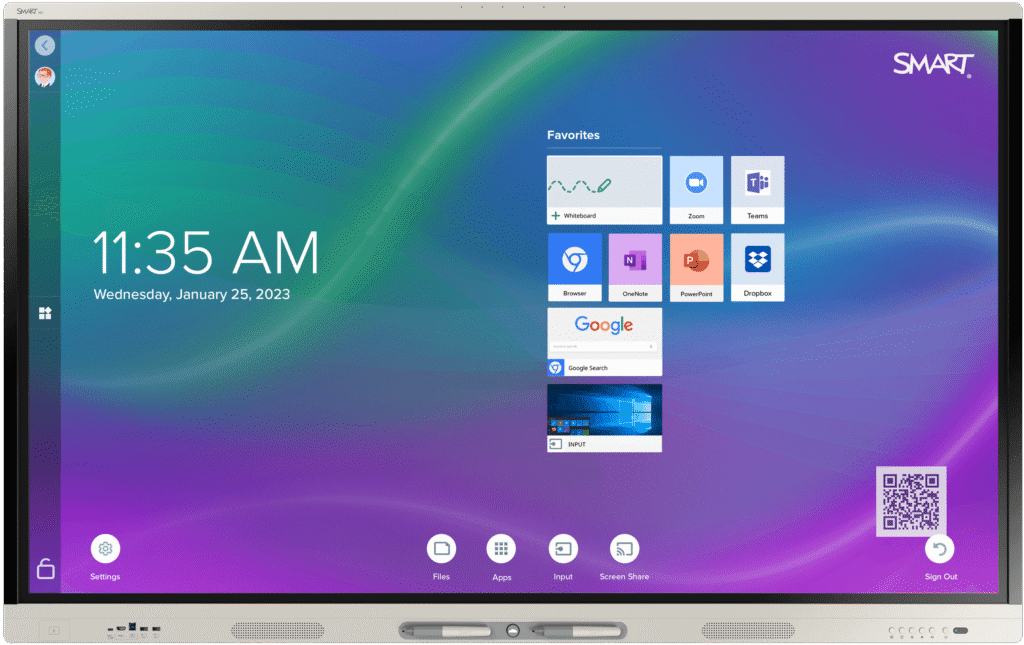
SMART’s been doing this since before “smart board” was a household term. The MX V4 is dependable, polished, and runs SMART Notebook — software thousands of teachers know cold. If your district has been a SMART shop for years, no reason to jump ship.
Promethean ActivPanel 9 — Best Stylus Support for Education
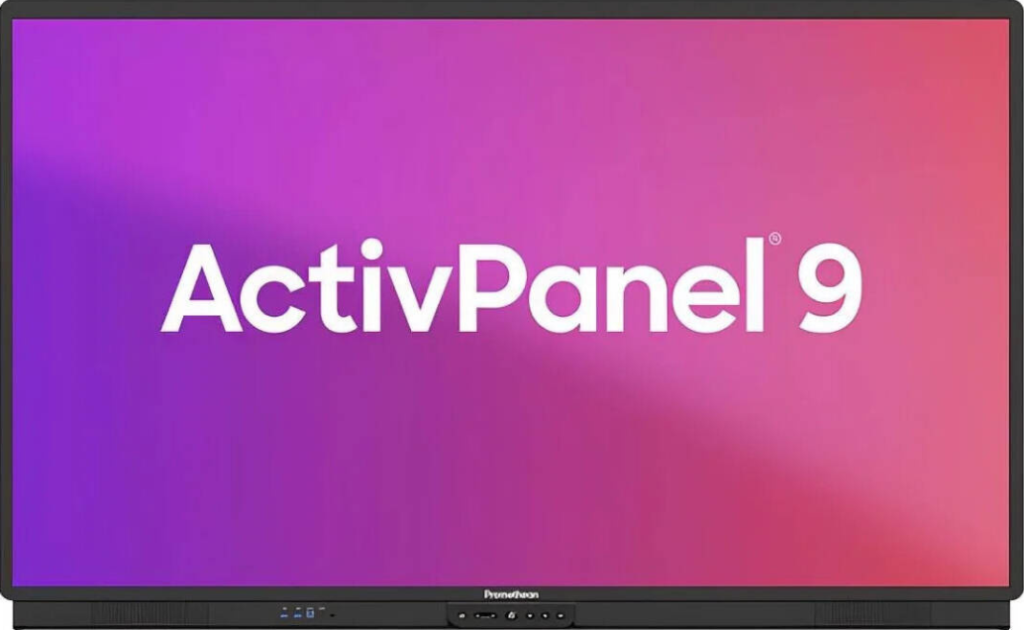
Promethean’s Vellum touch tech is almost lag-free with no skipped lines — making the ActivPanel 9 one of the best interactive displays with stylus support for education. Runs Android and Chrome side by side, huge for Google Workspace schools.
ViewSonic ViewBoard IFP52 — Most Affordable Interactive Display for Small Schools
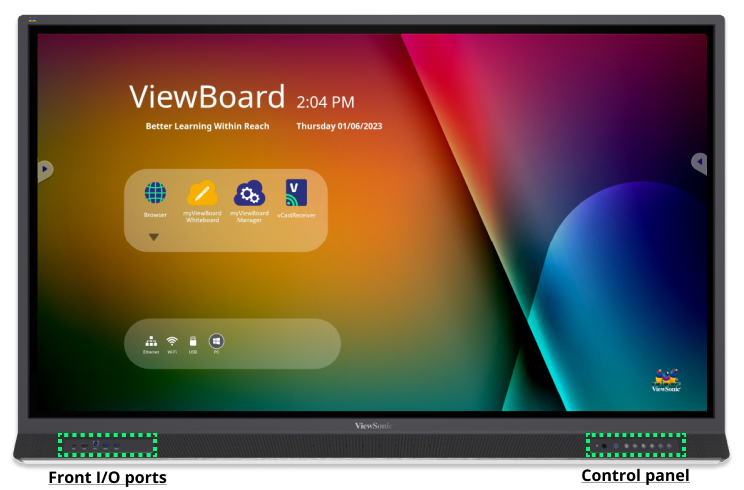
ViewSonic just makes solid, fairly priced smart boards. The IFP52 gives you 4K, 33 touch points, and myViewBoard software. For small schools looking for affordable interactive displays without cutting corners, this is your pick.
BenQ Board RP04 — Best Smart Display for Elementary Students
BenQ baked health features into the RP04 — an actual air quality sensor on the bezel, plus antibacterial coating and eye-care tech that reduces blue light. That makes it a strong pick as the best smart display for elementary students, where germs spread fast and screen time concerns run high. Also great for preschoolers.
Samsung Flip Pro — Best Smart Display for High Schoolers
Samsung knows displays. Writing feels natural, design is sleek enough that high schoolers actually treat it with respect, and Samsung Knox lets IT manage every board centrally.
Newline FLEX — Best Smart Display for College Students
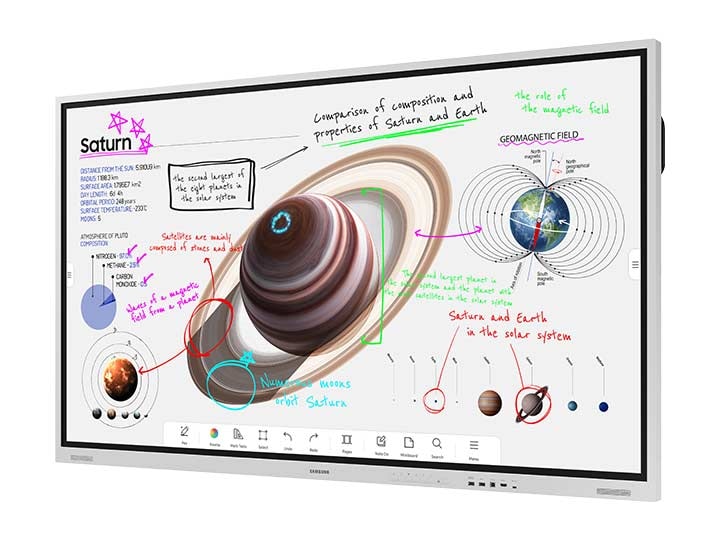
Modularity is the key idea. The Windows computing unit slides out — when it’s outdated in three or four years, you swap just the brain, not the board. That longevity makes it a smart pick for higher education and college classrooms, where Windows-based coursework rules.
Vibe Board S1 Pro — Best for Small Rooms & Seminars
Honestly, this is more a collaboration board than a classroom workhorse. For seminar rooms, college breakouts, or small-group brainstorming, the Vibe S1 Pro shines.
Maxhub V6 Education — Best Budget Interactive Smart Board
When the budget is brutal and you’ve got a dozen rooms to outfit, the Maxhub V6 saves the day. It nails basics — 4K, 20 touch points, Android — at a price that won’t make your CFO weep.
Quick Comparison Table
| Board | Screen Sizes | Touch Points | Built-In OS | Best For |
| OneScreen T7 | 65″–86″ | 40 | Android | All-round classroom use |
| OneScreen Touchscreen Titan | 65″–86″ | 40 | Android | Large classrooms & auditoriums |
| SMART Board MX V4 | 65″–86″ | 20 | Android | SMART ecosystem schools |
| Promethean ActivPanel 9 | 65″–86″ | 20 | Android + Chrome | Google Workspace districts |
| ViewSonic IFP52 | 55″–86″ | 33 | Android | Budget-friendly value |
| BenQ RP04 | 65″–86″ | 40 | Android | Health & air quality focus |
| Samsung Flip Pro | 75″–85″ | 20 | Tizen | Samsung/Knox-managed fleets |
| Newline FLEX | 65″–86″ | 40 | Windows | Future-proof modularity |
| Vibe S1 Pro | 55″–75″ | 20 | Vibe OS | Small rooms & seminars |
| Maxhub V6 Education | 65″–86″ | 20 | Android | Tight budgets, bulk orders |
Best Smart Boards by School Level
Different age groups need different features.
Elementary school: BenQ RP04 or OneScreen T7. Health features and durable touch matter most for younger kids.
High school: Samsung Flip Pro or OneScreen T7. Slim design and strong central management for teens.
College students: Newline FLEX or OneScreen Touchscreen Titan. Long-term modularity and lecture-hall scale.
Homeschool: OneScreen T7 (65″) or Vibe S1 Pro. Compact, easy to set up.
K-12 districts: OneScreen T7 across the board. Consistent hardware plus Guru support makes district-wide rollouts painless.
Let’s Talk About OneScreen’s Guru Program
It sounds like a marketing gimmick until you’ve been through it.
Dirty secret of the smart board industry: most schools buy a board, install it, and watch it turn into an expensive bulletin board because nobody trained the teachers. Six months in, the tech sits unused.

OneScreen fixed this by building the Guru program. Buy a OneScreen product and you get matched with a specific person whose job is making sure your school uses the technology. They handle install, train teachers at their pace, and stick around long-term.
When something breaks, you don’t call a 1-800 number. You email your Guru. By name. They know you, they know your setup, they fix things fast.
That’s the difference between buying a board and buying a working solution. Read more at the OneScreen Guru page.
FAQs
What is an interactive smart board, exactly?
Imagine a giant tablet stuck to your wall. You touch it, write on it, run apps, cast your laptop to it — no separate computer needed.
What smart board is best for teachers?
OneScreen T7. Intuitive OS, all-in-one Android (no laptop needed), and the Guru training program means teachers actually learn to use it.
Which smart boards support multi-user touch input?
For real multi-user work, look for 20+ touch points minimum. The OneScreen T7, Touchscreen Titan, BenQ RP04, and Newline FLEX all support 40 simultaneous touches — multiple students can write at the same time.
What are affordable interactive displays for small schools?
The ViewSonic IFP52 and Maxhub V6 Education are the two most budget-friendly picks. Both deliver 4K, Android OS, and solid warranties. For volume orders, ask OneScreen about T7 education pricing — often more affordable than expected.
What’s a realistic budget for a classroom smart board?
$2,000 to $8,000+ per board. Bigger screens and premium features cost more. Volume gets you a deal — OneScreen offers school-specific pricing, so always ask.
What size smart board should I get
For a 20–30 student classroom, go 75″ or 86″. Smaller seminar rooms can get away with 65″. Walk to the back, pretend you’re a student. Can you read everything? If not, size up.
Do I have to plug a computer into a smart board?
Nope. The OneScreen Touchscreen T7 (and most modern boards) runs Android on its own — turn it on and go.
What are the best interactive displays with stylus support?
Promethean ActivPanel 9 (Vellum tech) leads on writing feel. OneScreen T7 and SMART Board MX V4 offer excellent stylus response too. Avoid boards that only advertise “finger touch” if your teachers write a lot.
How many years will it last?
Realistically 7 to 10. LED screens don’t burn out like old projectors. Most makers offer 3- to 5-year warranties.
Will a smart board work with Google Classroom and Microsoft Teams?
Yep. Android boards install Google Classroom directly. Teams and Zoom run in the browser or as apps. Wireless casting from Chromebooks, iPads, laptops is standard.
Why does everyone talk about OneScreen’s Guru program?
Because most tech companies treat support as a cost center. OneScreen treats it as their entire value proposition. A named human who knows your school — that’s rare. It’s the difference between a board that gets used and one that gathers dust.
Wrapping This Up
The “best” interactive smartboard for classroom use isn’t the one with the longest spec sheet — it’s the one your teachers will actually use every day for the next ten years.
Honest take? The OneScreen T7 wins for most schools. Well-built, reasonably priced, Guru support makes it almost impossible to fail. Bigger spaces? Touchscreen Titan. Tight budget? Maxhub V6.
Whatever you pick, don’t decide alone in a boardroom. Get teachers involved. Get demos into real classrooms. Ask uncomfortable questions about post-sale support.
Want to see what OneScreen’s interactive smartboards can do? Head to OneScreen Solutions and ask for a demo.
