








Quick Answer: To choose an LED wall display, work through seven checks in order: figure out where it’s going and how close people will stand, match the pixel pitch to that distance, set brightness for the room’s light, size the wall and its resolution to the space, confirm the refresh rate and processing (especially if cameras are involved), pick content software you’ll actually use, and lock down installation, warranty, and support. Nail those and your LED wall looks flawless from the front row to the back. The OneScreen LED Video Wall range covers every form factor — COB modular, foldable, digital poster, and custom — each shipping with expert installation, an advanced 3-year warranty, and free, unlimited 24/5 GURU support.
An LED wall display looks like an easy purchase until you dig into the spec sheets. Every option glows in the demo; the hard part is knowing which numbers actually matter for your room, your content, and your budget — and which ones a salesperson hopes you won’t ask about.
The good news: choosing an LED wall display comes down to a short list of decisions made in the right order. Get the order right, and each choice narrows the next. Get it wrong, and you end up with a wall that’s too fine for the distance, too dim for the light, or too complicated for anyone to run. Here are the seven things to check before you commit.
Table of Contents
How to Choose an LED Video Wall Display
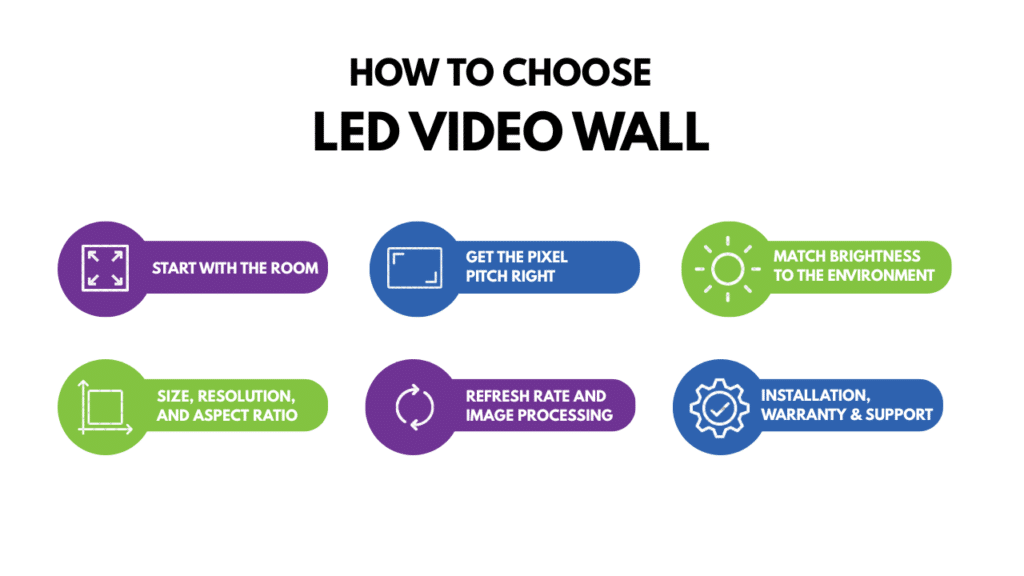
1. Start with the room, not the screen
The most common mistake is shopping for a screen before studying the space. Where the LED wall lives decides almost everything else. How far is the nearest viewer, and the farthest? A boardroom where people sit three meters back, a lobby they walk past, or a stadium seen from a hundred feet? Windows pouring in daylight, or a dim control room?
Write those answers down before you look at a single product. Viewing distance sets your pixel pitch, ambient light sets your brightness, room dimensions set your size. Almost every spec of an LED wall flows from how and where people see it — which is why the room comes first.
2. Get the pixel pitch right
Pixel pitch is the distance in millimeters between two neighboring LEDs, and it’s the single number that decides how sharp your LED wall display looks. Smaller pitch packs pixels closer, so the image stays crisp up close, but costs more. Bigger pitch is cheaper and fine when viewers stand farther back.
The rule of thumb is simple: roughly 1mm of pixel pitch for every 8 feet of comfortable viewing distance. A P1.5 panel looks clean from about 12 feet; a P2.5 wants 20 feet or more. Here’s how that plays out:
| Pixel pitch | Best viewing distance | Typical use |
|---|---|---|
| P0.9 – P1.2 | Up to ~10 ft | Boardrooms, premium lobbies, broadcast |
| P1.5 – P1.8 | ~12–15 ft | Meeting rooms, retail, command centers |
| P2.5 – P3.9 | ~20–30 ft | Large venues, auditoriums, houses of worship |
| P4 and up | 30 ft+ | Stadiums, outdoor billboards |
The trap is over-buying resolution nobody will notice. If people stand 25 feet away, a fine-pitch LED wall wastes money on detail their eyes can’t resolve. Match the pitch to the distance, and you spend where it counts.
3. Match brightness to the environment
Brightness is measured in nits, and it fights whatever light is already in the room — a panel that’s too dim just looks washed out. An indoor LED wall in normal lighting usually looks great at 800 to 2,000 nits; near a window or on a bright retail floor, you’ll want more. Outdoors or in direct sun, it needs to climb past 5,000 nits to stay readable.
Environment also decides durability. An outdoor LED wall needs a proper IP rating against dust and rain, plus thermal design for heat; in a gym or busy public space, ask about impact resistance too. Brightness that matches the light and a build that matches the conditions keep the picture looking intentional, not accidental.
4. Size, resolution, and aspect ratio
Because an LED wall display is modular, you’re not stuck with fixed TV sizes — you build it from cabinets to fit your wall. That freedom means thinking in two directions at once: physical size and pixel resolution.
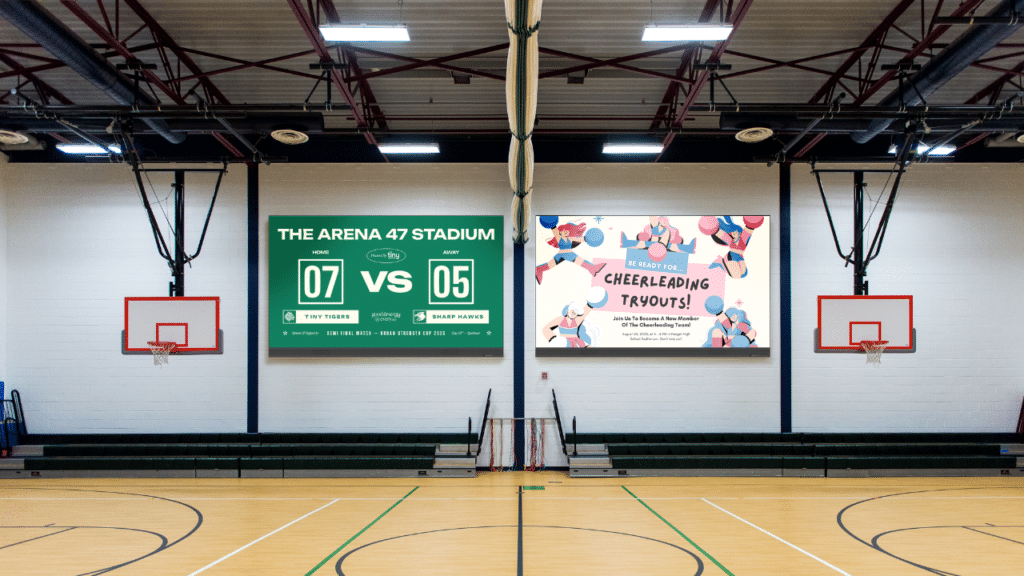
Size the wall to the room first: a good rule is that screen height should be about a sixth of the distance to your farthest viewer, so everyone can read it. Then check the resolution the finished LED wall produces. Content looks best mapped to standard formats like 16:9 or true 4K, so your source fills the display without stretching or black bars. Sketch the exact cabinet grid before you order — a wall one module short of 4K can’t be fixed later.
5. Refresh rate and image processing
Refresh rate is the spec people skip until it bites them. For a wall only humans look at, a standard rate is fine. But the moment a camera enters — a broadcast, livestream, or hybrid meeting — a low refresh rate shows up as flicker and rolling bands in the footage. If cameras will ever point at your LED wall display, insist on 3,840Hz or higher.
Processing matters just as much. The video processor spreads your source across every panel and handles scaling, color, and multiple inputs. Good processing means smooth motion, accurate color, and multiple sources at once; weak processing means lag and mismatched tiles—the difference between an LED wall that feels like one screen and a grid pretending to be one.
6. Content and control software
Hardware is only half of an LED wall — the other half is what plays on it. A stunning wall running stale content, or one that needs an IT ticket to update, wastes its own potential. Ask how content gets on the screen: is there a real content management platform? Can you schedule playlists, push updates remotely, and manage several displays from one place?

The best setups let a non-technical person build and schedule content in minutes, with ready-made templates and links to the tools your team already uses. If updating the wall feels like a chore, it won’t get updated — and a neglected display stops earning its keep fast.
7. Installation, warranty, and support
This last check is the one buyers underrate most, because it lives after the purchase. An LED wall display is a five-to-ten-year investment, and those years hinge on who stands behind it. Who handles delivery and installation? What does the warranty cover, and for how long? When a module misbehaves on a busy morning, how fast can you reach real help?
Think in total cost of ownership, not sticker price: installation, software, spare parts, power, and support all add up over a decade. A wall that’s cheaper today but strands you later is no bargain — this is exactly where a strong support program turns a good LED wall into a stress-free one.
OneScreen: an LED wall display built for every one of these checks
Run those seven checks against the OneScreen LED Video Wall range, and it holds up on each. Instead of one fixed product, OneScreen offers a form factor for every room and use case.
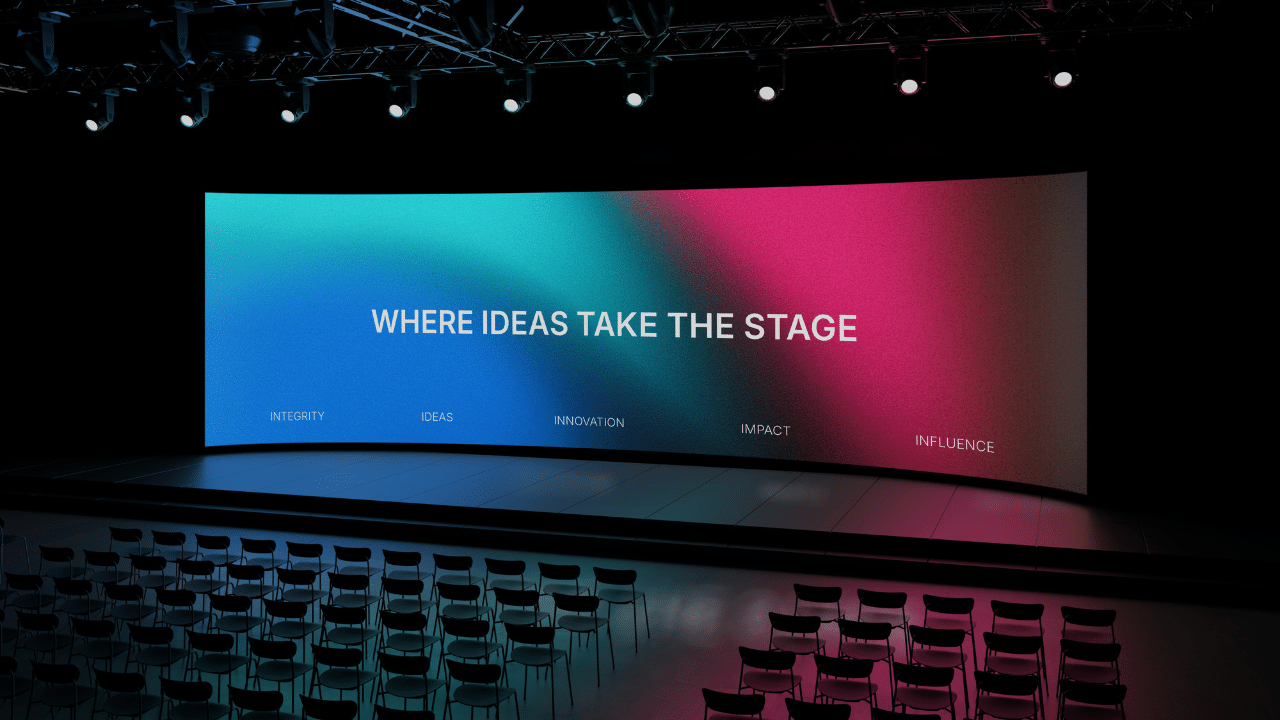
The LED Modular Video Wall is the “built to spec, built to shine” workhorse — COB flip-chip panels for indoor or outdoor use, wall- or cart-mounted, dust- and splash-protected, with an onboard Android controller. It delivers 4K clarity from 27″ and 54″ modules at pixel pitches from 0.94mm to 1.86mm, so you can match resolution to your distance. The LED Foldable Video Wall is the all-in-one portable option in 110″ and 138″ sizes, plug-and-play for teams on the move.
The LED Digital Poster ships pre-assembled as bright mobile signage that stands alone or stacks into a larger wall. LED Custom Video Walls are tailor-made—standard or custom, indoor or outdoor, turnkey and managed end to end. We also offer specialty builds: sports scoreboards above 5,000 nits, seamless curved walls, and ball-strike-resistant panels for gyms.
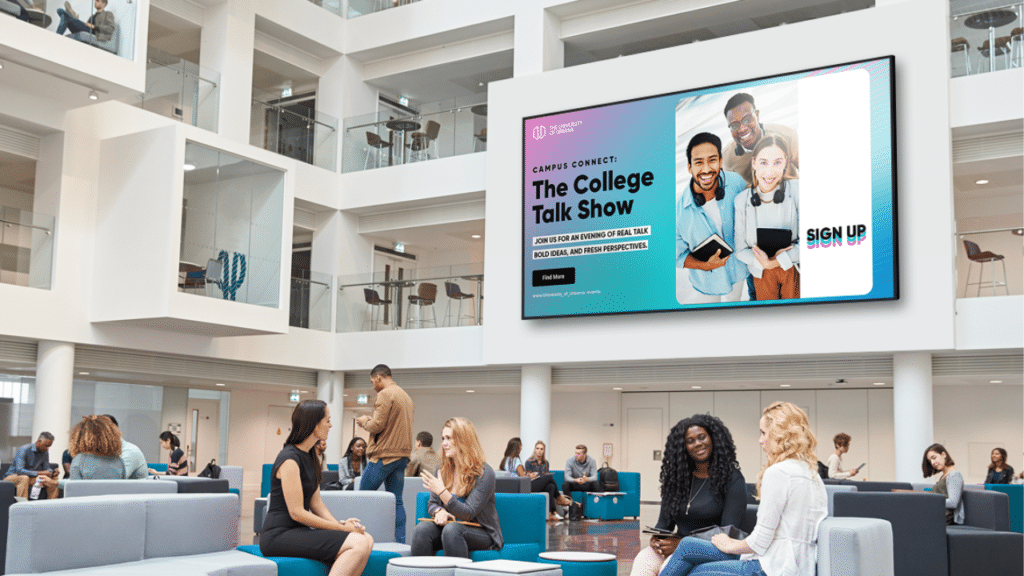
On software, every OneScreen LED wall arrives with a year of Cloud Studio, the cloud-based platform for scheduling, device management, notifications, and analytics from anywhere — with 200-plus templates and direct links to YouTube, Instagram, X, Facebook, and Canva.
On installation and support, every OneScreen wall ships with expert delivery and installation, an advanced 3-year warranty, and free, unlimited 24/5 GURU support — live help and training, no subscription, no per-call fee. GURU is the same live service behind the entire OneScreen catalog.
“When Cumberland County Schools built their “Dream Walls,” they turned a plain command center into a real collaboration hub. Their CTO, Chris Young, put it plainly: the quality was unmatched, at nearly half the cost of the alternatives — top-tier build without the top-tier headache.”
FAQs
How much does an LED wall display cost?
It varies with pixel pitch, size, and install complexity. A small indoor LED wall (say 4m × 2m at P2.5) generally starts around $15,000 to $30,000, while large outdoor or fine-pitch broadcast walls run from $80,000 to $ 500,000+. Get an itemized quote covering panels, controller, mounting, power, and installation — the hidden extras are where budgets blow up.
How long does an LED wall display last?
Commercial-grade panels are rated for 80,000 to 100,000 hours — about 10 to 12 years at heavy daily use. Real lifespan depends on brightness settings, environment, and maintenance, which is why installation quality and support matter as much as the panel itself.
Is an LED wall display better than an LCD video wall?
For most large installs, yes. An LED wall has no seams between panels, so it reads as one continuous surface instead of a grid with black lines. It’s brighter, handles ambient light better, and lasts longer. LCD can still suit smaller, budget-limited setups in controlled lighting, but LED wins on impact and longevity.
What pixel pitch should I choose?
Match it to viewing distance. A conference room where people sit a few meters back is well served by P1.5 to P2.5; a premium lobby with close-up viewing wants P0.9 to P1.2. Finer pitch means sharper images but higher cost — no point paying for resolution nobody stands close enough to notice.
Can an LED wall display be curved or custom-shaped?
Yes. Because it’s modular, an LED Video wall can be built into curves, columns, and non-standard shapes using flexible cabinets. Confirm design and mounting specifics up front, since custom shapes affect both price and installation.
Do I need special power or ventilation?
Large walls draw real power and generate heat, so bigger installations often need dedicated circuits and proper airflow to run stably. A good supplier specs this out during planning rather than leaving it as a surprise.
The bottom line
Choosing an LED wall display is about matching the display to your space and how people use it. Start with the room, get the pixel pitch and brightness right for it, size the wall and its resolution to fit, confirm the refresh rate and processing your content needs, pick software you’ll actually use, and make sure someone reliable stands behind the install.
OneScreen was built to answer all seven. Across its modular, foldable, digital poster, and custom range — each backed by Cloud Studio, a 3-year warranty, expert installation, and unlimited GURU support — it’s an LED wall partner engineered for the years after the sale, not just the moment of it.
