


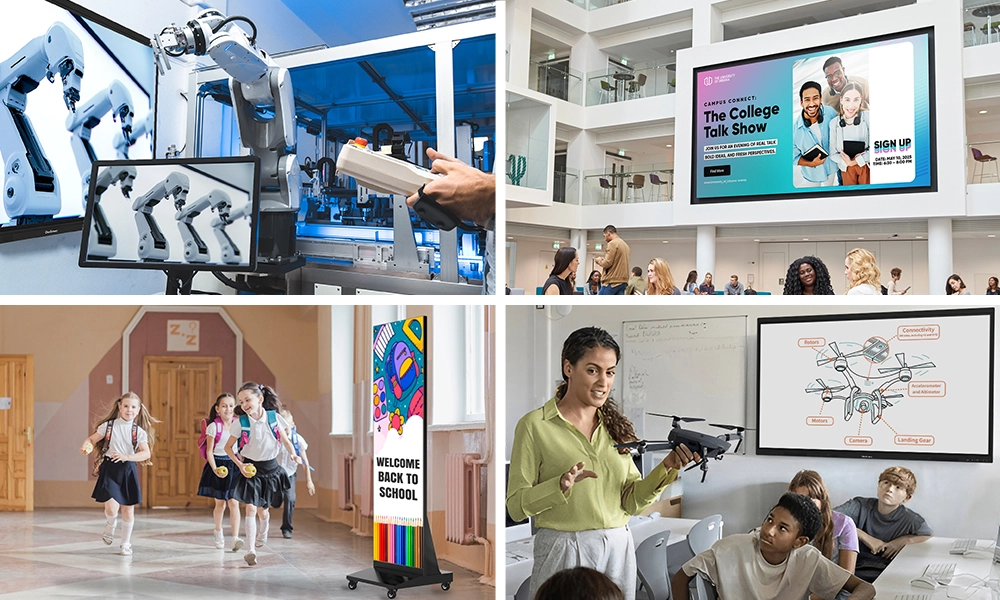






The way people work, learn, and share information has changed significantly over the last few years. Static displays and passive presentations are giving way to something more immediate — technology that responds when you touch it, adapts in real time, and turns any room into a genuine collaboration space. At the center of that shift is the interactive touch screen.
If you’ve walked into a modern classroom, a well-run conference room, or a retail environment designed to pull people in, there’s a decent chance you’ve already used one. This article breaks down exactly what an interactive touch screen is, how it works, what’s driving adoption in 2026, and why it matters for both education and business.
Table of Contents
What Is an Interactive Touch Screen?
An interactive touch screen is a display that responds directly to touch input — fingers, styluses, or both — allowing users to navigate, annotate, draw, and interact with digital content without a separate keyboard, mouse, or remote. Think of it as a monitor and whiteboard combined into one, where the content on the surface reacts the moment you reach for it.
Modern interactive screens go considerably further than early resistive touchscreens. Today’s panels support multi-point touch anywhere from 10 to 40 simultaneous contact points, ultra-high-definition display quality, built-in apps, wireless casting, and video conferencing integration — all in a single wall-mounted unit.
An interactive digital screen differs from a standard flat-panel in one fundamental way: it’s designed for participation rather than viewing. The hardware and software work together to make collaboration the default mode of interaction, not something bolted on as an afterthought.
How Does an Interactive Touch Screen Work?
Most interactive touch screens use infrared or projected capacitive sensing technology. Infrared panels detect touch when a contact breaks a sensor grid around the screen’s edge. Projected capacitive panels — more common in premium devices — use electrical fields to track input across the full surface with greater precision.
The software layer matters just as much. A well-built interactive screen pairs fast hardware with an OS that runs whiteboarding, video calls, annotation, and file sharing simultaneously without switching inputs or rebooting. Touch latency under 10 milliseconds is the enterprise standard; above it, the screen starts feeling “behind” the gesture and breaks concentration mid-session.
Why Interactive Touch Screens Matter More in 2026
The shift to hybrid work and hybrid learning accelerated by roughly five years between 2020 and 2022. What’s different in 2026 is that the experimentation phase is over. Companies and schools that invested early now have years of data on what works.

Remote and in-person participants expect parity — the ability to contribute equally regardless of location. A room without a quality interactive touch screen creates a two-tier experience where remote participants watch rather than contribute. That’s no longer acceptable in organizations that take hybrid collaboration seriously.
The technology has also matured in ways that matter. An interactive digital screen purchased today is categorically better than comparable hardware from five years ago — higher resolution, better touch precision, more capable software, and purpose-built AI tools that reduce preparation time. The value proposition is no longer speculative; it’s documented.
Interactive Touch Screens in Education
Classrooms were the first place interactive touch screens proved their value at scale. Students who interact with content — who can walk up to a screen, move elements, annotate ideas, and respond in real time — retain more and stay engaged longer than those passively watching a presentation.
For younger students, the physical act of touching and manipulating content on an interactive screen creates a sensory connection that reinforces learning in ways projector-based instruction can’t match. For older students, having multiple participants work on the same problem simultaneously changes the dynamic of group work entirely. A class of thirty stops being an audience and starts functioning as a room of active contributors.
The operational case is equally strong. When a teacher annotates over a video, zooms into a diagram, or pulls up a student’s submitted work on the same surface within seconds, the lesson holds momentum. That fluency across content types is what separates a useful interactive digital screen from hardware that gets used twice a week.
OneScreen Touchscreen in Education
OneScreen builds education-focused interactive touch screens designed to handle the everyday realities of a classroom: high-traffic use across multiple class periods, teachers with varying levels of tech comfort, and IT teams stretched across dozens of rooms at once.
OneScreen Touchscreen Titan
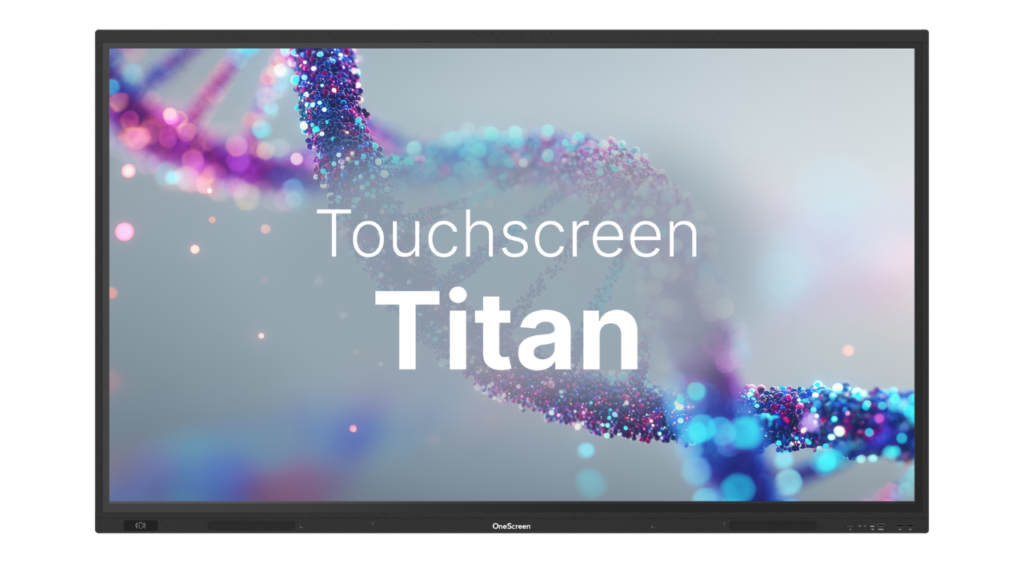
The OneScreen Touchscreen Titan is OneScreen’s flagship classroom panel. At 40-point multi-touch with 4K UHD resolution, it’s built for large rooms and lecture halls where both visibility and touch performance need to hold up from any seat. Built-in annotation tools, wireless screen sharing for student devices, and an infinite whiteboard canvas make it a practical daily driver rather than a specialist piece of equipment reserved for special occasions.
OneScreen Touchscreen T7
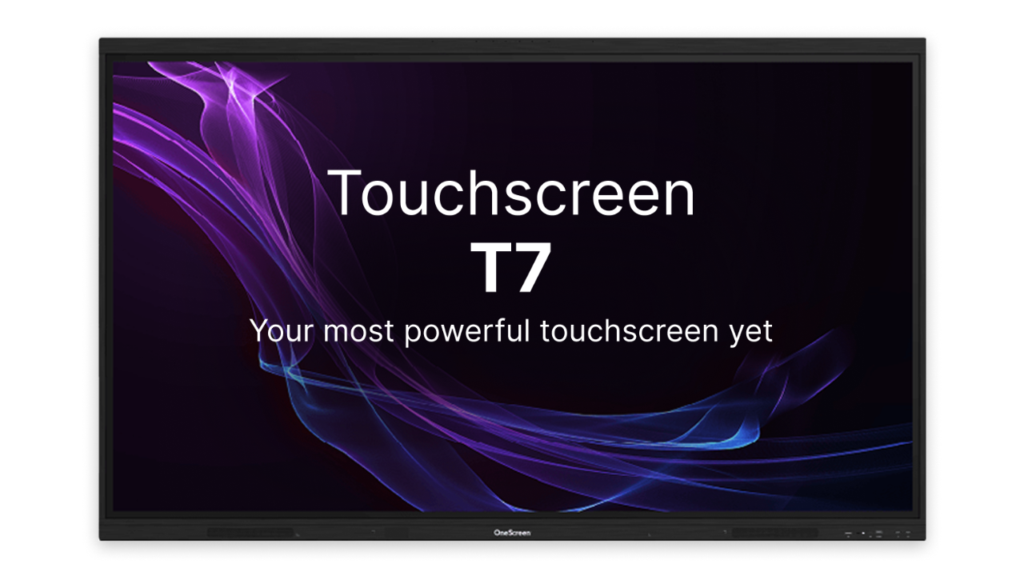
The OneScreen Touchscreen T7 is designed for standard classroom environments at 65, 75, or 86 inches with 20-point multi-touch. The T7’s setup is straightforward enough that a teacher who isn’t a technology specialist can run the full suite of tools without IT standing by. For districts deploying this interactive screen across multiple buildings, that consistency matters — the learning curve is short enough that teachers are using it productively within the first week rather than months later.
OneScreen Touchscreen Core
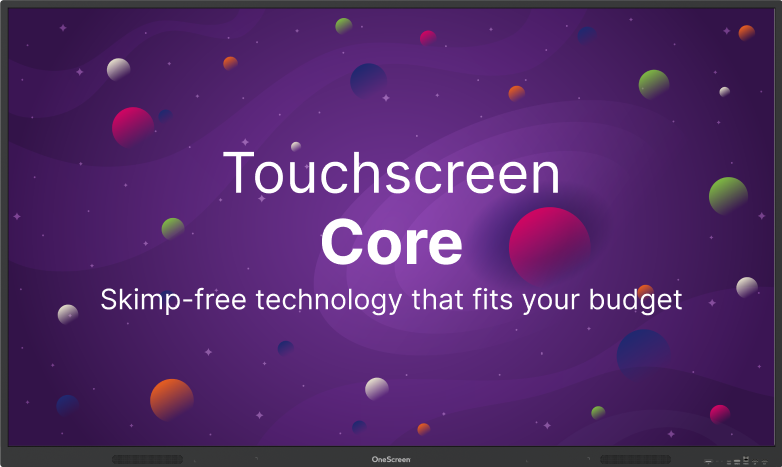
The OneScreen Touchscreen Core adds EDLA certification — Google’s enterprise device licensing agreement — and comes loaded with AI-powered teaching tools: Lessn for lesson building, Scrybe for real-time transcription, QuizWiz for in-class assessments, and SuprNotes for collaborative note-taking. Available at 65, 75, 86, and 98 inches with 40-point touch and 1mm touch accuracy, it’s an interactive digital screen purpose-built for schools already running Google Workspace for Education.
OneScreen GURU and ChalkFree in Education
Hardware is only part of the equation. Teachers need support on their schedule, not the IT department’s.
OneScreen addresses this through two programs that no other vendor in this space matches. OneScreen GURU connects teachers directly with a live support specialist — a real person, not a chatbot — who can see what’s happening on the interactive touch screen, take screen control if needed, and resolve the issue without anyone logging a ticket. For a teacher mid-lesson with 30 students watching the clock, that response time is the difference between continuing the class and losing the period entirely.

ChalkFree is OneScreen’s free resource hub built specifically for teachers learning to get the most out of their interactive screen. The library of short videos (3 to 10 minutes), setup guides, teaching tips, and collaboration walkthroughs is organized around the three stages of a teacher’s day — preparing for class, running the lesson, and wrapping up afterward. It’s practical, on-demand, and designed for teachers who need to learn independently rather than schedule a formal training day.
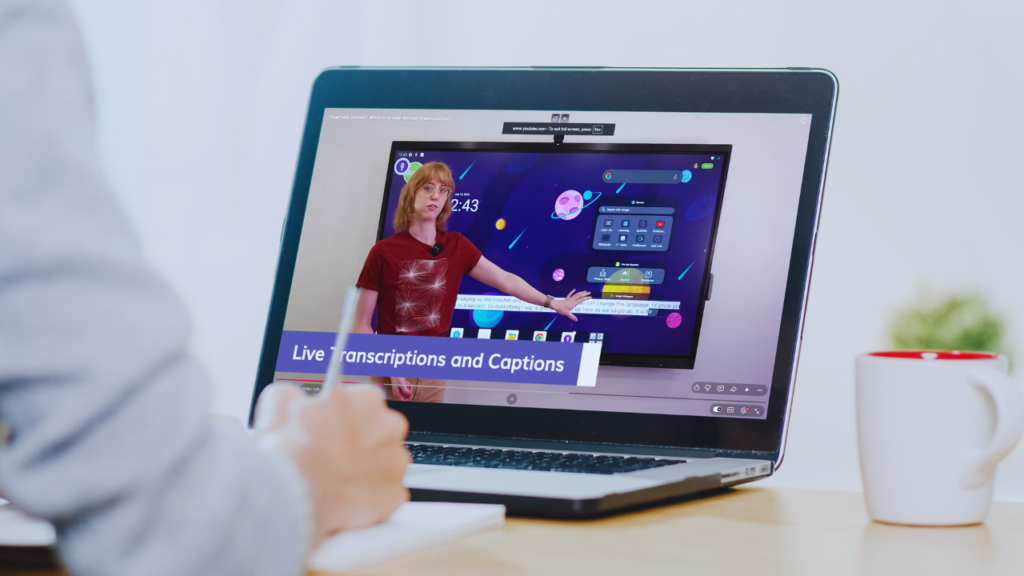
Together, GURU and ChalkFree mean a school doesn’t need a separate training budget to keep teachers confident with the technology they already own.
Interactive Touch Screens in Business
The business case for an interactive touch screen comes down to one measurable thing: meetings that produce decisions instead of consuming time. Most conference rooms are still under-equipped for how teams actually need to work in 2026 — remote participants on a small laptop screen, content shared from a dongle that doesn’t fit anyone’s computer, and a static display no one can annotate without switching tools.

An interactive digital screen changes that dynamic. Teams can sketch diagrams, annotate shared documents, and build on ideas visually during the session rather than talking around the content. Remote participants access the same canvas. Decisions get made in the room instead of in a follow-up email three days later.
Sales, training, product development, client presentations — every workflow that involves getting a group of people aligned on something gets measurably better when the display in the room is designed for participation rather than passive viewing.
OneScreen Touchscreen in Business
OneScreen Touchscreen Titan
The OneScreen Touchscreen Titan is built for demanding business environments where the room has to perform without fail. Its 40-point multi-touch performance holds up under simultaneous heavy workloads — running a video call, annotating a shared document, and accessing reference material at the same time is standard operation, not a stress test. For client presentations, executive briefings, and technical reviews where a technical failure isn’t an option, this is the interactive screen that handles the pressure.
OneScreen Touchscreen T7
The OneScreen Touchscreen T7 brings that same core capability to growing companies and mid-sized teams that need reliable interactive touch screen performance in everyday meeting rooms. Wireless casting from Windows, macOS, iOS, and Android, built-in conferencing compatibility, and an interface intuitive enough for any team member to navigate without training mean teams spend less time on setup and more time in the actual conversation.
OneScreen LED Video Wall in Business
Some business environments demand impact at a scale that a single panel can’t deliver. Lobbies, large training facilities, event spaces, and retail installations require a display experience built for that context. The OneScreen LED Video Wall is modular and fully configurable — built to fit the actual dimensions of a space rather than the other way around.

Brightness stays sharp in high-ambient-light environments. Pixel-level clarity holds up whether the content is a data dashboard or a brand visual designed to command attention from across a large room. For organizations that need their environment to communicate scale and authority, the LED Video Wall is an interactive screen at a dimension no single-panel solution can replicate.
OneScreen GURU in Business
When an AV setup fails before a client presentation or a new hire can’t navigate the conferencing system, OneScreen GURU puts a live expert on screen within minutes. No support queue, no waiting on IT. A real person who can see the problem and resolve it while the team is still in the room.
Frequently Asked Questions
What is an interactive touch screen?
An interactive touch screen is a display that responds to direct touch input from fingers or a stylus, allowing users to navigate, draw, annotate, and control digital content on the screen surface. It combines the function of a display, whiteboard, and collaboration platform into one device.
What is the difference between an interactive screen and a regular display?
A standard display shows content but doesn’t respond to input. An interactive screen is built for participation — users can touch, annotate, and control the content directly, making it a collaboration tool rather than a passive viewing device.
How many touch points does a good interactive touch screen need?
For classroom or meeting room use with multiple simultaneous users, 20 touch points is the baseline. Premium panels like the OneScreen Touchscreen Titan support 40 simultaneous touch points with under 10ms latency, which eliminates missed inputs and lag during group work.
Can an interactive digital screen support hybrid or remote participants?
Yes. Modern interactive digital screens include built-in compatibility with video conferencing platforms like Zoom and Microsoft Teams, wireless casting from any device, and shared annotation canvases that remote participants can view and interact with in real time.
The Bottom Line
The interactive touch screen is no longer a premium upgrade for well-funded schools and large enterprises. In 2026, it’s the baseline infrastructure for any environment where collaboration, learning, or communication needs to happen at a high level.
Whether the setting is a classroom, a corporate boardroom, or a lobby display, the right interactive screen removes the friction between people and the ideas they’re working through together. When backed by live support and on-demand training, the technology gets used consistently — which is the only outcome that justifies the investment.
OneScreen’s lineup covers the full range. The Titan for high-demand rooms, the T7 for everyday use, the Core for AI-powered teaching, and the LED Video Wall for large-scale environments. Add GURU for live human support and ChalkFree for teacher training, and the question stops being which interactive digital screen to choose and starts being how quickly you can get it into the room.
