









Quick Answer: An interactive display screen is the broad category — any large, touch-responsive screen you can write on, tap, and control by hand or pen. An interactive computer screen is a type of interactive display screen that has a full computer built inside, so it runs its own operating system, apps, and storage without a tethered PC.
The short version: every interactive computer screen is an interactive display screen, but not every display has a computer inside. OneScreen’s lineup — the Touchscreen Core, Touchscreen T7, Touchscreen Titan, and LED Video Wall — are all-in-one models with onboard computing, each backed by free, unlimited 24/5 GURU support.
If you have shopped for a touchscreen lately, you have probably hit both phrases and wondered whether they mean the same thing. One vendor calls their product an interactive display screen. A rival calls a near-identical unit an interactive computer screen. The spec sheets look alike, the prices overlap, and nobody stops to explain the gap — so you are left guessing whether you are comparing like for like.
Good news: the difference is real, it is simple, and once you get it you will read every product page more clearly. Here is what each term means, where the confusion starts, how to pick the right one, and which OneScreen models cover both at once.
Table of Contents
What Is an Interactive Display Screen?
An interactive display screen is any large-format screen that responds to touch, pen, or gesture. Instead of only showing content the way a TV or monitor does, it lets you work with what is on the glass — write, drag, tap, zoom, and annotate right on the surface. “Display” says it shows an image; “interactive” says the image talks back.
The term is a deliberately broad umbrella. A small touch panel at a museum kiosk qualifies. So does a 98-inch board on a classroom wall. What they share is the responsive touch layer, not the hardware behind it. And some of these screens have very little going on inside — they are a touch panel that needs an external source, like a laptop or media player, plugged in to run anything. Unplug the source and the glass goes quiet. That is still a valid display; it just is not self-sufficient.
What Is an Interactive Computer Screen?
An interactive computer screen is one that carries its own computer inside the chassis. It does not wait for an external PC. It boots on its own, runs a full operating system, opens apps, stores files, and processes everything locally — like your phone or tablet, only at wall size.

The clue is the word “computer.” With an onboard processor, memory, storage, and an OS, the display stops being a passive surface and becomes a standalone device. You walk up, wake it, and start working — no tethered laptop, no cart of cables, no waiting for IT to log a source machine in.
So an interactive computer screen is not a different species from a plain display. It is a fully loaded version of one: the touch layer makes it interactive, and the built-in computer makes it independent.
Interactive Computer Screen vs Interactive Display Screen: The Real Difference
Strip away the marketing and it comes down to one question: does the screen have its own computer, or does it borrow one?
| Interactive Display Screen | Interactive Computer Screen | |
| What it is | The broad category of touch-responsive screens | A subset with a computer built in |
| Onboard brain | May or may not have one | Always has one (CPU, RAM, storage, OS) |
| Runs standalone? | Not always — often needs an external PC | Yes, works on its own |
| Software | Depends on the connected source | Native apps installed and ready |
| Setup | Plug in a source, then use | Power on and go |
Read it top to bottom and the relationship is clear. The display is the parent category; the computer screen is the branch that happens to include a computer. Every computer-equipped model qualifies as a display, but plenty of displays are not computer screens, because they have no brain of their own.
If you keep one line from this article, keep this: an interactive computer screen is an interactive display screen with a computer inside, and that computer is the whole difference.
Why the Two Terms Get Mixed Up
The confusion is not your fault, and it comes from three directions. First, marketing: brands pick whichever phrase sounds better, so the same unit ends up with both labels on different shelves. Second, the tech converged — a decade ago the gap between a plain touch panel and a computer-equipped one was huge, but today most premium panels ship with a computer as standard, so the categories blur.
Third, buyers rarely see the inside; a self-contained panel and a source-dependent one can feel identical in a demo, and the difference only surfaces the day the external PC goes missing and one screen keeps working while the other does not.
Which One Do You Actually Need?
The right answer depends on how the screen will live in your space.
If your room already runs on a dedicated PC that never leaves — a fixed control room, or a lab with software that must sit on Windows — a source-dependent display can make sense. You already own the brain, so you do not need to pay for a second one baked into the glass.
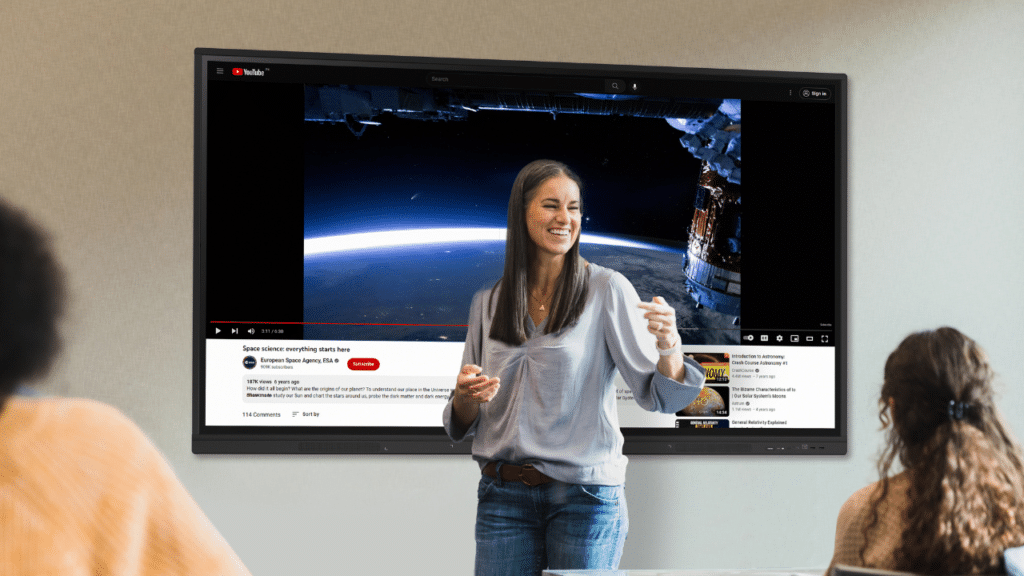
For almost everyone else, the all-in-one wins on simplicity. Classrooms, meeting rooms, training suites, clinics, and reception areas all benefit from a screen that turns on and works without hunting for a laptop.
Teachers do not lose ten minutes to a cable; staff do not skip the annotation tools because the connected PC is asleep. When the computer lives inside the display, people actually use the features they paid for — and adoption is the entire point of buying an interactive display screen in the first place.
There is a cost angle too. A cheaper source-dependent panel looks like a saving until you add the PC, the mount, the cabling, and the IT hours to keep that PC patched. Bundle those in and a proper interactive computer screen often lands at a lower total cost of ownership, with fewer moving parts to fail.
OneScreen Interactive Displays With a Computer Built In
Every screen in the OneScreen range is a true interactive computer screen — a self-contained display that boots on its own, runs a full Android OS, and comes preloaded with collaboration software. No external PC to babysit. Here is how the lineup breaks down.
OneScreen Touchscreen Core
The Touchscreen Core is the entry point, built for organizations equipping a lot of rooms without cutting what matters. It runs Android 14 with EDLA certification, an Octa-core processor, 8 GB of RAM, and 128 GB of storage, and scales up to 98 inches.
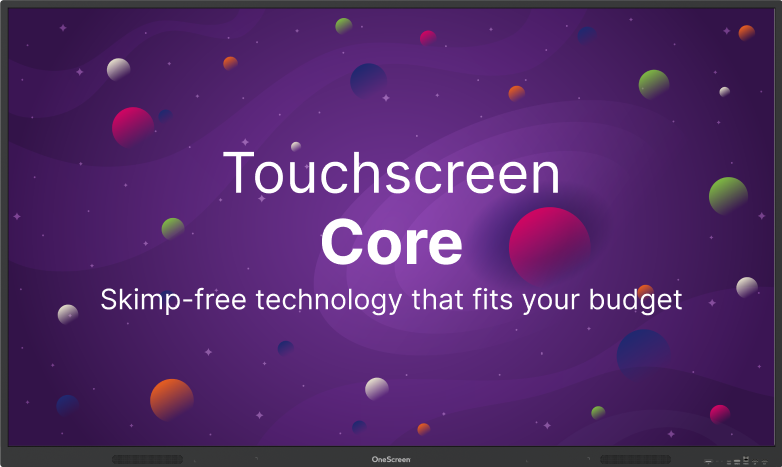
It works like a tablet, so anyone who has used a phone already knows how to use it, and Google single sign-on with the AMS directory keeps a whole fleet secure. If you need a dependable display on every wall and want the price to make sense, the Core is where you start.
OneScreen Touchscreen T7
The Touchscreen T7 is the mid-tier model, and for most buyers it is the sweet spot. It adds a faster Octa-core processor, EDLA certification for native Google tools, pressure-sensitive IR touch with palm rejection, accuracy down to about a millimeter, and one-tap annotation with a magnetic pen.
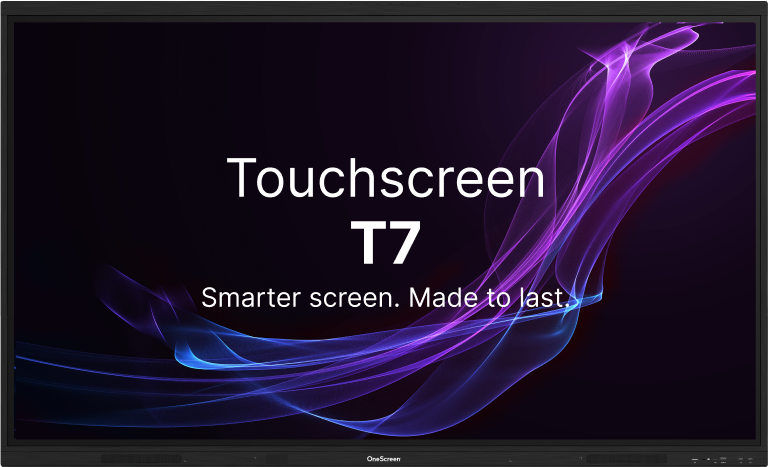
It shares screens from up to nine devices at once, in the room or remote, and logs users in with a single NFC card instead of passwords — serious capability without flagship pricing.
OneScreen Touchscreen Titan
The Touchscreen Titan is the flagship. It runs Android 15 with an Octa-core processor, 16 GB of RAM, and 128 GB of storage expandable up to 640 GB — plenty of headroom for heavy multimedia and long days.
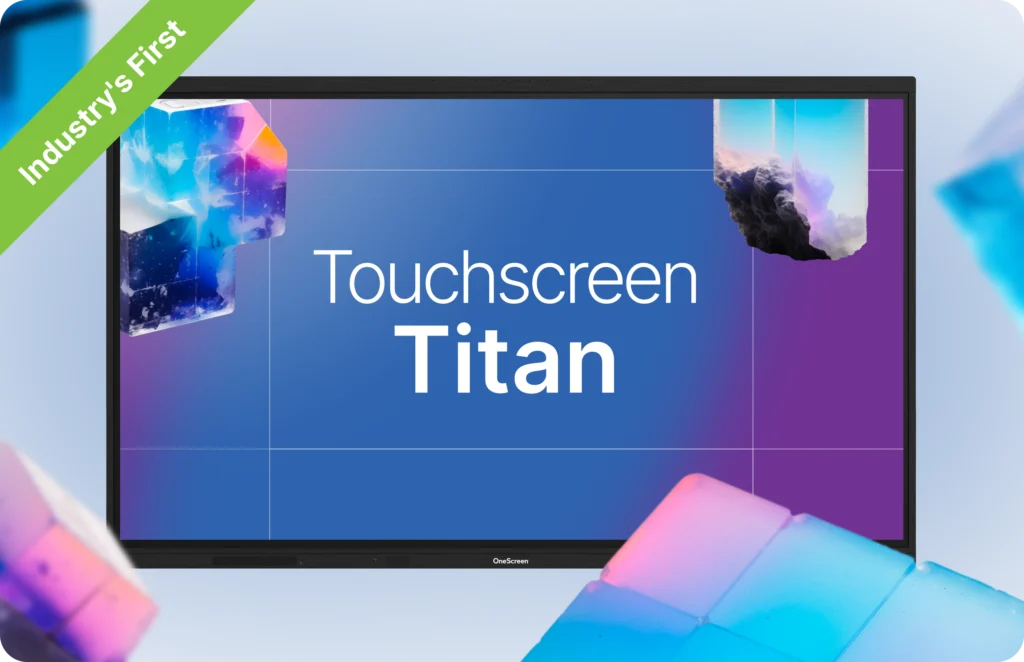
It stays bright and crisp in any light, draws up to 30% less power than the T7 or Core, and is rated for a 50,000-hour lifespan with minimal maintenance. Want the brightest, most capable interactive display screen with room to grow? The Titan is the one to beat.
OneScreen LED Video Wall
When a shared space outgrows any single panel, the LED Video Wall picks up where the boardroom or classroom leaves off.

It scales to lobby, auditorium, and command-center sizes with seamless, high-brightness modular panels, and every wall ships with a year of Cloud Studio signage software, an advanced 3-year warranty, and expert delivery and installation.
OneScreen GURU — Support That Comes Standard
One thing genuinely sets OneScreen apart, and it is not a spec on the panel. It is GURU. Every OneScreen product includes free, unlimited access to the GURU team — real engineers available 24 hours a day, five days a week, by chat, audio, or video call.

No subscription, no support tier, no basic plan that locks the useful help behind a paywall. Setting up a screen, training new staff, learning a feature nobody has touched, processing a return — a GURU handles it.
When support is free and unlimited, teams learn the full product and the investment pays off; when help costs money, people work around the gaps and the screen quietly underdelivers. That included support changes the real math.
Frequently Asked Questions
Is an interactive computer screen the same as an interactive display screen?
Not quite. An interactive display screen is the broad category of any touch-responsive large screen, while an interactive computer screen is the type with a computer built in that runs without an external PC. Every computer screen is a display screen, but not the reverse.
Does an interactive display screen always need a separate computer?
No — it depends on the model. A basic one may need an external PC or media player, while a full all-in-one, like every OneScreen panel, has the computer built in and runs standalone.
Can I still connect a laptop to an all-in-one screen?
Yes. Even though it runs on its own, you can connect and share from a laptop, phone, or tablet whenever you want — the T7, for example, mirrors up to nine devices at once.
Which is better for a classroom or meeting room?
For most classrooms and meeting rooms, the all-in-one is the better fit, because it turns on and works without hunting for a laptop, so people actually use it. A source-dependent panel only makes sense when a fixed PC already lives in the room.
Are OneScreen products interactive computer screens or interactive display screens?
Both. Every OneScreen touchscreen is a self-contained display with a full computer inside, which makes it a true all-in-one — no external PC required.
The Bottom Line
The debate sounds like a spec-sheet argument, but it comes down to one honest question: does the screen bring its own brain, or borrow yours? An interactive display screen is the whole family of touch-responsive screens; an interactive computer screen is the member with a computer inside, ready the moment you power it on.
For fixed setups already running on a dedicated PC, a source-dependent panel can do the job. For nearly everyone else — schools, offices, clinics, training rooms — an all-in-one removes the friction that stops people using the technology at all.
OneScreen builds squarely in that camp: the Core for a whole building, the T7 for the everyday sweet spot, the Titan for maximum capability, and the LED Video Wall for when a room outgrows any single screen — each a complete display with the computer already inside, each backed by GURU support that stays free for as long as you own it.
Whatever you choose, get your hands on it first. Power it on, write on the glass, open something the way you would on a normal morning. The right screen should disappear into the work — and the only way to know is to use it.
