


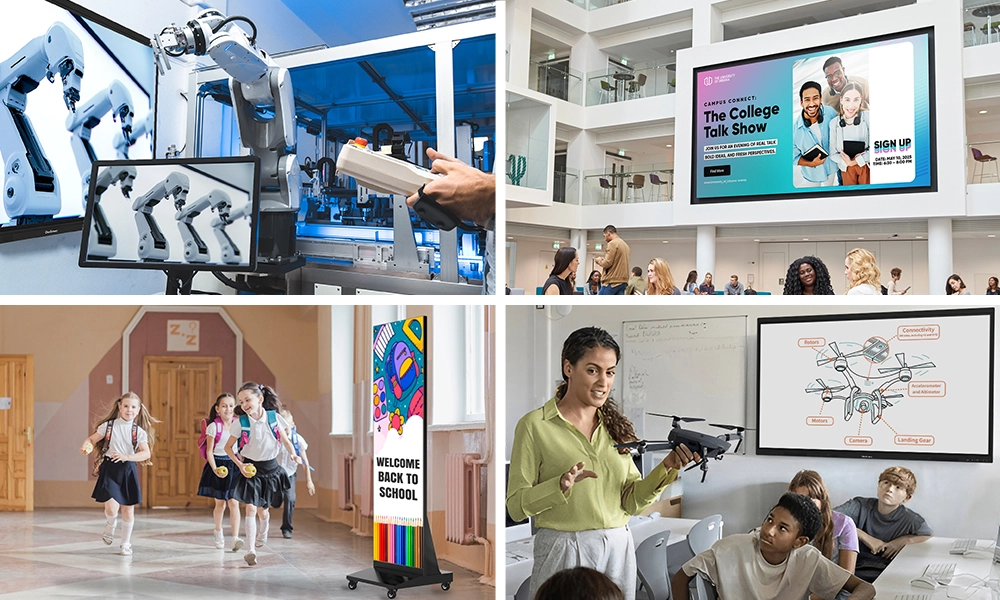






Quick Answer: The best interactive screens for business depend on your room size, use case, and budget. For meeting rooms and collaborative workspaces, the OneScreen Touchscreen Titan and T7 deliver professional-grade touch technology with built-in conferencing software. For large venues and open spaces, the OneScreen LED Video Wall delivers visual impact at scale. Every OneScreen product includes free, unlimited GURU support, with no subscriptions or hidden fees.
Picking a display for your business sounds simple until you start actually looking. There are dozens of brands, hundreds of configurations, and enough acronyms to fill a product manual. Get it wrong (wrong size, wrong brightness, wrong connectivity) and you’ll feel it in every meeting.
The good news is that choosing the best interactive screens for business doesn’t have to be complicated. Once you understand what actually matters for your specific space and team, the right decision becomes obvious. This guide takes you through the full picture: what to look for, which OneScreen solutions stand out, and how different business sectors are putting the best interactive screens for business to work right now.
Table of Contents
Why Interactive Screens Are Taking Over Business Environments
Walk into most modern offices and you’ll notice that projectors and passive monitors are quietly being replaced. Not because they stopped working, but because interactive screens for business do something static displays simply cannot: it turns a one-way presentation into a two-way conversation.

When people can touch the screen, annotate live, cast from any device wirelessly, and run a video call without switching between systems, meetings actually move forward. Remote participants feel present rather than patched in. Trainers stop lecturing and start collaborating. Sales reps walk clients through live demos rather than emailing slide decks afterward.
The result isn’t just better-looking meetings. It’s faster decisions, shorter onboarding cycles, and a workplace that signals to everyone in the room that the organisation takes communication seriously.
What to Look for in the Best Interactive Screens for Business
Before comparing products, answer these three questions about your own setup:
Where will it be installed? Room size directly determines the right screen size. A 65-inch panel is comfortable in a 6-person meeting room. A boardroom for 20 needs at least 86 inches. A lobby or open-plan area has completely different requirements.
How will people use it? Daily presentations, collaborative workshops, video conferencing, and digital signage each have different demands. A screen used for passive viewing doesn’t need the same touch sensitivity as one used for multi-user annotation sessions.
What does it need to connect with? Compatibility with your existing conferencing platforms (Teams, Zoom, Google Meet) and your devices matters more than most buyers realise until the first day of actual use.
Once you’ve answered those, the specs below become much easier to evaluate.
Key Specs Worth Checking
Touch Points: For collaborative work, look for 20 touch points minimum. Higher counts matter most for large group sessions where multiple people interact with the screen simultaneously.
Operating System: Android-based panels are fast, easy to update, and work well out of the box. Windows-based screens are better if your team needs full desktop software integration.
Brightness: Office environments with controlled lighting typically need 350–400 nits. Screens facing windows or exposed to natural light should go higher.
Connectivity: HDMI, USB-C, and wireless casting should all be standard. Dual-band Wi-Fi and Bluetooth have become increasingly common and are worth having for device-agnostic setups.
Software Ecosystem: A screen that arrives with built-in apps for whiteboarding, file sharing, and video conferencing is far more useful than one that requires a PC plugged in to function. The best interactive screens for business come ready to use from day one.
Best Interactive Screens for Business: The OneScreen Range
OneScreen designs interactive screens specifically for business and education environments. Each product includes free, unlimited GURU support, covered in detail further below. Here are the three solutions most relevant for business settings.
Touchscreen Titan
The Touchscreen Titan is OneScreen’s flagship panel for high-demand business environments. It runs Android, supports multi-touch interaction, and ships with built-in software for wireless casting, video conferencing, whiteboarding, and file sharing, with no separate PC required.
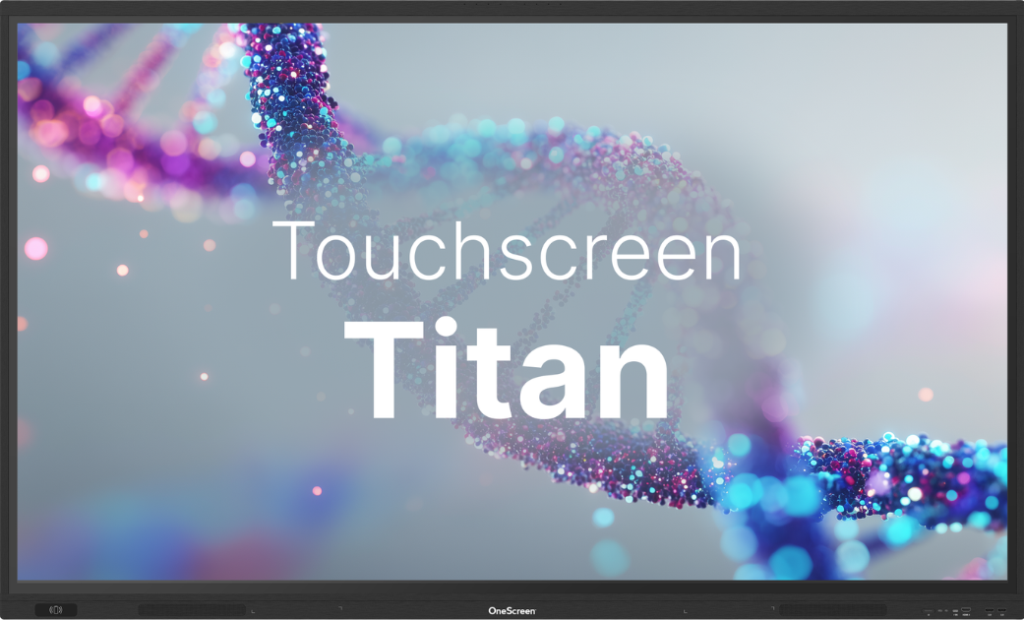
If your team runs frequent workshops, large training sessions, or client-facing presentations, the Titan handles everything from a single device. For organisations looking for the best interactive screens for business that want capability and simplicity in the same box, the Titan is the natural starting point.
Touchscreen T7
The Touchscreen T7 is built for organisations that need professional-level performance without the overhead of an enterprise setup. It balances capability and ease of use well, making it ideal for smaller meeting rooms, team huddle spaces, and branch offices.
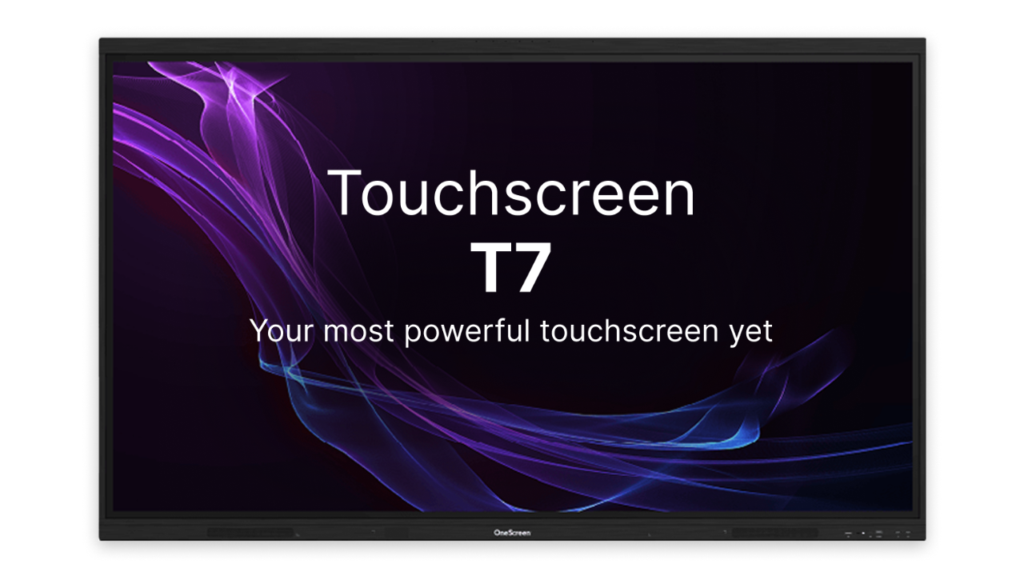
Wireless content sharing, built-in apps, and video call compatibility are all included. The T7 is particularly popular among teams managing interactive screens for business across multiple rooms or locations, where reliability and easy administration matter as much as raw features.
OneScreen LED Video Wall
For environments that need to make a strong visual impression (lobbies, showrooms, control rooms, event spaces, or large open-plan offices), the OneScreen LED Video Wall works at a completely different scale.
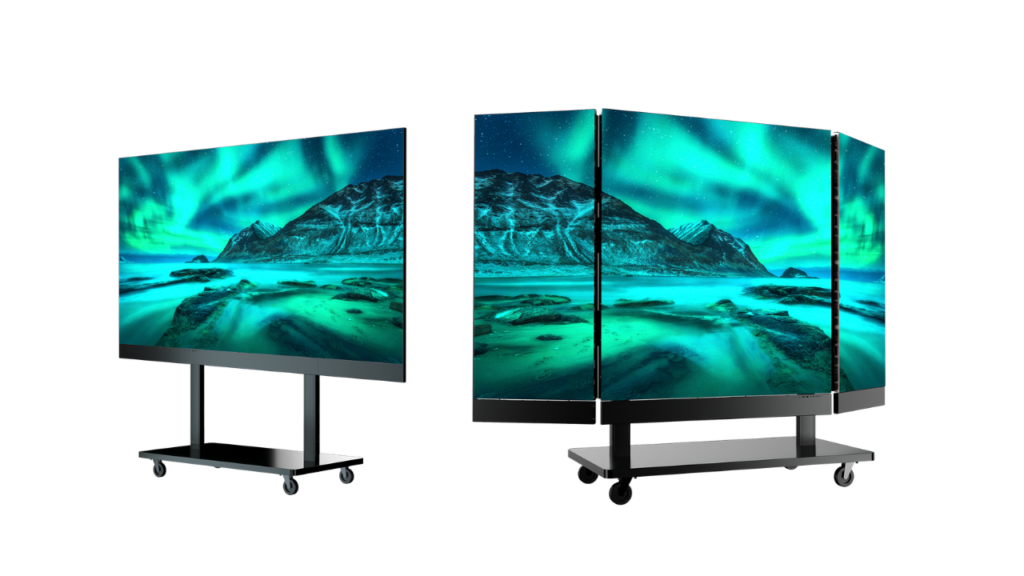
Instead of a single panel, a video wall creates a seamless large-format display surface that can be configured to almost any size and aspect ratio. Image quality stays consistent regardless of viewing distance, and the modular design makes both installation and long-term maintenance more flexible than traditional large-format options.
If you’re looking for best interactive screens for business environments where presence and visual impact matter, the LED Video Wall delivers where a standard panel cannot.
Business Sectors Using Interactive Screens
Interactive screens for business are not a single-industry solution. Here is how different sectors are putting them to work.

Corporate Offices and Conference Rooms
This is the most common deployment, and it’s where the return on investment tends to show up fastest. Seamless wireless casting, live annotation during discussions, and video conferencing that works first time significantly reduce the dead time that drags out most meetings. The best interactive screens for business in this setting are those that connect with existing platforms without needing IT involvement every time.
Retail
Product demonstrations, self-service kiosks, and in-store digital signage are all being powered by interactive screens for business in retail. Customers can explore products on their own terms, and staff can pull up specifications and availability without leaving the sales floor. Touchscreen displays in retail settings also tend to increase dwell time, which correlates directly with purchase rates. For retail chains, the best interactive screens for business are those that are easy to manage remotely across multiple locations.
Healthcare
Hospitals and clinics use large-format interactive screens for business for patient education, staff training, and clinical briefings. The ability to share detailed imaging, procedure information, and treatment options clearly in a room setting has made interactive displays a standard fixture in many healthcare facilities.
Education and Training
Corporate training rooms and in-house learning academies use interactive screens for business in the same way schools use classroom panels: making learning active rather than passive. Facilitators can draw on screen, pull up content from any source, and involve participants in ways that slide decks on a projector simply do not support.
Hospitality and Events
Hotels and event venues are deploying the best interactive screens for business in conference suites, event halls, and lobbies to offer guests a modern, functional environment that sets them apart from competitors still running dated AV setups.
Government and Public Sector
Control rooms, public information points, and meeting facilities across local and national government are standardising on interactive screens for business for their durability, security features, and ease of use without requiring specialist operators.
OneScreen GURU: Support That Actually Supports You
What sets OneScreen apart from most display brands is the GURU service. Every OneScreen product comes with free, unlimited access to the GURU team, with real people available 24 hours a day, five days a week, via chat, audio, or video call.
There’s no subscription. No support tier. No basic plan that locks essential help behind a paywall. If your team has a problem setting up a screen, needs training for new staff, wants to learn a feature that’s been left unexplored, or needs help processing a return, and a Guru handles it all. Sessions aren’t recorded and nothing is logged after the call ends, so there’s no concern about data handling either.

Most businesses underestimate how much post-purchase support affects the long-term value of a technology investment. When support is free and unlimited, teams use the product fully. When it comes at a cost or with friction, people work around the gaps and the investment delivers less than it should.
For anyone evaluating interactive screens for business, the GURU service changes the total cost of ownership calculation significantly.
Frequently Asked Questions
What are the best interactive screens for business conference rooms?
For most conference rooms, the OneScreen Touchscreen Titan and T7 are the strongest options. The Titan suits larger rooms with heavy collaboration demand. The T7 is better suited to smaller meeting spaces and branch offices. Both include built-in conferencing software, wireless casting, and multi-touch capability.
How do I choose the right screen size for my office?
A practical rule: allow roughly one inch of screen diagonal per foot of viewing distance. A room where the furthest viewer sits 12 feet away benefits from at least a 75-inch screen. Boardrooms seating more than 15 people should look at 86 inches and above.
Are interactive screens for business worth the investment?
For teams that meet regularly, train staff, or present to clients, the payback tends to show up quickly in reduced meeting friction, faster onboarding, and better remote participation. The upfront cost exceeds a standard monitor, but the productivity return over a 5–7 year lifecycle typically more than justifies it.
Can interactive screens connect with Zoom and Microsoft Teams?
Yes. OneScreen Titan and T7 both support major video conferencing platforms including Zoom, Microsoft Teams, and Google Meet, natively or through integration.
What makes the OneScreen GURU different from standard technical support?
GURU is free, unlimited, and covers everything from initial setup and staff training to advanced troubleshooting and returns. Most manufacturers restrict support to a fixed number of calls per year or require a paid plan for anything beyond basic help. OneScreen GURU has no such limits.
What is the difference between an LED Video Wall and a large interactive panel?
A large interactive panel is a single unit with direct touch functionality, best for collaborative meeting and training spaces. An LED Video Wall is a modular, seamless display surface suited to large venues, lobbies, and environments where scale and visual impact matter more than touch interaction.
What business sectors benefit most from interactive screens?
Corporate offices, retail, healthcare, education, hospitality, and public sector organisations are all active adopters. The common thread is any environment where information needs to be shared clearly, decisions need to happen faster, or audiences need to be engaged rather than simply informed.
Conclusion
Choosing the best interactive screens for business starts with honest answers about your space, your team’s working habits, and what you need the technology to do over the long term.
The OneScreen range covers the most common business scenarios well, from focused team collaboration with the T7, high-engagement sessions and training with the Titan, and large-scale visual communication with the LED Video Wall. And with GURU support included at no cost, you’re not just buying hardware. You’re investing in something your team will actually use properly.
If you want guidance on which interactive screen for business fits your specific setup, that’s exactly what the Guru team is there for.
